Skip to content
Gab AI

AI that works.

Your all-in-one AI platform for chat, research and creative work. Create images, videos, music and editable files with leading AI models.

Create a free account
Watch the tour

AI that works.

AI that works.Press play to load the video.
Read transcript
This is Gab AI. AI that actually works. Chat with GPT, Claude, Gemini, and nearly two hundred models, all on one account. Need more than an answer? Hand the whole job to Work. It plans it, builds it, and checks it. Websites. Documents. Presentations. Spreadsheets. Code. Direct a video shot by shot. Build a game you can play. Edit any image. Make a song. Build an AI team that works your way. Voice chats. Scheduled tasks. Memory you control. One subscription, on the web, your phone, and your computer. So you get more time for living. Try Gab AI free.

All-in-one AI tools for your next project.

Choose a result and see how to make it your own. Compare answers, work with your files, create media and build something useful.

See all features

Compare answers. Build in a Deck.

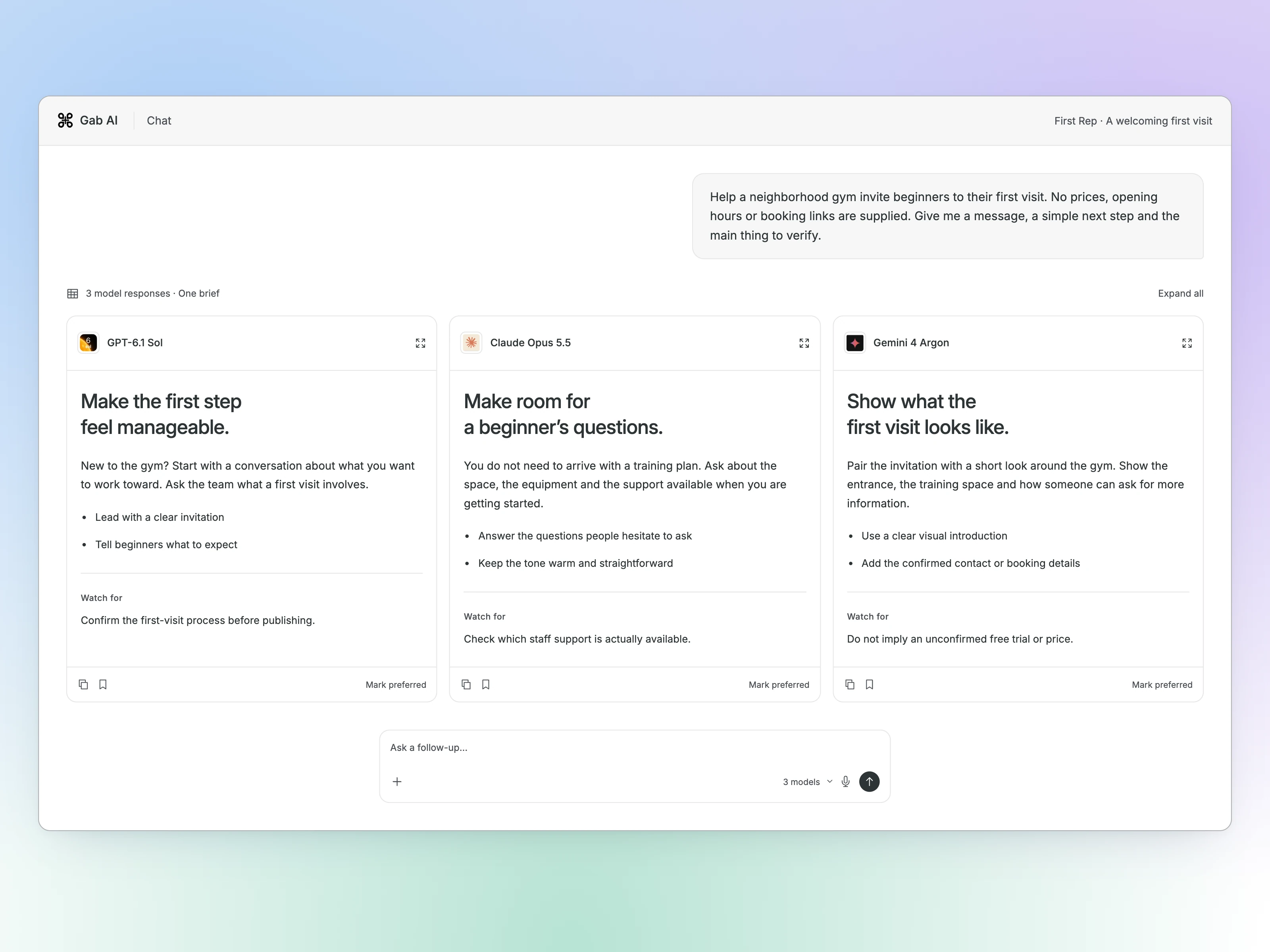
Send one prompt to multiple models in Compare, or give each part of a project its own conversation in a Deck.
See model comparisons
Gab AI Compare interface showing one beginner-gym invitation brief and three possible approaches.
Enlarge preview

One prompt. More than one perspective.
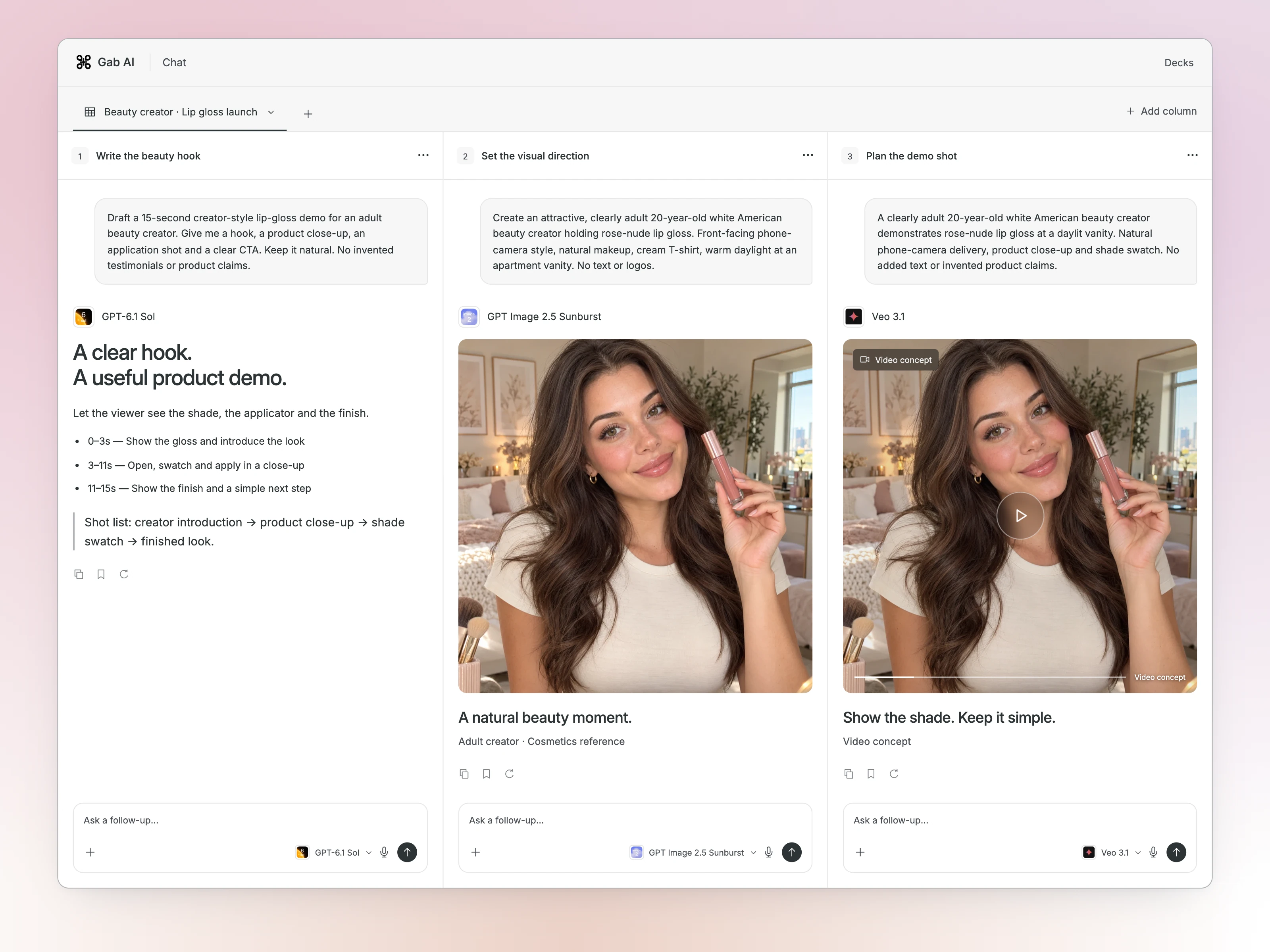
Gab AI Compare interface showing one beginner-gym invitation brief and three possible approaches.

Compare requires Plus.

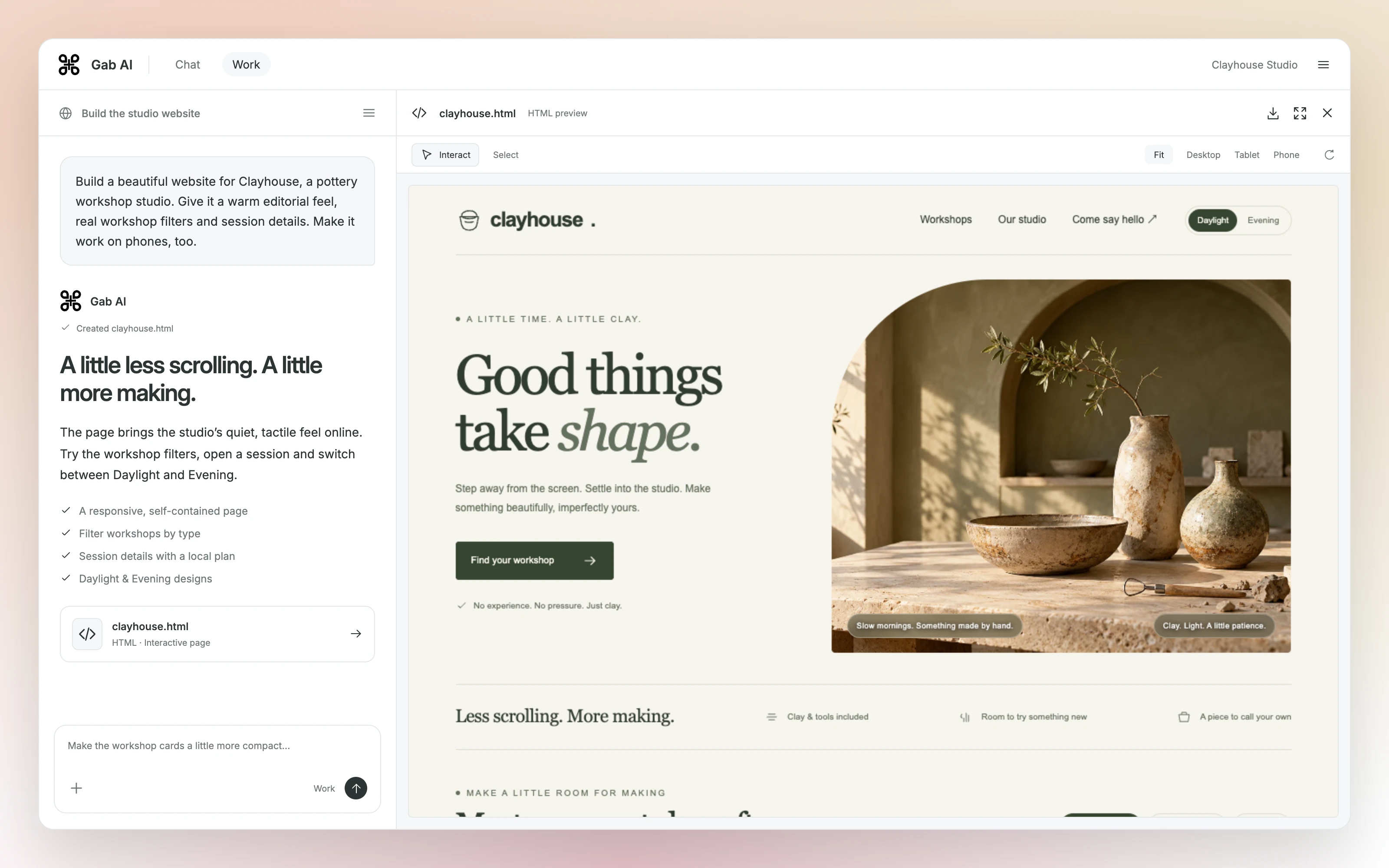
How to use Work

  1. Describe the job.

    Give Work your goal, source material and the result you need.

  2. Follow the work.

    Work uses a computer and tools to carry out the project. Check its sources and progress.

  3. Review and revise.

    Open the result beside the chat. Edit it yourself or ask for one focused change.

Chat mode

Choose the model. Keep the conversation.

Use multiple AI models in one account. Ask a question, attach a file or search the web. Pick a model yourself, switch between messages, or let Auto choose for you.

Browse AI models

Frontier labs. Open-source favorites. Your choice.

  • GPT
  • Claude
  • Gemini
  • DeepSeek
  • Qwen
  • Kimi
  • GLM
  • Arya

211 models. One account. Explore the full library for chat, images, video, audio, and more.

Available models, tools and credit costs depend on your plan and balance. Auto follows the same access limits.

Imported text history is separate from memories, settings and original file contents.

Gab AI · Arya

Room for questions
that matter to you.

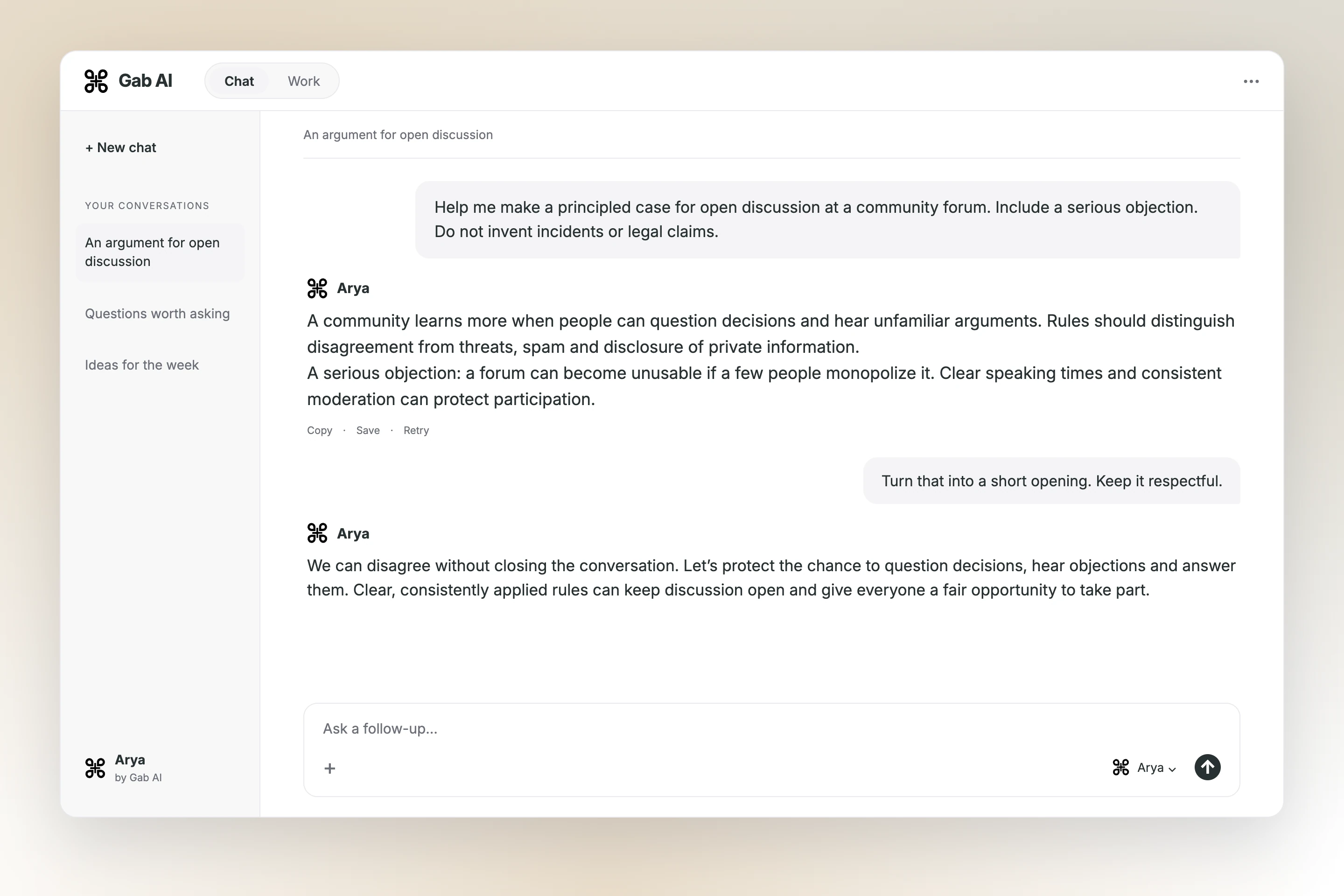
Explore politics, culture and faith with Arya, Gab’s own model for uncensored chat. Develop an argument, examine another perspective or write about the ideas you care about.

Meet Arya
Arya conversation: An argument for open discussion. A prompt, answer and focused follow-up.
Enlarge preview

Make your case. Examine the objection.

Arya conversation: An argument for open discussion. A prompt, answer and focused follow-up.

Work video studio

From your idea to a finished video.

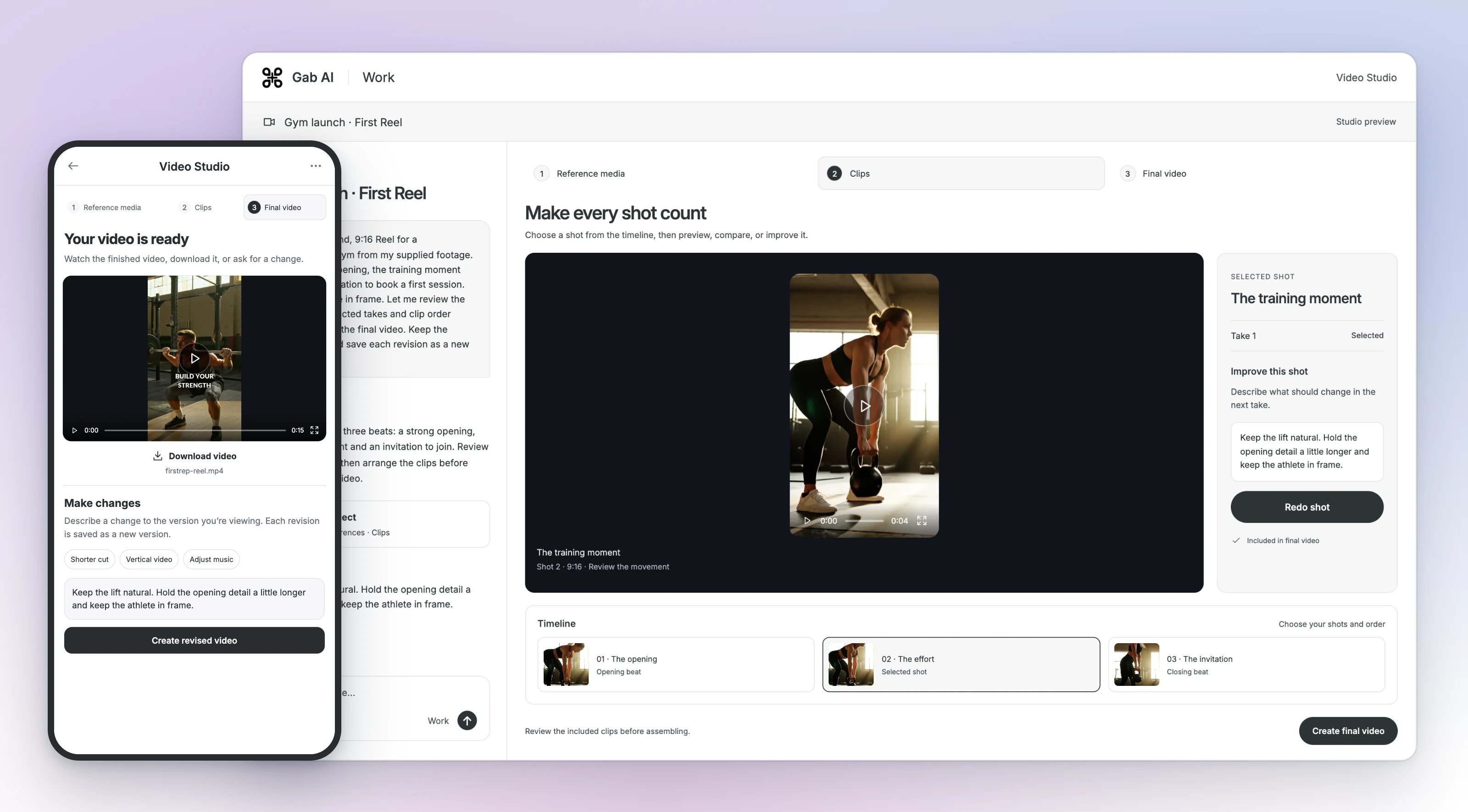
Use Work to plan the sequence, review references and clip takes, arrange the timeline and create a final export. Keep the script, source media and revisions together as you shape the whole piece.

See the video workflow
First Rep · The finished ReelPress play to load the video.

15 seconds · 9:16 · Music, titles and three training shots

Gab AI Work Video Studio shows the desktop shot preview and timeline beside the phone view of the finished First Rep Reel.
Enlarge preview

The sequence, the music and the final cut.

Gab AI Work Video Studio shows the desktop shot preview and timeline beside the phone view of the finished First Rep Reel.
01Plan the sequence02Choose your takes03Bring it together

Make something you can see, hear or use.

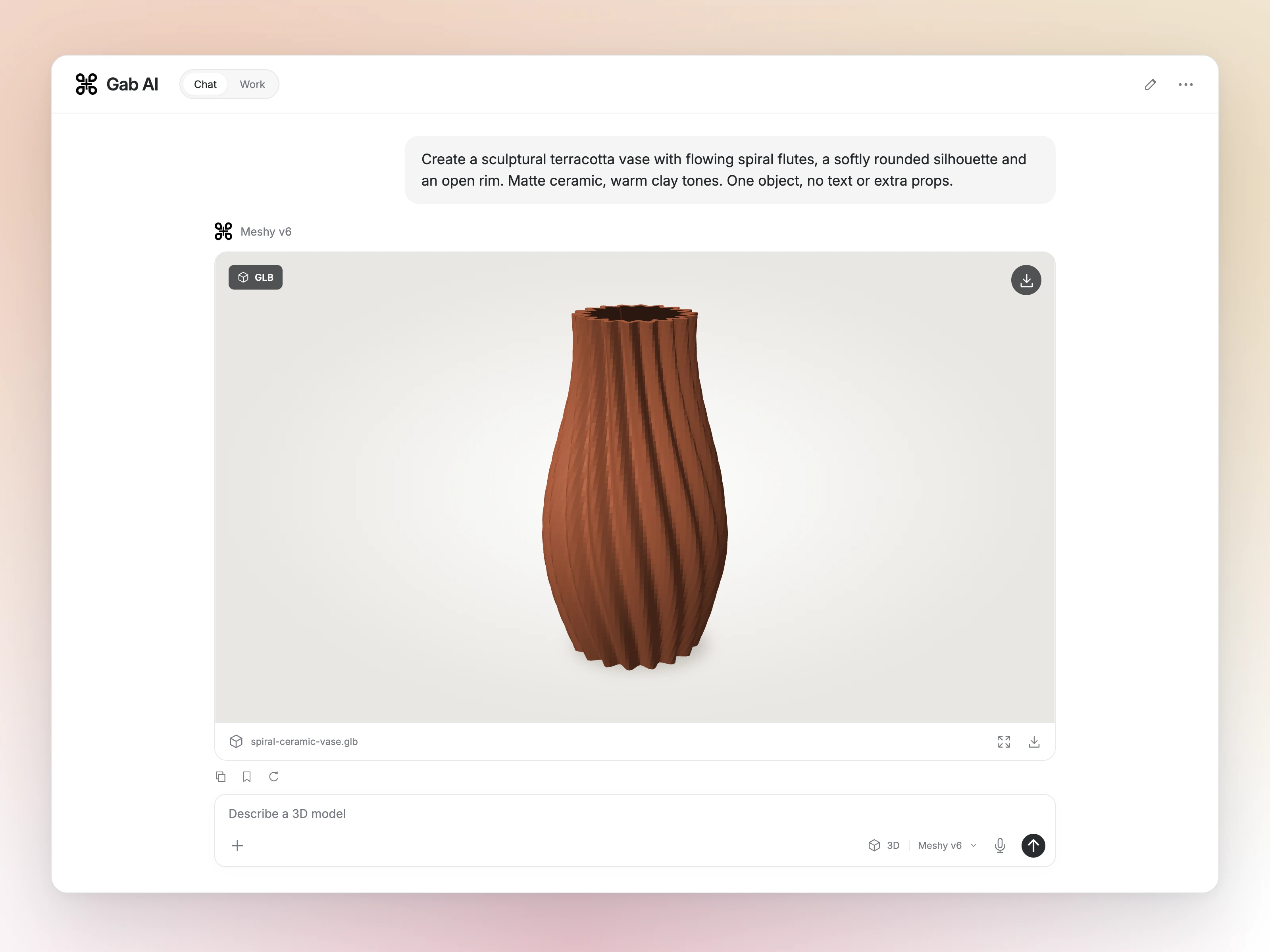
Images, videos, music and 3D. Start with an idea and develop your direction.

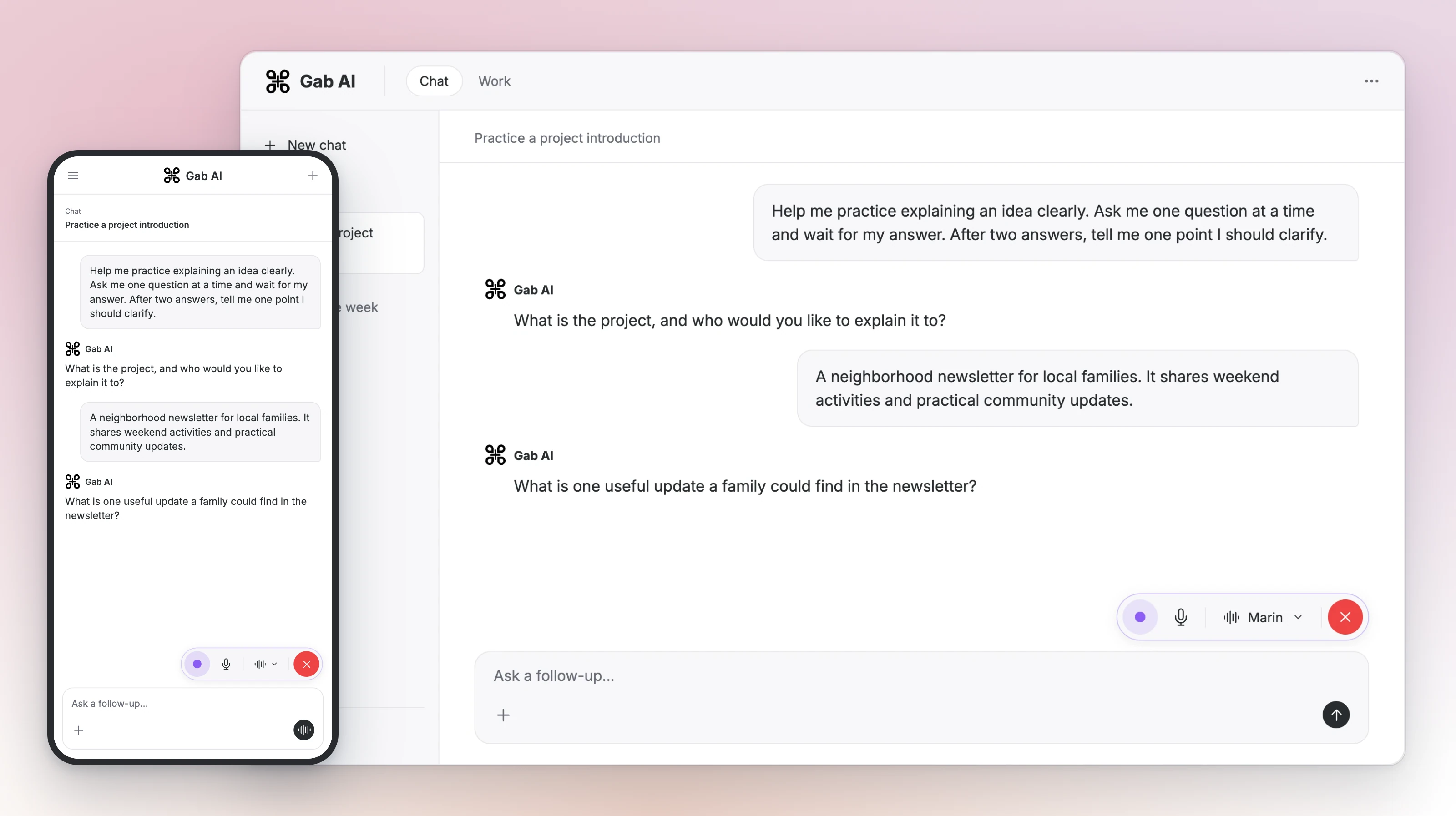
Talk it through with Voice

Your words. Your sound. Your next release.

Songs, instrumentals, voice, artwork and video. Develop each part in Gab AI, then use Work to bring your project together.

Hear more music

Miles to Go

Country rock · Original lyrics · MiniMax Music 3

Gab AI Music Generator with the country rock sound brief, original lyrics and a completed MiniMax Music 3 audio result.
Enlarge preview

Your words. Your sound. Your next release.

Gab AI Music Generator with the country rock sound brief, original lyrics and a completed MiniMax Music 3 audio result.

Live spoken conversations require Plus. See the rate and controls before starting.

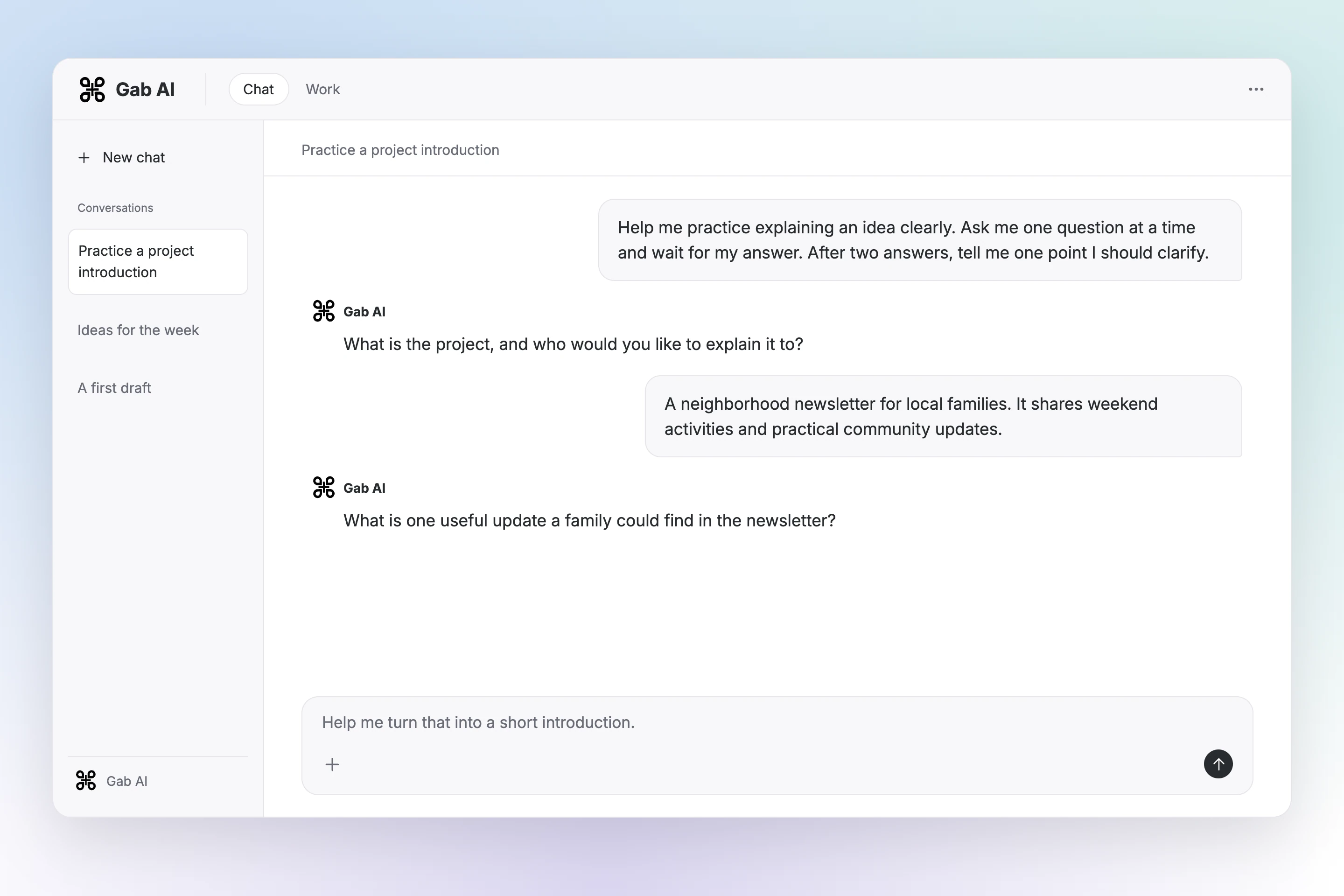
Pick up where you left off.

Keep useful context, reuse your instructions and give recurring requests a place in your routine.

Create a bot for something you do often, or add a community bot to your sidebar and try it.

Your account. Across your devices.

Turn your files into finished work.

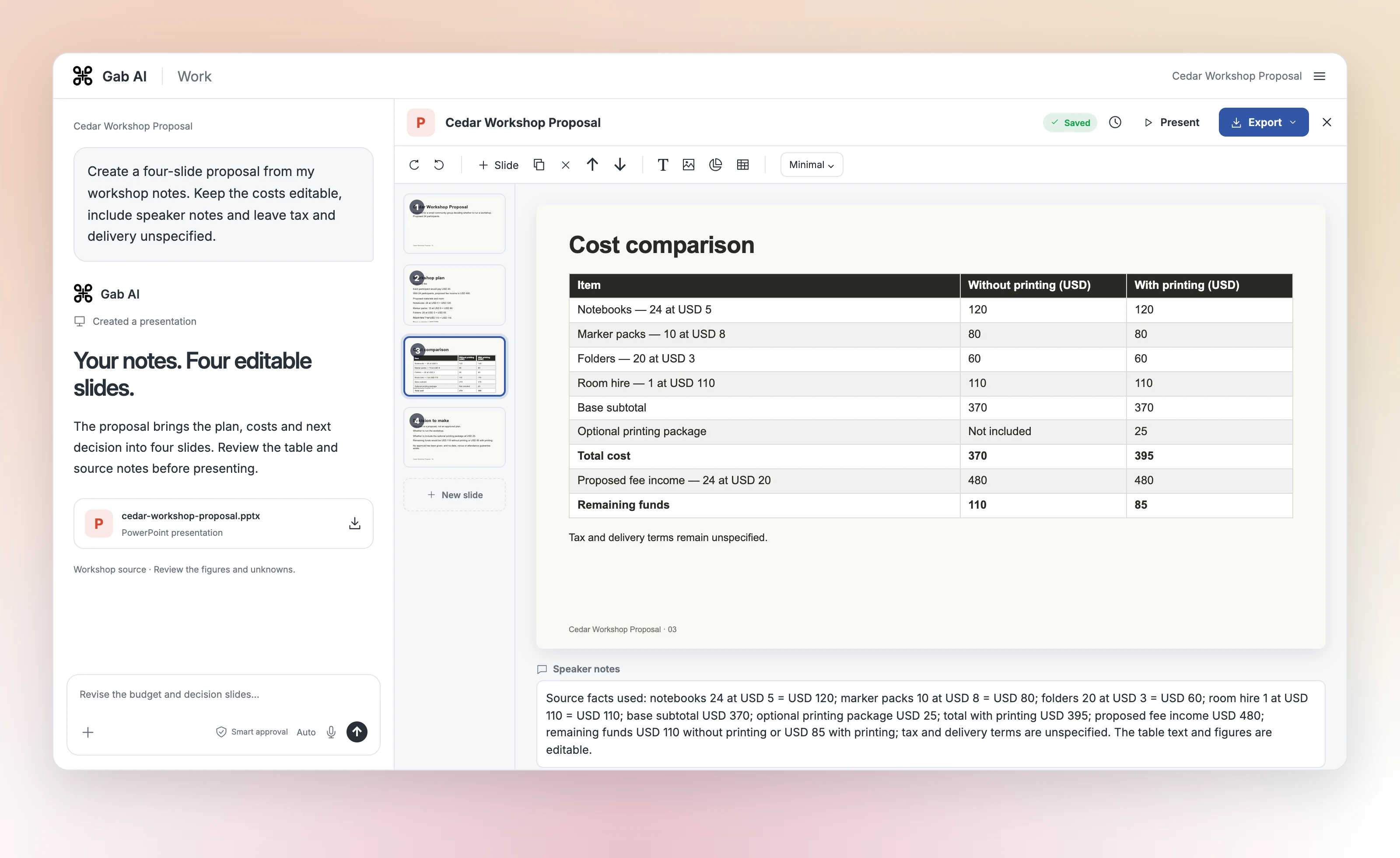
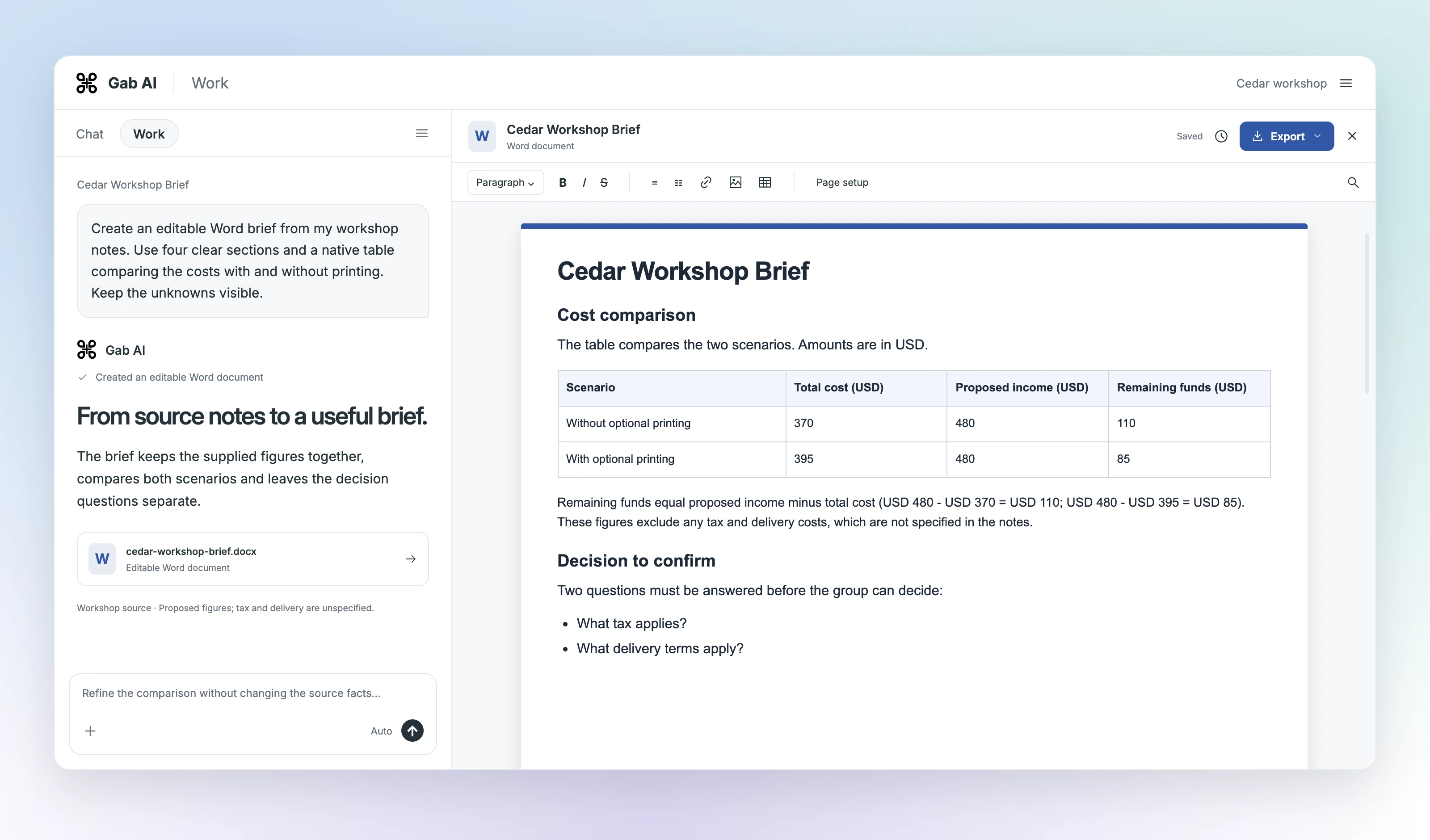
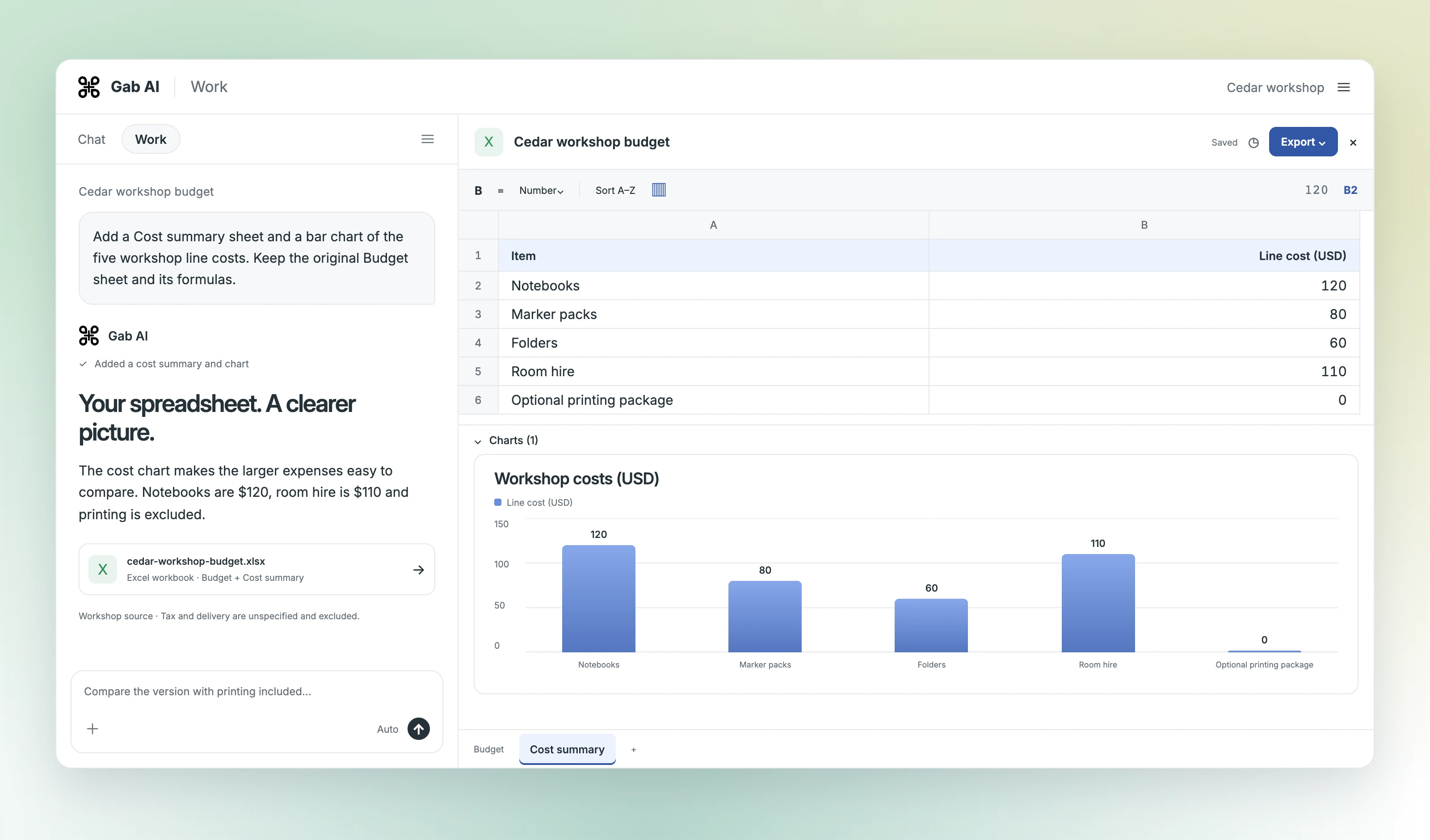
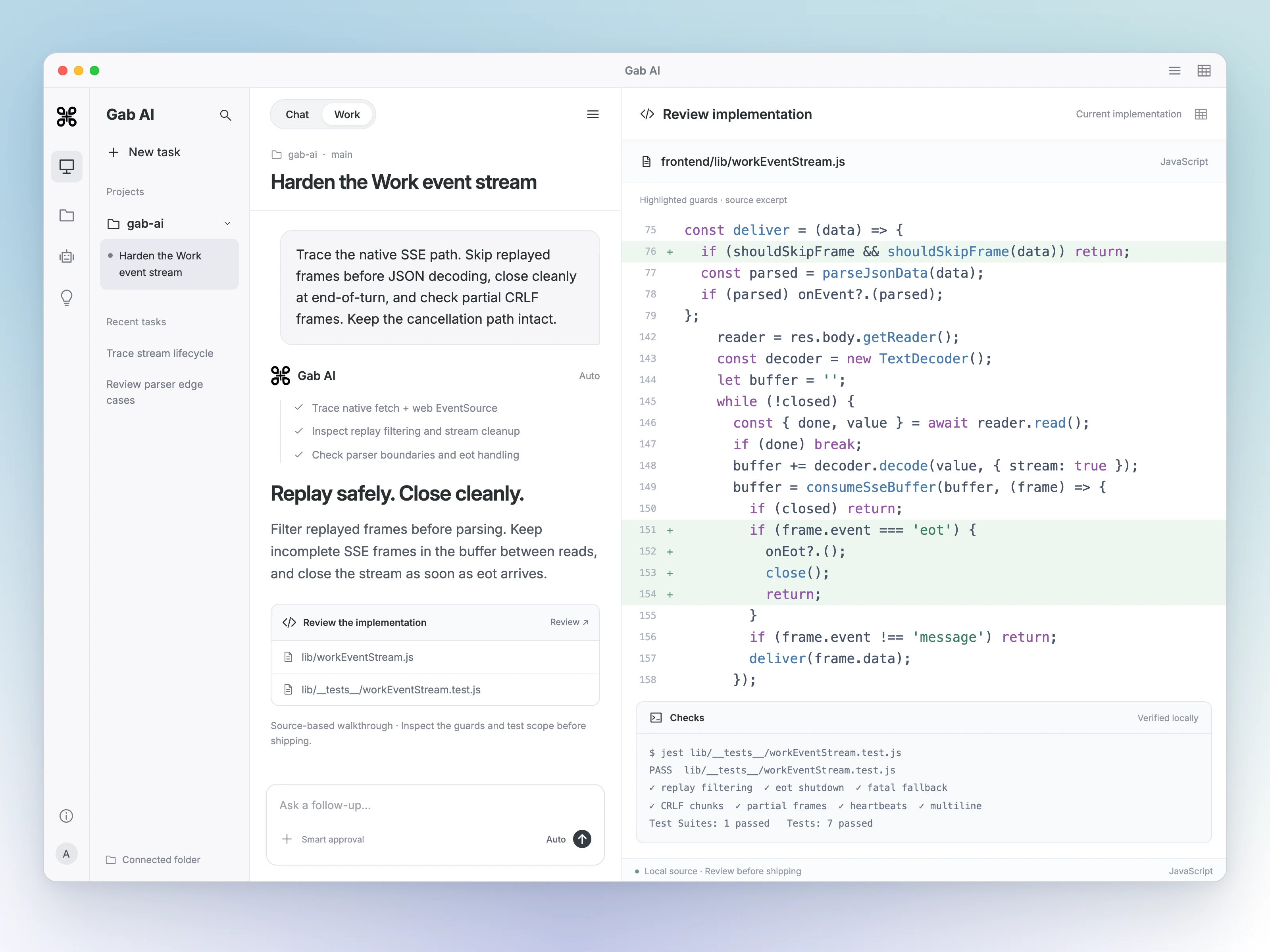
Turn notes and research into a report, a presentation or a working spreadsheet. Keep the result beside the conversation, ask for a change and edit the details yourself.

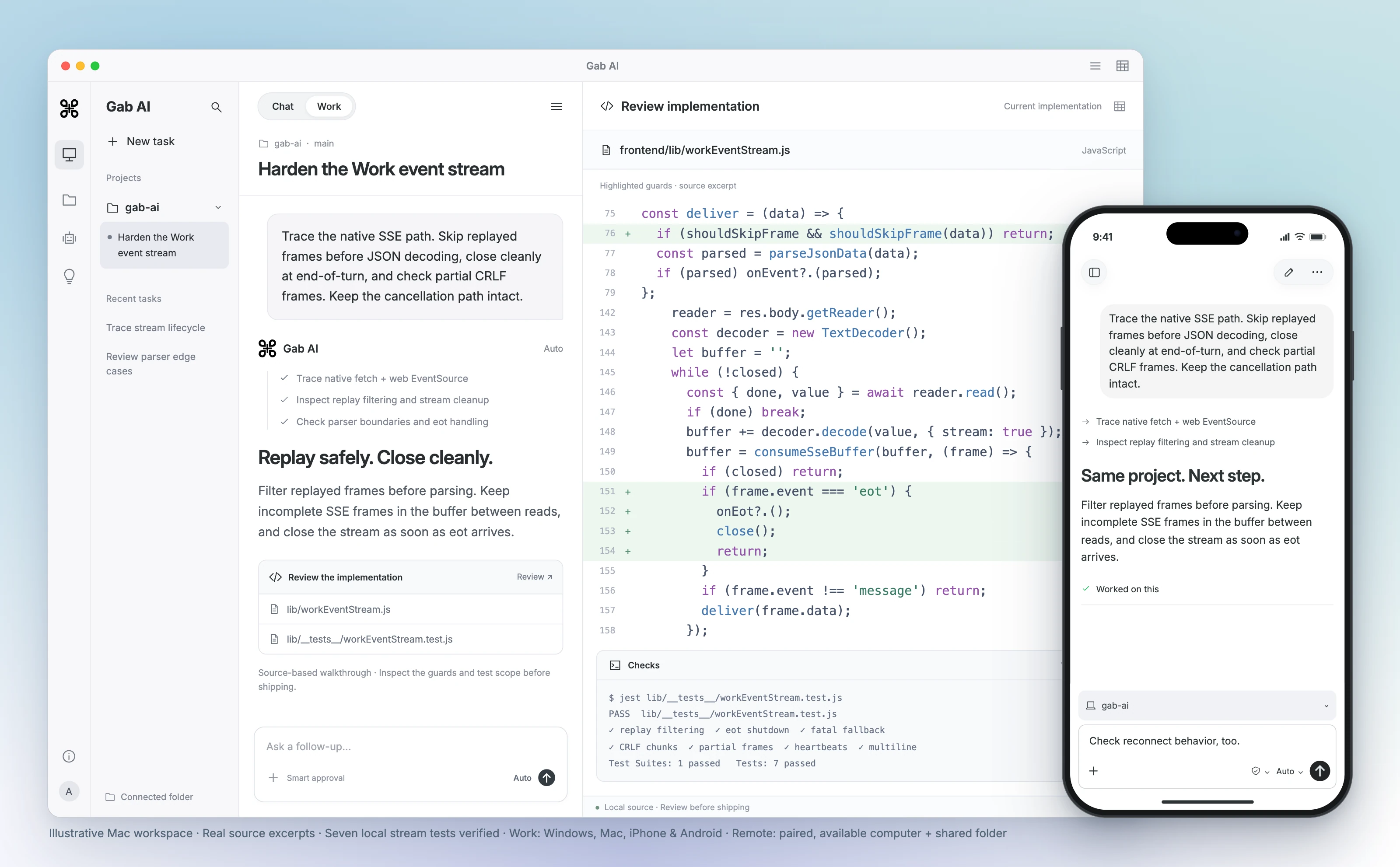
Work on Windows or Mac. Continue the task and send your next instruction from a paired iPhone or Android phone.

Set up Remote
Gab AI Work on Mac with an event-stream code review and a paired iPhone conversation for the same project.
Enlarge preview

Your project. Your next instruction. Wherever you are.

Gab AI Work on Mac with an event-stream code review and a paired iPhone conversation for the same project.

Remote follow-ups require pairing, a shared project folder and an online computer. Features vary by platform and app edition.

Apps, editions and access

In the website edition, connect a project folder and let Work help with the files and apps you authorize. The App Store edition uses cloud Work.

Chat, create media, and keep your conversations and files together on your PC. Get the native Windows app from the Microsoft Store and sign in with your existing Gab AI account.

Free to install. Work requires Plus and uses model and tool credits.

See all apps and installation options

Start small. Learn at your pace.

Free lessons, from your first prompt to your first Work project. Read a worked example, try a small task and check the result. Product access and credits still apply when you run it.

Start learning free

Find an AI use case for your next task.

See how small businesses, ministries, writers, developers, and others put Gab AI to work.

All use cases

Choose access

Start with Chat. Add Work when you need it.

Free signup credits fund eligible requests. Plus adds Work, live Voice and a recurring allowance; other models and tools can still cost credits.

Gab AI access at a glance

Gab AI access at a glance
Capability
Free
Plus
$20.00 / month
ChatArya and eligible models; credits apply
Allowance250 signup credits after email verification
Work and live VoicePlus required
Video and music modelsQualifying purchased credits required
APISeparate credit usage and model access

One place to work. More ways to create.

Gab AI Plus is $20.00/month, or $16.67/month billed annually ($200.00/year).

A few things worth knowing.

What can I create with Gab AI?

Use Gab AI for writing, research, images, video, music, and code. Work mode can build websites and playable games, create Word documents and PDFs, design PowerPoint presentations, and prepare Excel spreadsheets you can edit and share.

How is Work mode different from AI chat?

Chat helps you ask questions, explore ideas, and work through answers. Work mode gives an AI agent a computer and tools to carry out a project in multiple steps, create files, and revise them with your feedback. Work mode requires Gab AI Plus.

Can I use Gab AI for free?

Create a Free account without a credit card. The current allowance is 250 signup credits after email verification, for eligible requests. Work and live Voice require Plus; other models and media have their own access and credit rules.

Does Gab AI work on my phone and computer?

Use Gab AI in your web browser or download the apps for iPhone, iPad, Android, Mac, and Windows. Get the Windows app from the Microsoft Store. The browser extension brings Gab AI alongside your tabs in Chrome and Brave. Sign in with the same account across your devices.

Can I work with my own files?

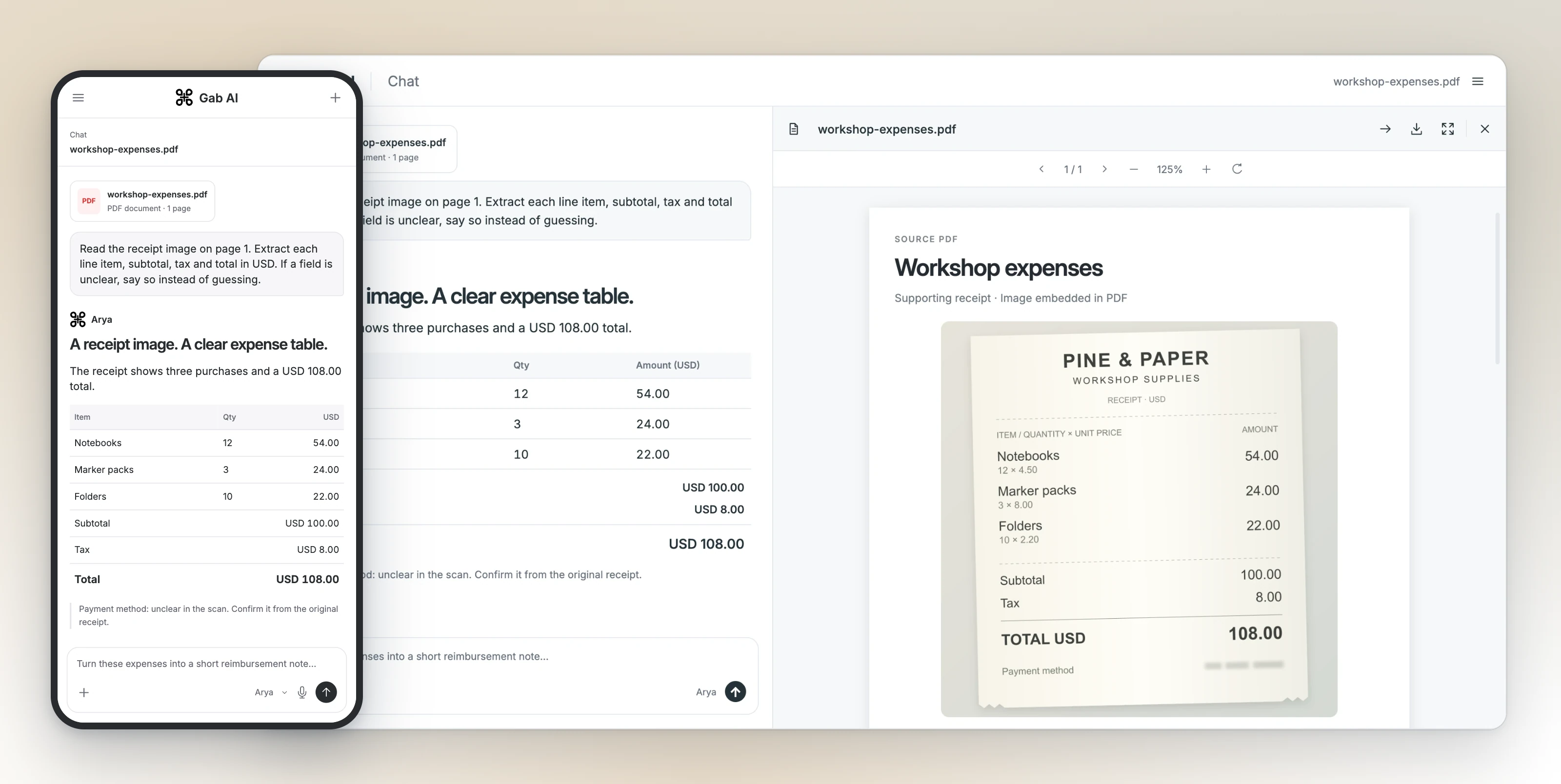
Yes. Attach PDFs, Word documents (DOCX), Excel spreadsheets (XLSX), PowerPoint slides (PPTX), CSV data, TXT or Markdown files, and images such as PNG or JPEG. Ask questions about their contents or use Work to create new files. Review and edit documents, slides and spreadsheets beside the conversation. Format, size and model limits apply.

Which AI models can I use?

Use Gab AI’s Arya or choose model families including GPT, Claude, Gemini, DeepSeek, Qwen, Kimi, GLM, MiniMax, Mistral, MiMo and Hermes. Switch models between messages or let Auto choose for your request. The library also includes image, video and audio models. Availability and credit costs vary.

What information can an AI provider receive?

To answer your request, the selected AI provider may receive your prompt, relevant files and the context you enable. Requests go through Gab’s provider account, but personal details you include can still reach that provider. Read our privacy policy before sharing sensitive information.

What will you do first?

Try Chat with signup credits, or choose Plus for Work and live Voice.

No credit card required.