The Future of On-Device AI: How New Hardware Will Change Your Daily Workflow
New NPU-powered hardware is making local processing a reality. Learn how on-device AI improves privacy and speed for your daily tasks and creative projects.
The Shift Toward On-Device AI
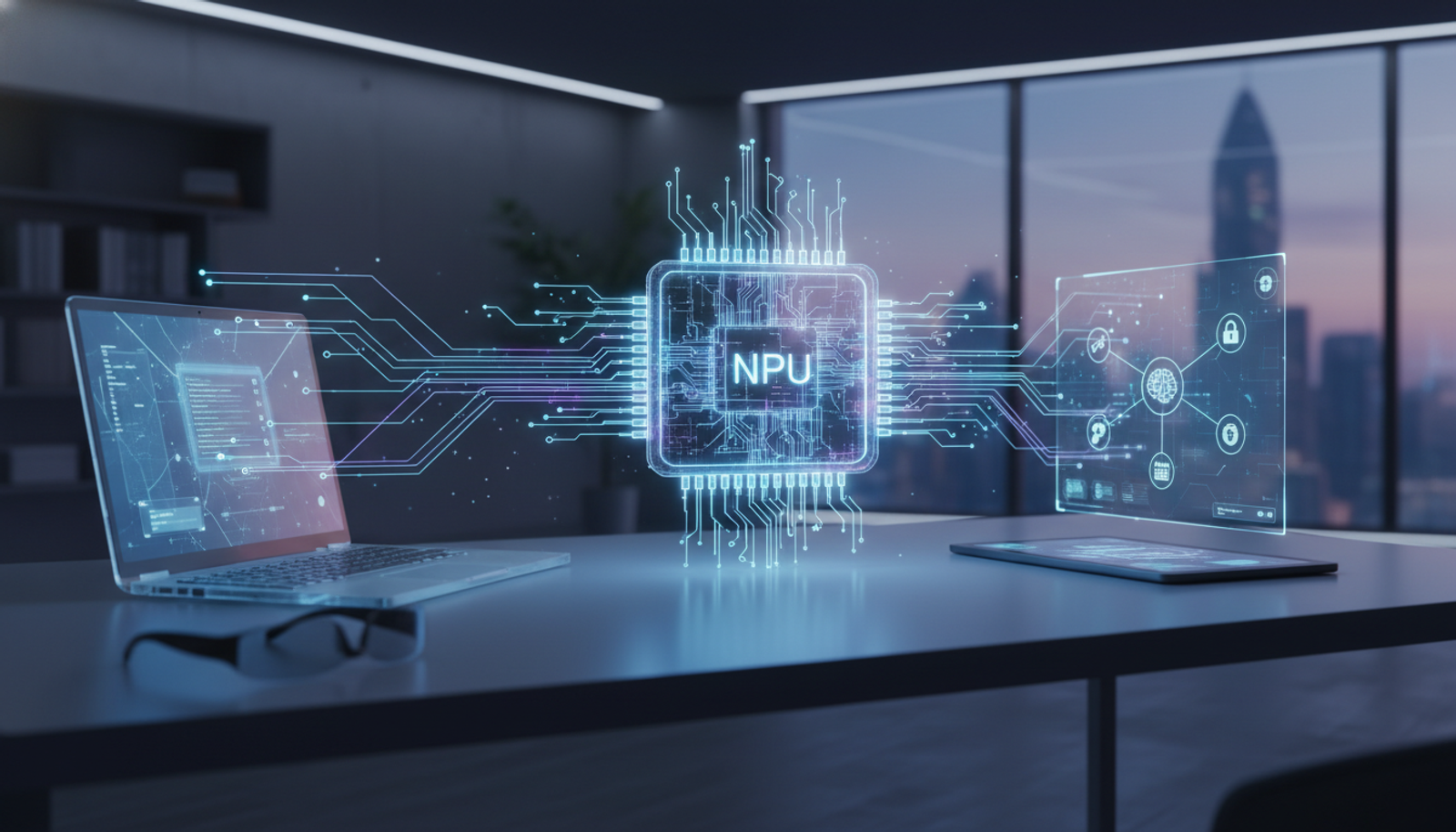
If you’ve been following the latest tech developments, you’ve likely heard about the new wave of hardware hitting the market. While technical jargon about NPUs (Neural Processing Units) can sound complex, the takeaway for you is simple: your computer is becoming better at processing data locally, reducing the need to send every request to the cloud.
In the past, using AI meant your data had to travel to a server, get processed, and return. With the rise of on-device AI, your hardware handles the heavy lifting locally. This shift is primarily about two things: keeping your sensitive work private and ensuring your workflow remains uninterrupted by internet latency.
Why This Matters for Your Daily Workflow
Recent industry trends, including AMD’s 2026 hardware announcements and Samsung’s integration of AI-powered mobile devices, highlight a clear direction: the future of computing is local.
For a freelancer or a busy professional, this hardware evolution means:
- Privacy: Sensitive drafts, financial data, and personal notes can remain on your machine rather than being uploaded to third-party servers.
- Speed: Local processing eliminates the lag often associated with cloud-based AI requests.
- Reliability: You can maintain productivity even when your internet connection is spotty or unavailable.
How to Prepare for Local AI
While we wait for the next generation of NPU-integrated hardware to become the standard, you can start preparing your workflow today. The best way to manage this transition is to focus on tools that prioritize local data handling and efficient processing.
3 Ways to Streamline Your Productivity
- Batch Your Content Creation: Use AI assistants to outline blog posts or social media captions in one sitting to maximize your focus.
- Visual Consistency: Use AI tools to create custom visuals that match your brand’s specific style, ensuring you aren't relying solely on generic stock photos.
- Video Editing Shortcuts: Leverage AI-driven editing tools to turn long-form ideas into short, engaging clips for your audience.
Practical Steps to Get Started
If you want to start using AI more effectively, follow this simple workflow:
- Identify the repetitive task: What takes you the most time? (e.g., writing emails, summarizing documents, or editing images).
- Prioritize Privacy: When choosing tools, look for software that offers local processing options or clear data-handling policies.
- Refine your prompts: Don't just ask for a "blog post." Be specific. *Example: "Write a 300-word friendly email to a client explaining that the project deadline has been moved by two days due to a software update."
Common Questions About Local AI
Do I need a new computer to use AI? Not necessarily. While new hardware with dedicated NPUs makes AI tasks significantly faster, many AI tools are already optimized to run on standard modern laptops.
Is it safer to use local tools? Yes. By keeping your data on your device, you significantly reduce the risk of your sensitive information being stored on third-party servers.
Final Thoughts
Technology is moving fast, but that doesn't mean you have to be overwhelmed. By focusing on tools that simplify your process rather than complicate it, you can stay ahead of the curve. Whether you are waiting for the latest NPU-powered hardware or working with what you have today, the goal remains the same: work smarter, stay private, and get more done.
Try Gab AI
Try Gab AI for uncensored AI chat, real-time web search, and high-quality content generation.