
AI voice chat
Talk to AI in real time
Talk through an idea, rehearse what you want to say or ask a question out loud. Gab AI voice chat lets you speak, hear replies and keep the conversation going with a follow-up. Return to the saved chat whenever you want to revisit it.
Think it through. Say it out loud.
Use voice chat with AI when speaking is easier than typing. Try one of these starting points, then shape the conversation as you go.
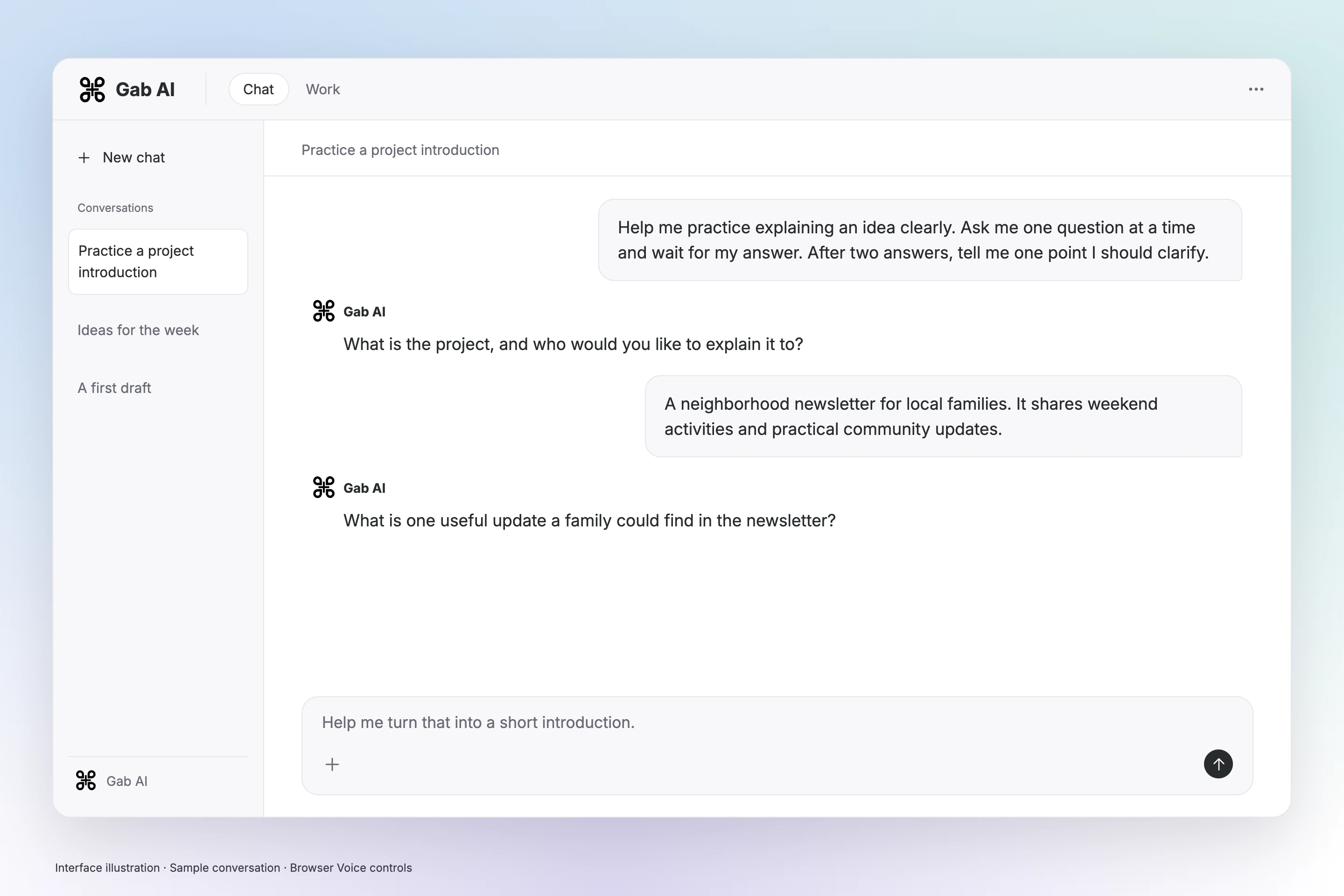
Rehearse an introduction
Describe your audience, try your introduction aloud and ask which point needs a clearer explanation.
Practice an introductionMake a concept click
Explain a concept in your own words. Ask for a question that tests your understanding or an example that makes the idea concrete.
Try the spoken promptFind the shape of a draft
Talk through the reader, purpose and main idea. Ask one question at a time, then return to the saved chat to develop your outline.
See writing ideasA conversation you can build on
Say what you want to explore, listen to the reply and ask the next question. Watch the walkthrough to see how to start, choose a voice, mute and end the call.

Enlarge preview
Voice conversation
Enlarge preview
Back in Chat
Loading video…
See how Voice Mode works
This video could not load. Read the transcript below.
Read transcript
Voice Mode setup and conversation controls.
Start a voice conversation in Chat
Open Voice Mode
Open Chat, choose Voice Mode beside the message box and allow microphone access.
Start talking
Review the setup, then select Start talking.
Use the call controls
In the browser, Space mutes or unmutes when you are not typing, and Escape ends the call. You can also use the buttons in the Voice panel.
Voice is available with Plus
Live Voice Mode requires Plus and uses credits. The setup dialog shows the current rate and balance needed to start.
Talk to AI online or in your app
Use gab.ai in a desktop browser with a microphone, or find Voice Mode in Chat in a supported Gab AI app. If it is missing from your installed app, use the browser.
Questions about AI voice chat
Can I talk to AI out loud?
Yes. Open Chat, choose Voice Mode and select Start talking after reviewing the setup. Speak your question, listen to the answer and ask a follow-up.
Is Gab AI voice chat free?
Live Voice Mode requires Plus and uses credits. A Free account or signup credits alone do not unlock it. You can explore text chat through Free AI Chat.
Is Voice Mode the same as text to speech?
Voice Mode is a live, back-and-forth conversation. Read aloud plays an existing message; Dictate turns speech into text. Creating or cloning a voice is a separate task.
Can I interrupt the AI while it is speaking?
In the browser, you can speak over a reply to take another turn. Timing depends on the device, connection and background noise. Use the visible mute and End controls when needed.
Can I choose a different voice?
Yes. Use the voice selector in the Voice panel. Changing voices during a call can briefly reconnect the audio.
Can I read the conversation afterwards?
Yes. Voice turns are saved in the conversation so you can return to them in Chat. Check names and numbers in the transcript before reusing them.
What happens to my audio and transcript?
The voice provider processes your audio, and the conversation is saved to your account. Memory is controlled separately. See the privacy policy for data and provider handling.
Guides and resources
Find more detail and choose your next step.

Say what’s on your mind.
Bring an idea, a question or something you want to practice saying. Open Chat and choose Voice Mode to begin.