
Create a song from your own lyrics
Use the AI song generator to explore an arrangement for your words. Describe the voice and sound in Prompt, then paste your lyrics into the separate Lyrics field. Listen to the completed song alongside the words you supplied.
- 01Write your words
- 02Describe the sound
- 03Hear your first take
 MiniMax Music 3
Home in the little things
Acoustic folk · Solo vocal · Your own lyrics
This audio could not load.
Compare the performance with the supplied lyrics.
Read the lyrics
[verse] Morning light across the floor One more day, an open door Set the kettle, take it slow Let the quiet hours grow [chorus] Home is in the little things Simple days and what they bring Through the weather, through the years There is room for hope right here
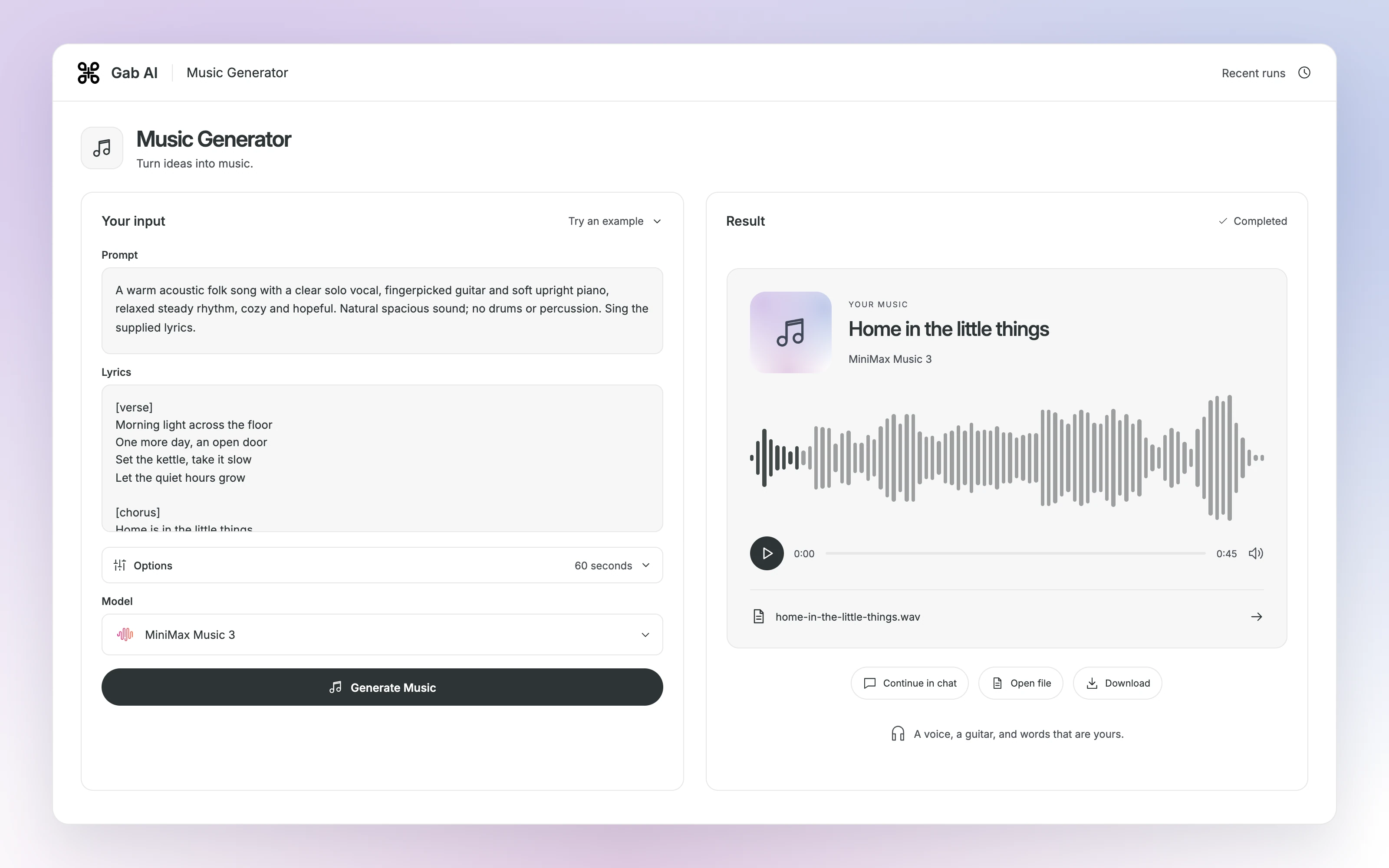
Enlarge preview
Your lyrics → a song
Describe the sound in Prompt. Paste your own words into the separate Lyrics field.
Different projects. A different sound.
Hear country rock for the open road, an original worship song and a cinematic instrumental. Start with a sound brief, add your own lyrics or leave room for the music.
- 01Choose a direction
- 02Describe the arrangement
- 03Make it your own
A road-trip film or travel creator's opening song.
MiniMax Music 3Miles to Go
Country rock · Original lyrics
This audio could not load.
Read the lyrics
[verse] Dust on the dash, a map folded wrong We found our way by singing along Boots on the gravel, hands on the wheel Building a life that finally feels real [chorus] We've got miles to go and a sky full of light A little more courage for the road tonight Let the guitars ring, let the good days roll We've got miles to go, we've got miles to go

Enlarge preview
Country rock
An original worship-song idea to develop with your church or music team.
MiniMax Music 3Ever Faithful
Worship · Original lyrics
This audio could not load.
Read the lyrics
[verse] When the night is long and my strength is gone You are faithful, You are near In the quiet dawn, teach my heart Your song Perfect love is stronger than fear [chorus] Jesus, You are hope within the storm You are light that leads me home All my days, my praise belongs to You Ever faithful, ever true

Enlarge preview
Worship
An opening score for an outdoor adventure film or documentary.
MiniMax Music 3First Light
Cinematic · Instrumental
This audio could not load.

Enlarge preview
Cinematic
One brief. Two ways to hear it.
Hear how MiniMax Music 3 and Music 2.6 interpret the same cinematic instrumental brief. Compare the opening, the build and the way each take resolves.
- 01Use the same brief
- 02Listen to each take
- 03Choose your direction
MiniMax Music 3First Light
Cinematic · Instrumental
This audio could not load.
MiniMax Music 2.6First Light
Cinematic · Instrumental
This audio could not load.
Both requests used the same brief, blank Lyrics and the 60-second selection. The completed takes differ in arrangement and length.
Give your Reel its own energy.
Build a music bed for the action, then bring it together with your shots and titles in Work. Hear the training track on its own, then watch the finished Instagram or TikTok Reel.
- 01Set the pace
- 02Choose your shots
- 03Bring it together
Loading video…
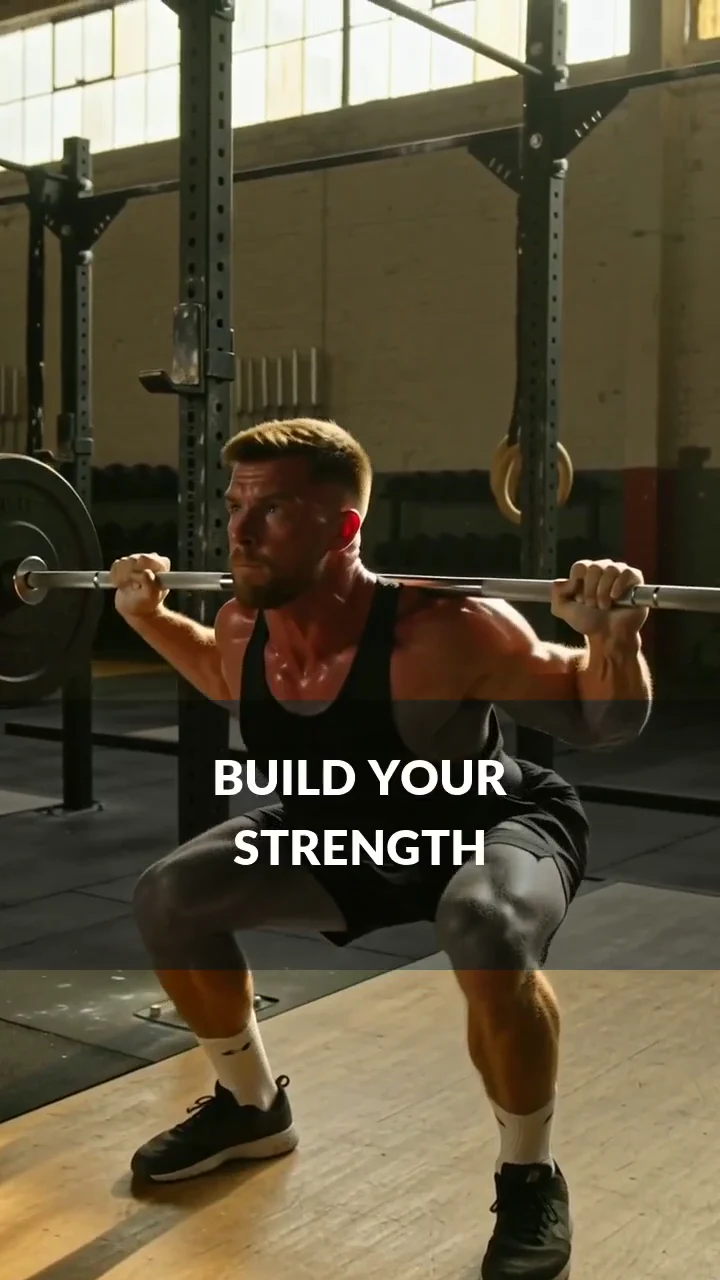
First Rep · The finished Reel
This video could not load.
15 seconds · 9:16 · Music, titles and three training shots
First Rep · Training bed
Instrumental · Driving rhythm · Gym promotion
This audio could not load.
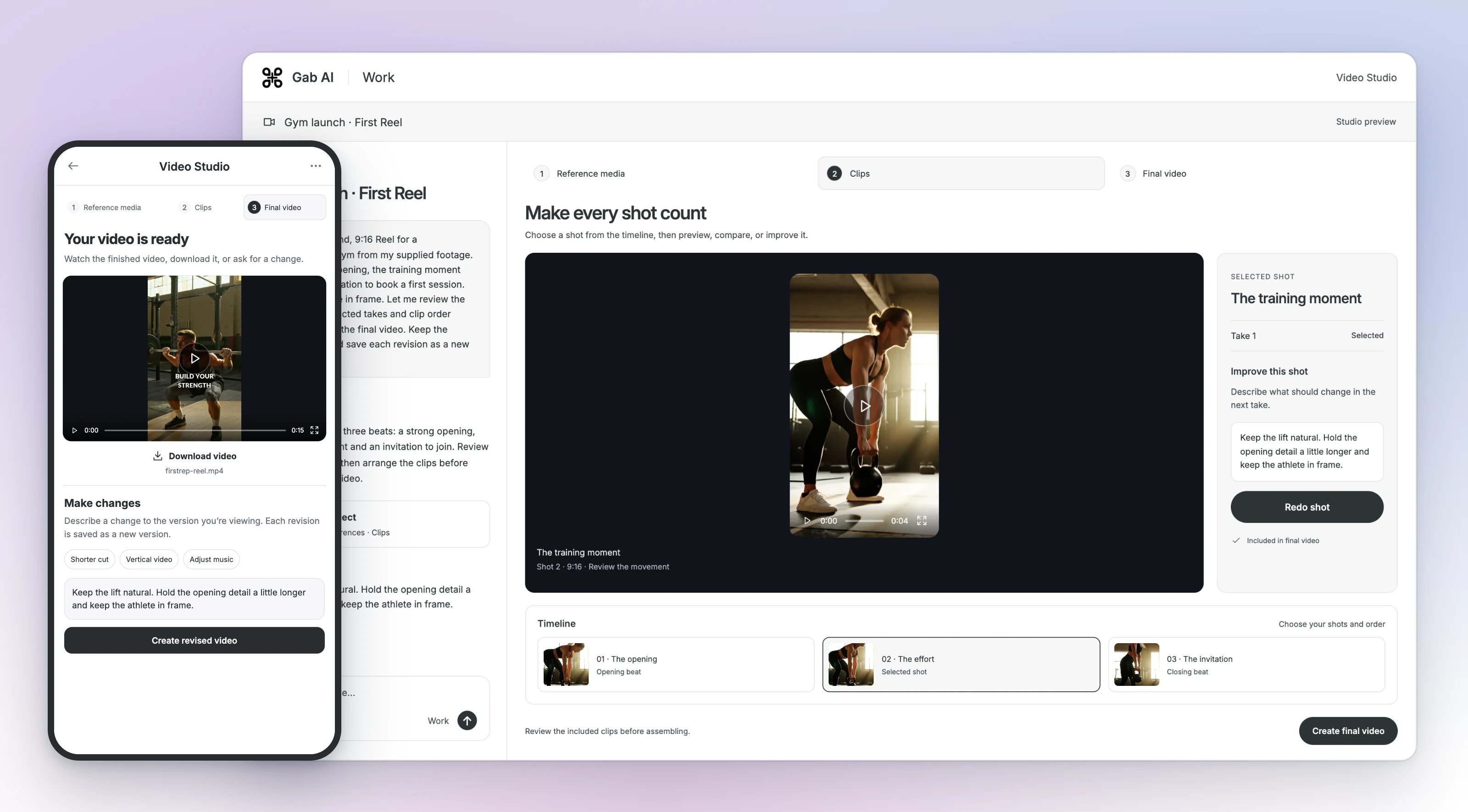
Enlarge preview
Music for a Reel
Set the mood. Leave room for the voice.
A warm instrumental beneath a spoken opening gives your podcast a familiar beginning. Hear the music with narration, then adapt the sound brief for your own show.
- 01Describe the atmosphere
- 02Make your instrumental
- 03Add your introduction
MiniMax Music 3Small Beginnings · Podcast intro
Acoustic folk + spoken introduction
This audio could not load.
Read the spoken introduction
Welcome to Small Beginnings, the show about making time for what matters. Today, we’re turning one simple idea into a project you can actually finish. Let’s get started.
MiniMax Music 3Small Beginnings · Instrumental
Warm guitar and piano · No percussion requested
This audio could not load.

Enlarge preview
A podcast intro
Leave Lyrics blank to request an instrumental. Generate a separate voice track in Text to Speech.
A song is just the beginning.
Develop the lyrics, create cover artwork and turn that artwork into a moving teaser. Keep your sound and visual direction together in Gab AI.
- 01Shape the song
- 02Create the artwork
- 03Make a release teaser

Loading video…
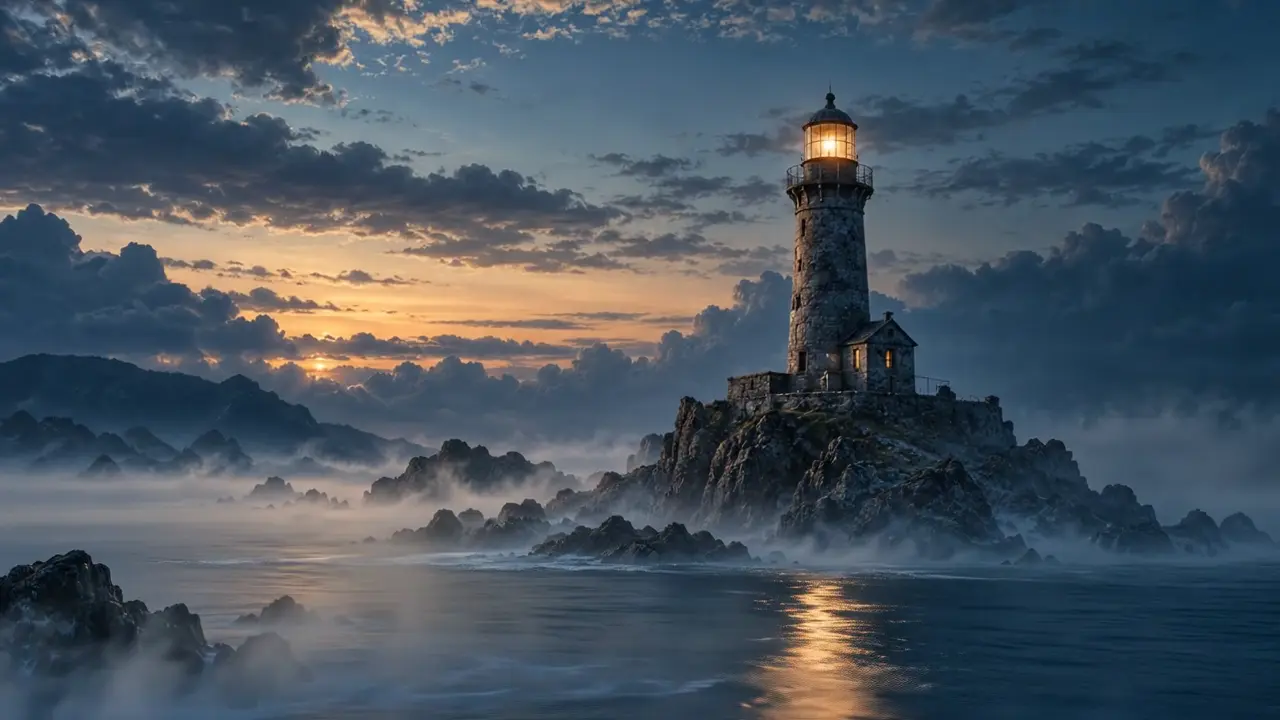
Harbour Lights · Cover in motion
This video could not load.
8 seconds · Animated artwork with music
See the image-to-video Chat

Enlarge preview
Your release, together
Turn a music brief into a track
Describe the genre, instruments, mood and pace you have in mind. For AI background music, name the project it will support: a spoken introduction, a short video or a scene you are developing.
Describe the arrangement
Choose a few instruments, a mood and a pace. Leave Lyrics blank when you want an instrumental.
Generate a first take
Paste the brief into Music Generator, choose your model and options, then generate.
Listen and refine
Listen through the ending. Change one instruction and compare the new take with the first.
Find a sound for your next project
Try a supporting track for a story or a new direction for a song you are writing.
One arrangement change. Two real tracks.Compare a prompt and a focused arrangement change.
Listen to two acoustic folk takes generated in Gab with MiniMax Music 3. The second prompt swaps “gentle brushed drums” for “no drums or percussion.” It creates a new track rather than editing the first.
Original · drums requested
Acoustic folk with guitar, piano and brushed drums requested.
Listen to the arrangement and ending.
Revision · no percussion requested
Same brief; only the percussion phrase changed.
A new generation from the revised prompt.
Create with your Gab AI account
Music generation uses credits and requires Plus or purchased credits. Choose a model in the generator to see the estimate for your selection.
Questions before you start
Can I use Gab as a free AI music generator?
Music generation requires Plus or purchased credits. Signup credits alone do not unlock the music models. You can listen to the examples and read the lesson before choosing a plan.
Can I use my own lyrics?
Yes. Paste words you wrote or have permission to use into Lyrics, and describe the sound in Prompt. Check the generated performance against your words.
Can I make instrumental music?
Yes. Leave Lyrics blank and describe the instrumental arrangement in Prompt. Listen to the completed track for the instruments and any voices you did not ask for.
Is AI music royalty-free?
Check the selected model/provider and Gab terms for your intended use, plus permissions for lyrics and any inputs. Generation does not establish blanket royalty-free or unrestricted commercial rights.
Can I edit the generated track?
Changing the prompt and generating again creates a new track. Use that approach to try a different arrangement; it does not edit or preserve the original recording.
What audio format will I get?
Format depends on the selected model and result. The MiniMax Music 3 examples returned WAV files; these page players use MP3 playback copies. Check your completed file’s type and length.
Guides and resources
Find more detail and choose your next step.
