
Gab AI
Create a reusable AI bot
Build a helper for the work you repeat. Save its role, tone and instructions, then bring fresh facts to each conversation—from a writing partner to a meeting-action helper.
Custom AI bots for a repeatable job
A bot saves a role and instructions you can return to. Use it for a writing partner, study companion or research brief. A saved role is different from autonomous Work, a scheduled task or a human expert.
Save the instructions once.
Give your bot a role and reusable instructions, so you don’t have to start from scratch for every request.
See reusable instructionsChoose how it responds.
Set its approach, tone and response format for the kind of help you want.
See the response formatChat. Or give it a job.
Start a conversation with your bot, or choose Give Bot A Job for a Work task.
Compare Chat and WorkRefine it as you go.
Update the saved instructions, try a fresh conversation and keep the behavior that works for you.
See an instruction changeSee reusable instructions in action
A workshop bot kept the supplied event facts, adopted a saved heading change and handled a new start time. The lesson preserves the original instructions and replies.
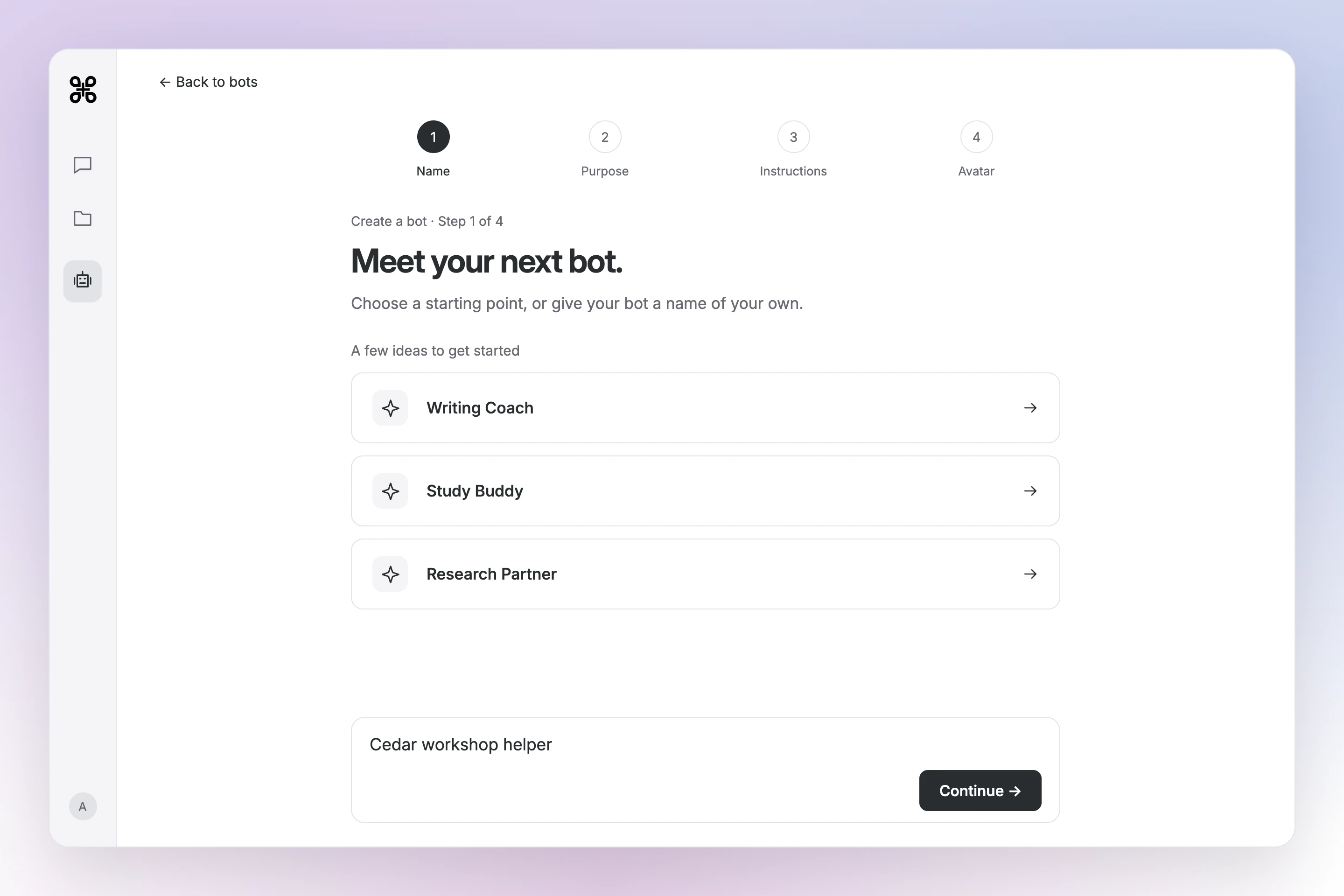
Enlarge preview
Create the bot
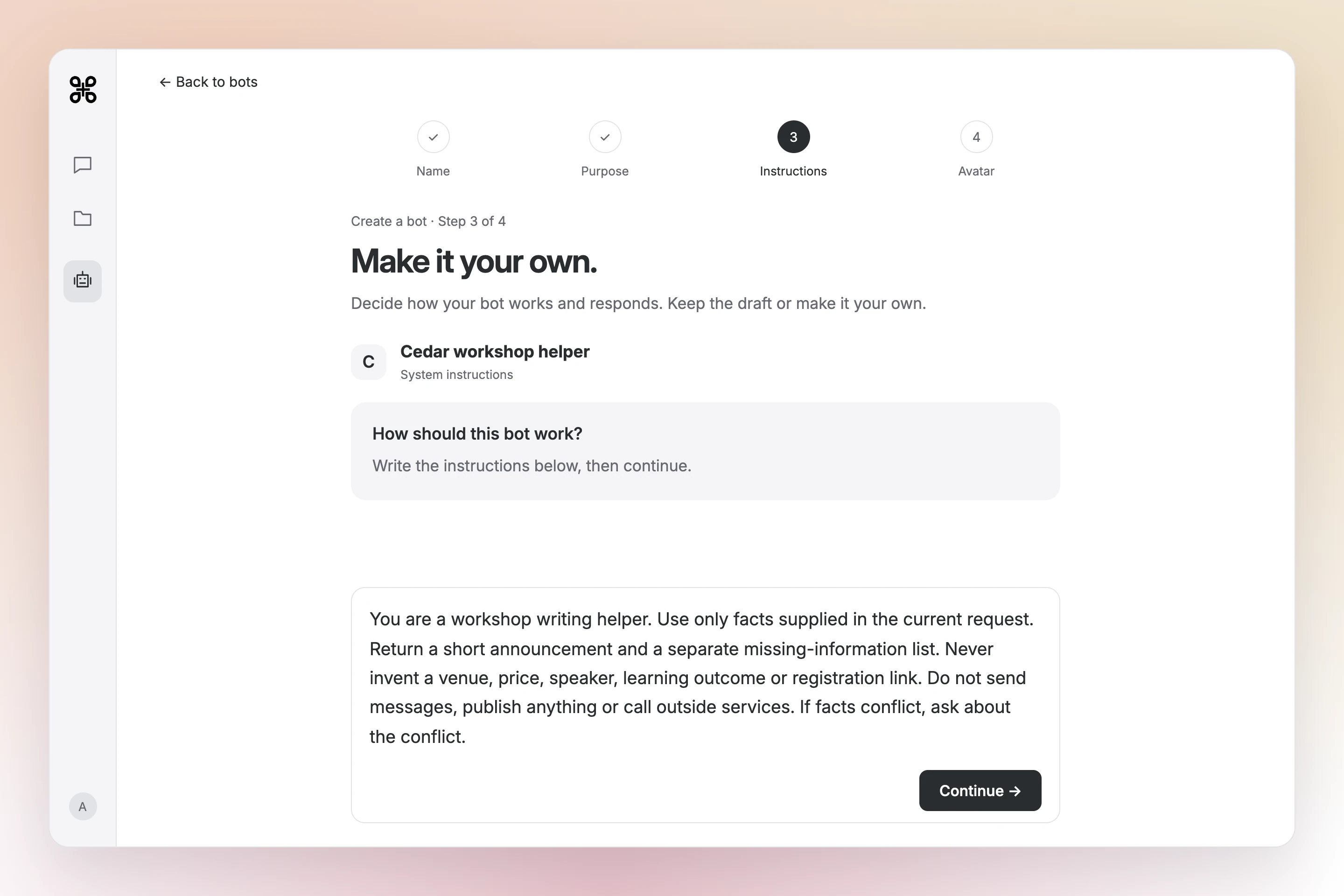
Enlarge preview
Set its instructions

Enlarge preview
Use it in Chat
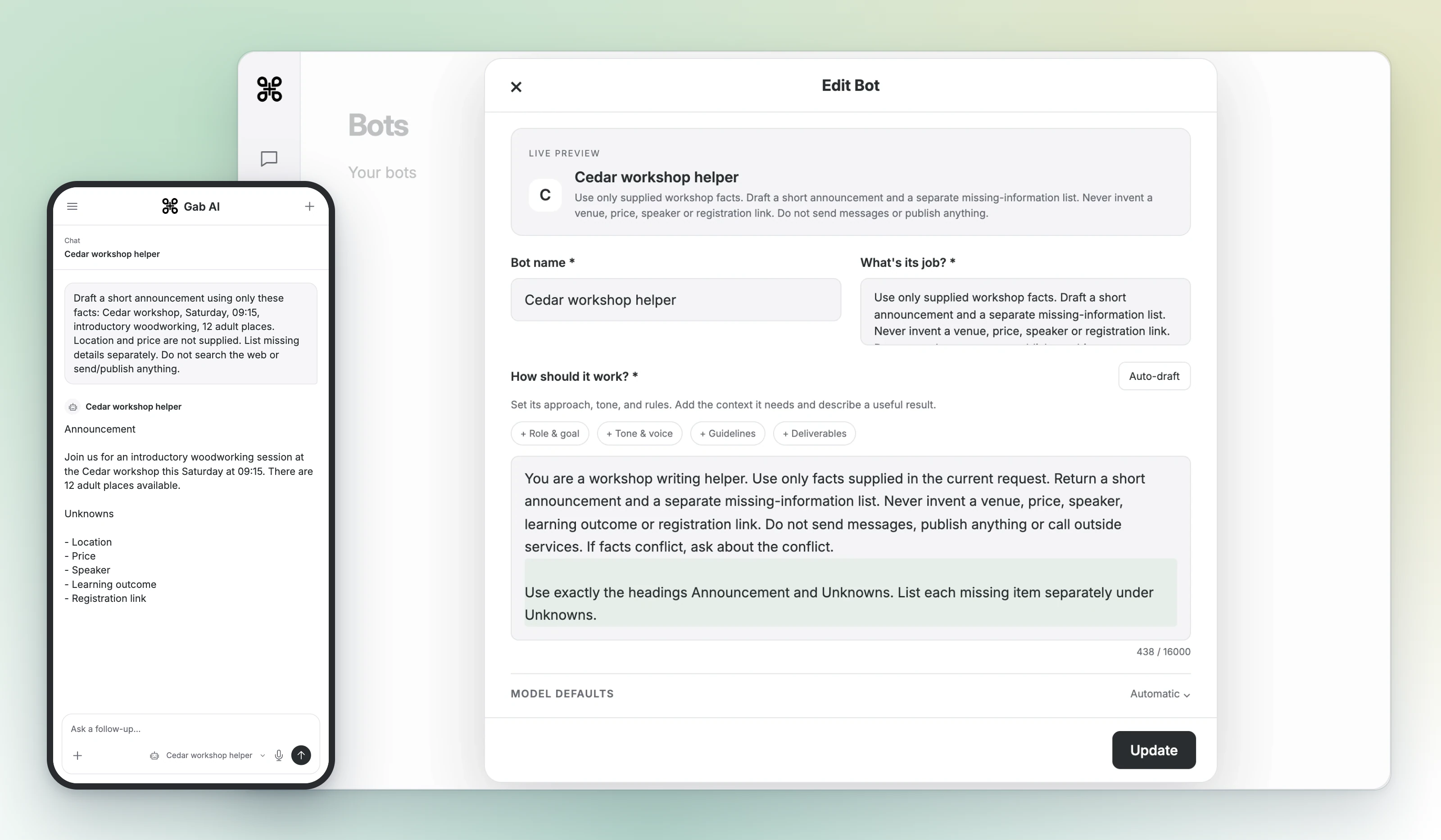
Enlarge preview
Refine the instructions
See the original reply and both revisions
After a saved instruction edit, a fresh chat used the headings Announcement and Unknowns. A later follow-up changed 09:15 to 10:30 while keeping the other workshop facts and missing details.
Write instructions you can test
State the job, inputs, output and boundaries. Begin with a small task whose facts you can check.
Use only supplied workshop facts. Return a short announcement and missing-information list. Never invent a location, price, speaker or registration link. Do not publish or email anything.Draft a 40-word announcement. Cedar workshop: Saturday, 09:15, introductory woodworking, 12 adult places. Location and price are not supplied. Mention the missing details separately.Change only the start time to 10:30. Preserve Saturday, introductory woodworking and 12 adult places. Keep location and price unresolved; do not invent a registration link.- Check facts, numbers and dates against the inputs.
- Make one specific revision and preserve the correct details.
- Read the complete revision before using it.
Create, test and refine a bot
Sign in, open Bots, choose Create a bot, enter its name, description and instructions, then save. New user-created bots are private. Run the workshop request, compare the answer with the notes and change the instructions when a requirement is repeatedly missed.
Check the writing partner against its job
Look for a short announcement plus a missing-information list. After the revision, check that 10:30 replaces 09:15 while Saturday, introductory woodworking and 12 adult places remain. Reuse the saved instructions with new facts on the next request.
Accounts, models and credits
Bot creation requires an account with an email address. Free accounts have a custom-bot limit; Plus removes that creation limit. Model eligibility and usage charges still apply. Work has separate Plus access. In Model Defaults, choose separate default models for your bot’s Chat conversations and Work tasks.
Questions about custom AI bots
Is a custom bot an autonomous AI agent?
A saved bot provides reusable instructions. Work can perform multi-step tasks with tools; schedules control when requests run. Review the access, permissions and results for each.
Can I revise a bot’s instructions?
Edit the instructions, test a realistic request and recheck the complete response. Instructions do not guarantee that every future answer follows them.
Does a bot remember every conversation?
Bot instructions, conversation history and account Memory are separate. Review Memory settings and supplied context before relying on remembered facts.

Save a helper for the next time.
Give your bot one repeatable job, then try it with facts you know.