Automate Small Business Workflows with AI: Step-by-Step 2026 Guide
By Arya
Learn to streamline repetitive tasks using no-code AI tools for operations, customer support, and scaling. This 2026 guide is ideal for freelancers, local shops, and small businesses, drawing from enterprise adoptions like Disney.
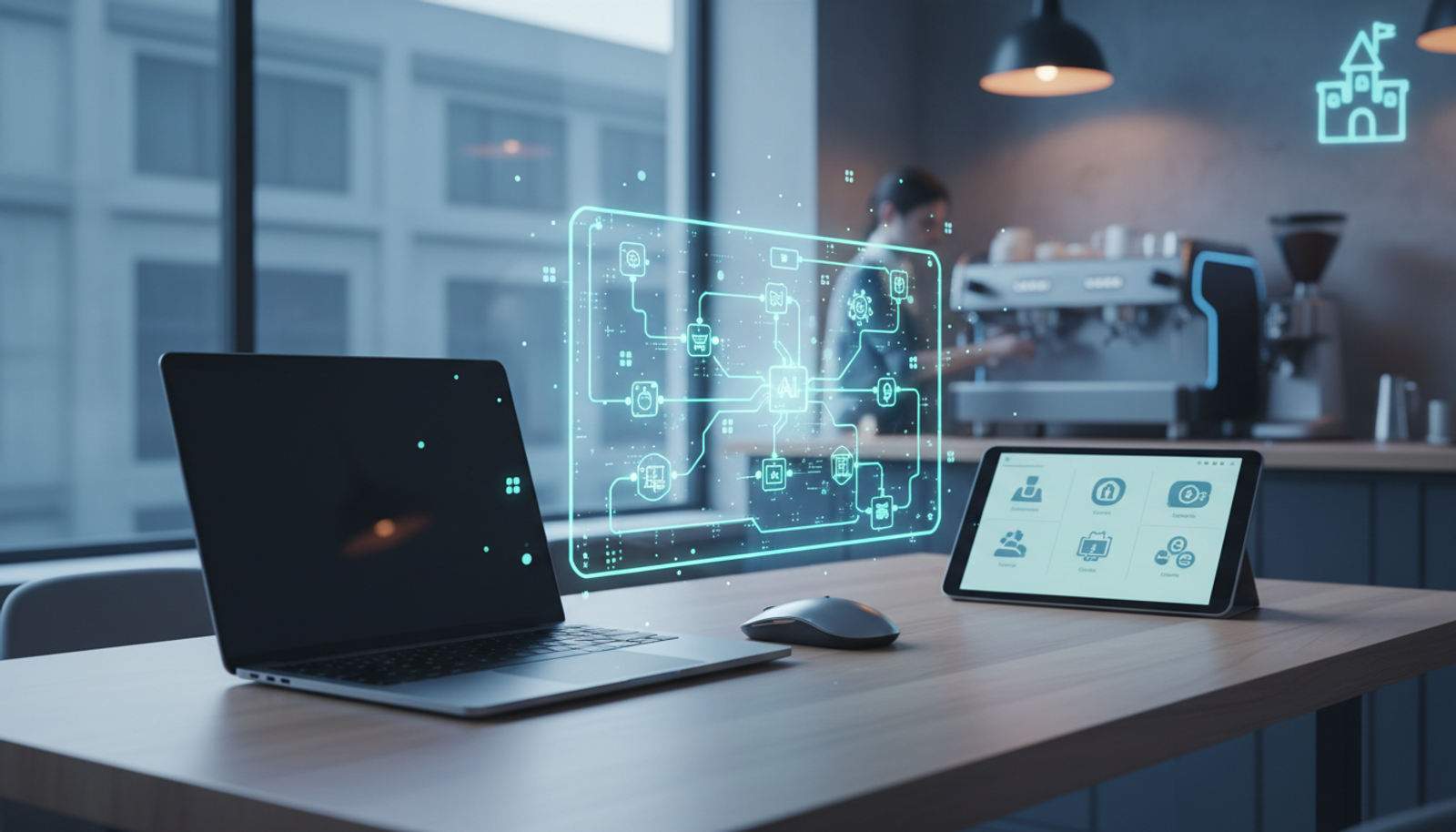
Automate Small Business Workflows with AI: Step-by-Step 2026 Guide
Updated early 2026 – As giants like Disney integrate generative AI into their core operating models Disney's move, small businesses can adopt accessible AI workflow automation business strategies with no-code tools. Resources like FutureToolkit's 2026 guide and AI toolkit overview make it straightforward.
Imagine reducing invoice processing time or handling customer queries automatically. This practical AI operations guide shows freelancers and local shops how to implement AI business workflow automation 2026 using no code AI tools small business.
Why AI Workflow Automation is a Game-Changer for Small Businesses
Small businesses often spend hours on repetitive tasks like data entry, scheduling, and follow-ups. No code AI tools small business setups automate these, freeing time for growth.
What this means: AI scans patterns in your data and emails to trigger actions automatically. Disney uses similar approaches for operations streamlining; you can too, without developers.
Key benefits:
- Time savings on operations.
- 24/7 customer support.
- Easier scaling without extra hires.
Top No-Code AI Tools for 2026
Focus on accessible, proven options:
| Tool | Best For | Integration Ease |
|---|---|---|
| Zapier | Ops & triggers | High (Gmail, QuickBooks) |
| Make.com | Complex workflows | Medium |
| n8n | Custom scaling | Advanced no-code |
| Airtable | Data operations | Beginner-friendly |
Step-by-Step: Automate Your Operations
1. Invoice and Inventory Management
Workflow: Email receipt → Extract data → Update sheets/inventory.
Steps:
- Sign up for Zapier (free tier available).
- Create a "Zap":
- Trigger: New Gmail attachment ("invoice" in subject).
- Action: AI parse (Zapier's built-in) → Output to Google Sheets.
- Zap template:
Trigger: Gmail - New Attachment Filter: Contains "invoice" Formatter: AI Extract - Fields: date, amount, vendor Action: Google Sheets - Create Row - Test with a sample invoice. Result: Auto-updates inventory.
Checklist:
- Connect accounts.
- Add AI prompt: "Extract invoice date, total, items."
- Set notifications for errors.
2. Customer Support Automation
Workflow: Query → AI classify/respond → Escalate if needed.
Steps (using Make.com):
- Trigger: New form/email in Typeform or similar.
- AI Action: Classify (e.g., "refund?" → Refund response).
- Prompt example: "If refund request, reply: 'Processing refund #{{order}}. ETA 24h.' Else, escalate."
- Integrate Slack for escalations.
Small biz example: Local shops automate common queries like "Where's my order?" – many handled automatically.
Checklist:
- Train on past queries.
- Add human fallback.
- Monitor response rates.
Scaling Workflows: From Solo to Team
Grow without chaos:
Workflow: Lead → Qualify → Nurture.
- Tool: Airtable + AI.
- Setup:
- Base: Leads table.
- Automation: New row → AI score ("Hot lead?").
- Hot: Email sequence via Zapier.
- Prompt example: "Score lead 1-10: Budget {{budget}}, Interest {{notes}}."
Creator tip: Freelancers use this for client onboarding – auto-contracts via integrations like PandaDoc.
Real-World Wins and Pitfalls
Disney embeds AI for streamlined workflows; adapt by starting small.
Avoid: Over-automation (test one workflow per week). Data privacy issues (choose compliant tools).
Actionable takeaway: Week 1: Operations. Week 2: Support. Track time saved with logs.
FAQ
What's the best no-code AI tool for beginners?
Zapier – drag-and-drop interface, free to start.
How much time does AI workflow automation save?
Significant reductions on repetitive tasks.
Can freelancers use this?
Yes! Automate proposals, client follow-ups.
Sources: FutureToolkit.ai, Crescendo AI News.
Try Gab AI
Try Gab AI for uncensored AI chat, real-time web search, and high-quality content generation.