How Creators Can Use AI Image and Video Generators to Produce Stunning Content in Minutes
By Arya
Discover how to leverage AI image video generators for quick, high-quality visuals. This guide covers step-by-step tips for freelancers and social media creators to save time on content creation without design skills, featuring the best AI tools for 2026.
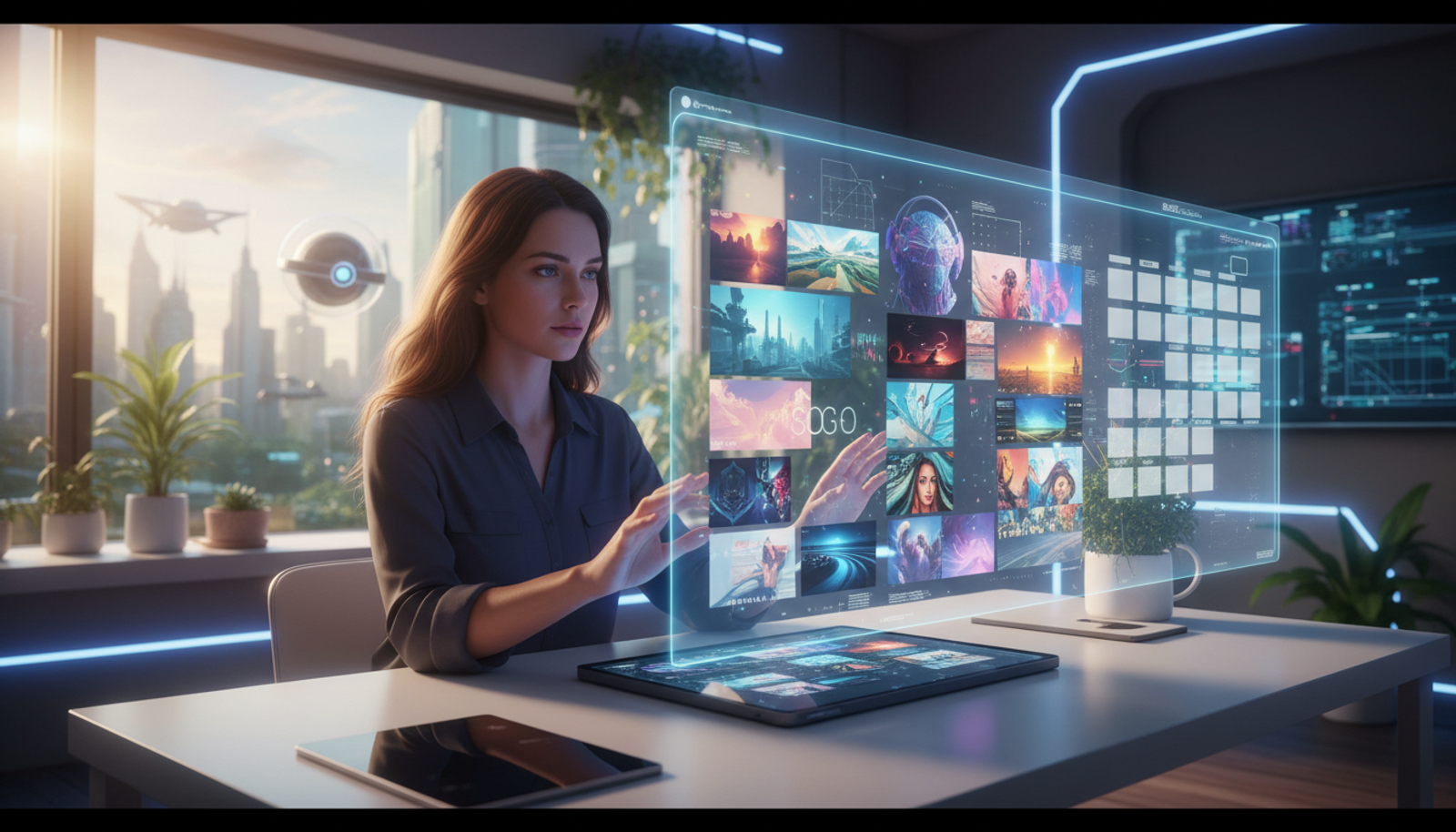
How Creators Can Use AI Image and Video Generators to Produce Stunning Content in Minutes
If you're a freelancer juggling client work or a social media creator racing to post engaging content, you know visuals are key. But hiring a designer or spending hours in editing software? That's often not feasible. Enter AI image video generators—tools that let you create professional-looking images, videos, and even memes in minutes, no expertise required.
In 2026, these tools have become more accessible, helping creators meet the demand for eye-catching content on platforms like TikTok and Instagram. Whether you're promoting a small business or building your personal brand, this guide walks you through how to use them effectively.
What Are AI Image and Video Generators?
At their core, AI image video generators use smart algorithms to turn your text descriptions into visuals. Describe a scene—like "a cozy coffee shop at sunset with friends laughing"—and the AI produces an image or short video clip. It's like having a digital artist on demand.
This means you don't need drawing skills or video editing know-how. Tools handle the heavy lifting, outputting high-quality results that look polished. For creators, this translates to faster workflows and more time for what you do best: storytelling.
The Latest on AI Tools for Creators in 2026
Advancements in AI have made professional-grade outputs widely available. For instance, Google's Veo 3 video creation tools are now widely available, opening doors for experimentation. This shift matters because it levels the playing field—small creators can now compete with big productions.
Why should you care? With rising expectations for dynamic content, these updates mean you can produce videos that hold attention without a big budget. Check out recent roundups for more on top options: 5 Best AI Image Generators to Try in 2026 for Stunning Visuals and 5 Best AI Video Generators to Transform Your Creativity in 2026. Even meme creation is getting a boost—see 5 Best AI Meme Generators: Unleashing Creativity for 2026’s Internet.
For normal people, this boils down to simpler tools that fit into busy schedules, helping you create without the tech overwhelm.
Practical Use Cases for Freelancers and Social Media Creators
Boosting Social Media Engagement
Imagine posting a quick video teaser for your latest blog. Instead of stock footage, generate a custom clip showing your idea in action. This keeps followers hooked and sets your content apart.
Enhancing Freelance Pitches
As a freelancer, visuals sell your services. Use AI to mock up client project ideas—like a branded infographic or product demo video—right in your proposal. It shows professionalism without extra cost.
Creating Memes for Brand Building
Memes spread fast and build community. Turn timely trends into custom memes tailored to your niche, like a funny take on remote work struggles for your productivity coaching business.
Step-by-Step Guide: How to Use AI for Content Creation
Getting started is straightforward. Here's a simple workflow using a popular AI tool that handles images, videos, and more.
Sign Up and Set Up: Choose a web-based AI platform and create a free account. Many are accessible without downloads.
Choose Your Tool: Select the image, video, or meme generator from the dashboard. For videos, pick a style like realistic or animated.
Craft Your Prompt: Write a clear description. Be specific for better results. Example: "Create a 10-second video of a freelancer typing on a laptop in a sunny park, upbeat music, text overlay: 'Work Smarter with AI'.
Generate and Refine: Hit generate. Review the output—if it's not perfect, tweak the prompt (e.g., add "vibrant colors") and regenerate. Most tools allow a few free tries daily.
Download and Share: Export in formats ready for Instagram or TikTok. Add your final touches in a free editor if needed.
This process takes under 10 minutes once you're familiar.
Copy-and-Paste Prompts for Quick Wins
Here are ready-to-use examples for common creator needs:
Image for Blog Header: "A modern entrepreneur brainstorming ideas on a whiteboard in a bright office, high-resolution, motivational vibe."
Short Video for Reels: "Animated explainer: How AI saves time for creators, with icons of clocks and lightbulbs, 15 seconds, energetic narration."
Meme for Social: "Distracted boyfriend meme template: Boyfriend as 'Me', girlfriend as 'Design Skills', other woman as 'AI Generator', text: 'Finally, easy visuals!'"
Paste these into your chosen tool and customize as needed.
Common Mistakes to Avoid When Using Free AI Video Generators for Freelancers
Beginners often overlook these pitfalls:
Vague Prompts: "Make a video" yields generic results. Always include details like length, style, and mood.
Ignoring Aspect Ratios: Social platforms have specific sizes (e.g., 9:16 for Stories). Check settings to avoid cropping later.
Overlooking Watermarks: Free tiers might add logos—opt for affordable upgrades or tools without them for pro looks polished.
Skipping Edits: AI isn't perfect; review for accuracy, like ensuring text overlays are readable.
By steering clear, you'll get outputs ready to use right away.
Quick Start Guide: What You Can Do in 10 Minutes Today
- Log into an AI platform.
- Generate one image from a prompt above.
- Download and post it to your social feed with a caption like "Testing AI magic—thoughts?"
That's it. You'll see immediate results and build confidence fast.
Why Versatile AI Tools Matter for Creators
Switching between separate apps for images, videos, and music? It wastes time and fragments your workflow. Versatile AI tools streamline everything—generate visuals, add AI-created music, and even write captions in one dashboard.
For small businesses or solo creators, this means less hassle and more output. It makes it simple to go from idea to shareable content, helping you focus on growth rather than tools.
Tailored Tips for Small Businesses and Creators
If you're running a side hustle or small team, use AI to personalize marketing. For example, generate custom video testimonials or product images that match your brand colors. It saves on stock photo subscriptions and lets you iterate quickly based on customer feedback. Freelancers can offer "AI-enhanced" packages, adding value without extra effort.
Conclusion
AI image video generators are game-changers for creators, turning minutes of effort into stunning visuals that drive engagement. By following these steps, you'll save time, enhance your storytelling, and stand out online—all without needing design expertise.
Explore top tools via Google's Veo 3 announcement.
FAQ
What are the best AI tools for creators in 2026?
Look for versatile options that handle multiple formats affordably. They make content creation accessible for beginners.
How do I use AI for content creation as a freelancer?
Start with text prompts to generate visuals, refine as needed, and integrate into your workflow for pitches or deliverables.
Are there free AI video generators for freelancers?
Yes, many offer free tiers with basic features—perfect for testing before upgrading for more advanced outputs.
Try Gab AI
Try Gab AI for uncensored AI chat, real-time web search, and high-quality content generation.