The No-Code Revolution: Building Custom Video AI Agents for Your Business
Learn how to turn your existing security cameras into intelligent operational assistants using no-code AI tools. No coding experience required.
Not long ago, if you wanted your security cameras to do more than just record footage, you needed a team of software engineers and a massive budget. That era is ending.
We are currently seeing a shift toward "physical AI." This means the intelligence we’ve seen in digital chatbots is moving into the real world, allowing businesses to use their existing camera infrastructure to solve operational problems.
What is a No-Code AI Agent?
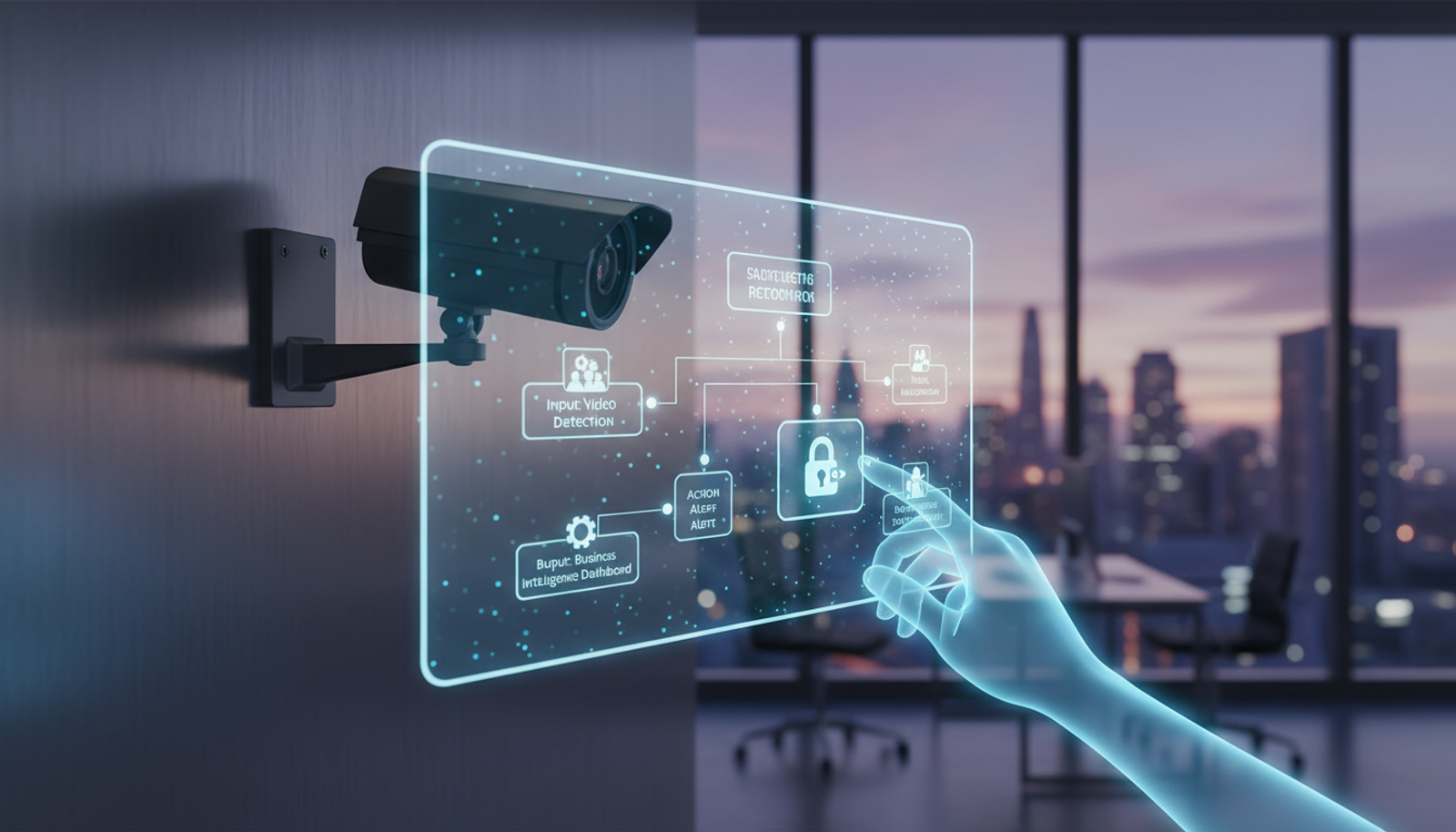
Think of a no-code AI agent as a digital employee that monitors your facility 24/7. Instead of writing complex code, you use a visual interface to define what the system should look for.
Recent developments from companies like Spot AI are allowing business owners to build custom agents that identify specific events—like a delivery truck arriving, a spill on a warehouse floor, or a customer waiting at a counter—without needing to know a single line of programming.
Why This Matters Now
For a long time, AI was confined to browser-based tasks. Now, it is becoming a tool that interacts with your physical environment. Major industrial players like Hitachi are also entering this space, signaling that physical AI is moving from a niche experiment to a standard business tool.
For the small business owner or manager, this means you can finally extract actionable data from your security system. You aren't just storing video; you are generating insights.
How to Build Custom AI Video Agents
If you have existing security cameras, you are already halfway there. Here is how to get started:
- Identify the Pain Point: Don't try to automate everything at once. Pick one specific, repetitive task, such as monitoring a loading dock or a retail checkout line.
- Select Your Platform: Look for tools that offer a "no-code" builder. These platforms allow you to define what an "event" looks like by simply clicking on areas of your video feed.
- Train the Logic: Most modern systems use a "point and click" method. You show the AI what a specific object or behavior looks like, and it learns to flag it.
- Set Up Alerts: Connect the agent to your email or a messaging app so you get notified only when the specific event occurs.
Practical Use Cases for Small Business
- Retail: Get an alert when a customer enters a specific aisle that requires assistance.
- Manufacturing: Monitor safety compliance by flagging when a specific area is entered without proper protective gear.
- Operations: Track how long a vehicle stays in your delivery bay to optimize your logistics.
Frequently Asked Questions
Do I need to replace my current cameras? In most cases, no. Modern no-code AI agents are designed to work with the cameras you already have installed.
Is this difficult to set up? If you can use a smartphone, you can likely use these no-code tools. They are designed for business owners, not software developers.
How much does it cost? The barrier to entry has dropped significantly, but costs vary by the number of cameras and the complexity of the tasks. Always start with a pilot program on one camera to test the value.
Start Simplifying Your Operations
Technology should make your life easier. By automating your security cameras, you gain more time to focus on the work that actually matters. Start by auditing your current camera setup and identifying one manual task that could be automated today.
Try Gab AI
Try Gab AI for uncensored AI chat, real-time web search, and high-quality content generation.