Practical Tips for Creators and Freelancers to Use AI Video Tools for High-Quality Content on a Budget
By Arya
Discover hands-on advice for using AI video generation tools to create professional videos quickly and affordably. Learn prompt tricks, workflow integrations, and why tools like Gab AI simplify the process for busy creators.
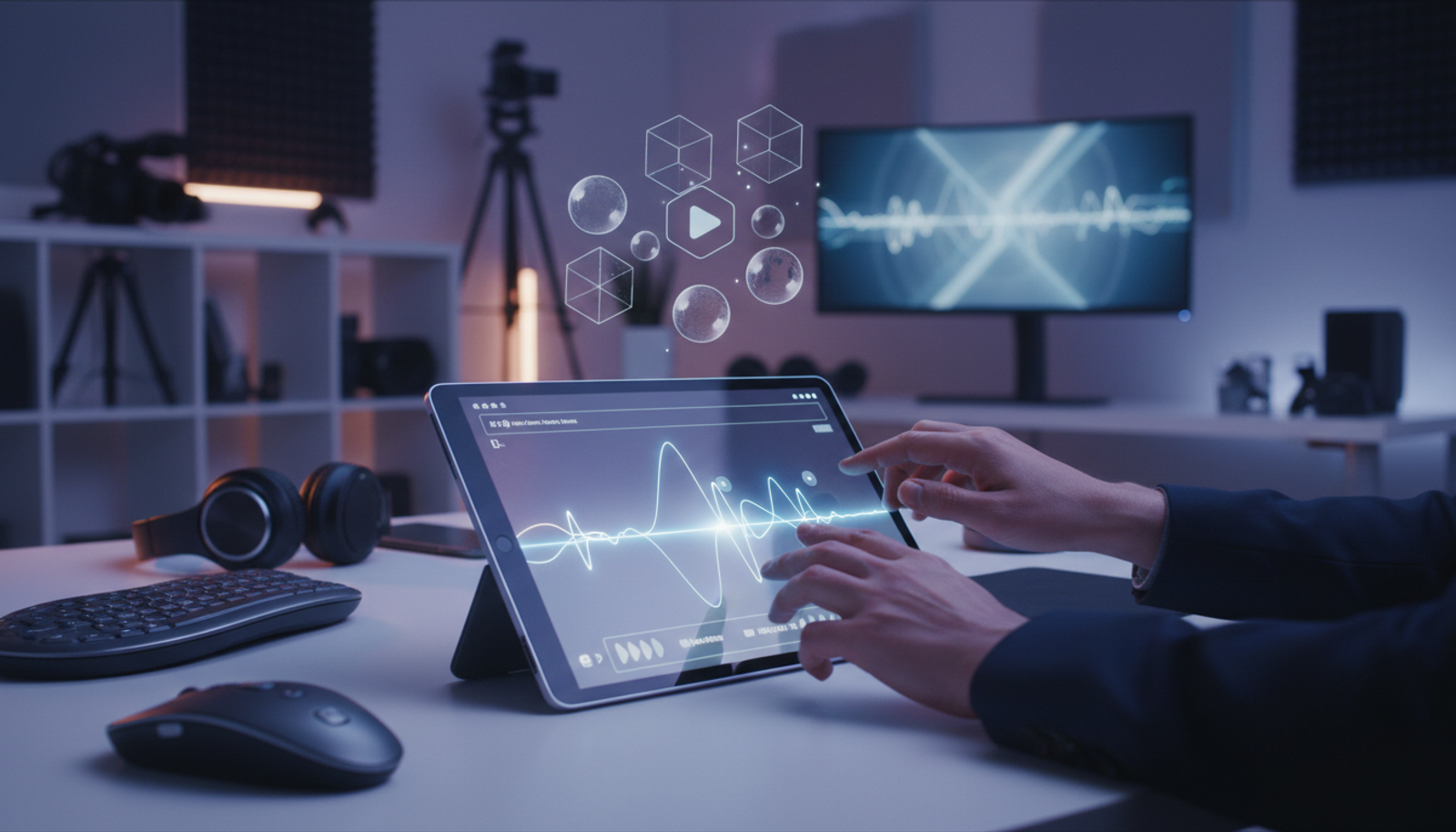
Practical Tips for Creators and Freelancers to Use AI Video Tools for High-Quality Content on a Budget
Imagine you're a freelancer juggling client deadlines, and you need a polished promo video without hiring a full production team. AI video generation tools make this possible, turning simple ideas into engaging clips in minutes. With recent expansions in accessibility, these tools are now within reach for everyday creators, helping you save time and money while boosting your marketing output.
In this post, we'll break down what these tools can do, share the latest news on their availability, and give you practical steps to get started. Whether you're a small business owner or a side-hustle creator, you'll walk away with actionable tips to produce high-quality videos on a budget.
What Are AI Video Generation Tools?
AI video generation tools use smart algorithms to create videos from text descriptions or basic inputs. Think of them as a digital director: you describe a scene, and the AI handles the visuals, motion, and even basic audio. No need for expensive cameras or software suites.
For beginners, this means you can generate everything from short social media clips to product demos without a film degree. Tools like these handle the heavy lifting, letting you focus on your message. But to get pro results, it's all about crafting the right inputs and blending them into your workflow.
Latest AI News: Wider Access to Advanced Video AI
Google's Veo 3, a powerful AI video creation tool, is now widely available to more users, opening up high-fidelity video generation for creators everywhere. According to Artificial Intelligence News, this rollout means everyday freelancers can access features that were once limited to big studios.
Meanwhile, Sora has expanded to regions like Thailand, becoming one of the first in Asia to offer the app broadly. As reported by Artificial Intelligence News, this comes at a time when content demands are surging into 2026, driven by marketing needs and social platforms.
Why This Matters for You
These updates lower the barrier to entry. If you're a creator in a growing market or a freelancer targeting global clients, you can now produce videos faster without geographic limits. For small businesses, it translates to better customer engagement tools—think personalized ads or tutorials that feel custom-made. Check out more on AI marketing trends in this AI Apps blog post.
What hasn't changed is the core challenge: these tools shine when used smartly, not just plugged in blindly.
Practical Use Cases for Freelancers and Creators
AI video tools aren't just for Hollywood—they're game-changers for real-world work. Here are a few scenarios tailored to busy professionals.
Boosting Marketing for Small Businesses
As a small business owner, you might need quick videos for email campaigns or Instagram Reels. Use AI to generate a 30-second explainer of your services, then tweak it for branding. This saves hours compared to traditional shooting and editing.
Streamlining Freelance Content Creation
Freelancers often wear multiple hats. Generate client pitch videos or tutorial series with AI, focusing your energy on strategy instead of production. For instance, a graphic designer could create animated portfolio showcases in under an hour.
Enhancing Educational or Church Content
Church leaders or educators can produce inspirational messages or lesson visuals affordably. AI handles dynamic elements like transitions, making content more engaging without a budget for pro editors.
Step-by-Step Guide to Generating Videos with AI
Getting started is straightforward. Here's a simple workflow to create a professional video from scratch.
Choose Your Tool: Pick an AI video generation tool that fits your needs. For an all-in-one option, try Gab AI, which lets you create videos alongside text, images, and more in one dashboard.
Craft a Detailed Prompt: Describe your video clearly. Include style, length, and key actions. Example: "A 15-second clip of a cozy coffee shop scene at dawn, with steam rising from mugs and soft lighting, in a realistic style."
Generate and Review: Input your prompt and let the AI work. Most tools output a draft in seconds to minutes. Watch for pacing and accuracy.
Integrate into Editing Workflow: Export the video and import it into free tools like CapCut or iMovie. Add voiceover, text overlays, or music to polish it.
Test and Iterate: Share a draft with a client or audience for feedback, then refine the prompt for version two.
This process can cut production time from days to hours, ideal for freelance deadlines.
Prompt Engineering Tricks for Better Results
The secret to high-quality AI videos? Smart prompts. Here are copy-and-paste examples tailored for creators.
For Google Veo 3-Style Outputs (for Creators): "Create a dynamic 20-second product demo: A sleek laptop opening on a modern desk, zooming into features like the screen and keyboard, with upbeat background music and text labels. High-resolution, cinematic lighting."
Sora AI Video Tips for Freelancers: "Generate a tutorial video: Step-by-step guide to baking cookies, starting with ingredients on a kitchen counter, showing mixing and baking in sequence, warm tones, 30 seconds long."
General Freelance AI Content Creation Prompt: "Produce an engaging social media ad: A freelancer typing on a laptop in a home office, transitioning to finished designs on screen, motivational voiceover, 10 seconds, vibrant colors."
Start with these, then tweak words like "cinematic" or "realistic" to match your vision. Avoid vague descriptions—specificity yields better results.
Common Mistakes to Avoid
Beginners often trip up here:
Overly Vague Prompts: Saying "make a video about coffee" leads to generic output. Add details like angle and mood.
Ignoring Aspect Ratios: Social videos need 9:16 for vertical; match your platform to avoid cropping issues.
Skipping Edits: AI drafts are raw—always refine in an editor for branding and flow.
Tool Overload: Jumping between apps wastes time. An all-in-one like Gab AI keeps everything streamlined.
Quick Start Guide: 10 Minutes to Your First Video
- Sign up for an AI video tool (5 minutes).
- Use one of the prompts above (2 minutes).
- Generate and download (2 minutes).
- Add simple text in a free editor (1 minute).
Boom—you've got a usable clip. For freelance AI content creation, this workflow scales to multiple projects daily.
Why an All-in-One AI Tool Like Gab AI Simplifies Video Creation
Switching between video generators, editors, and idea tools creates friction, especially for creators on a budget. An all-in-one AI tool to create text, images, videos, music, and more eliminates that hassle. With Gab AI, you brainstorm scripts, generate visuals, and produce the final video in one place—perfect for freelancers who need speed without complexity.
It makes AI accessible, turning scattered ideas into polished outputs faster, whether you're building marketing content or personal projects.
FAQ
What makes AI video tools budget-friendly for freelancers?
They reduce costs on equipment and crews, often with free tiers or low subscriptions. Focus on prompts to get pro results without extras.
How do I integrate AI videos into my workflow?
Generate clips, then layer them in tools like Adobe Premiere or free alternatives. Use AI for music or thumbnails too via all-in-one platforms.
Are these tools easy for non-tech users?
Yes—start with simple prompts. Practice with short videos to build confidence.
Conclusion
AI video generation tools empower creators and freelancers to produce high-quality content without breaking the bank. With wider availability and smart techniques, you can save production time and elevate your marketing game. Start experimenting today to see real results in your work.
Ready to create? Start generating text, images, videos, music, and more in one place at Gab AI.