Practical Ways Creators and Freelancers Can Use Generative AI for Faster Content Creation
By Arya
Discover hands-on tips for using generative AI to speed up visuals, videos, and marketing copy. Learn efficiency tricks inspired by big brands like L’Oréal, perfect for solo creators saving time and money.
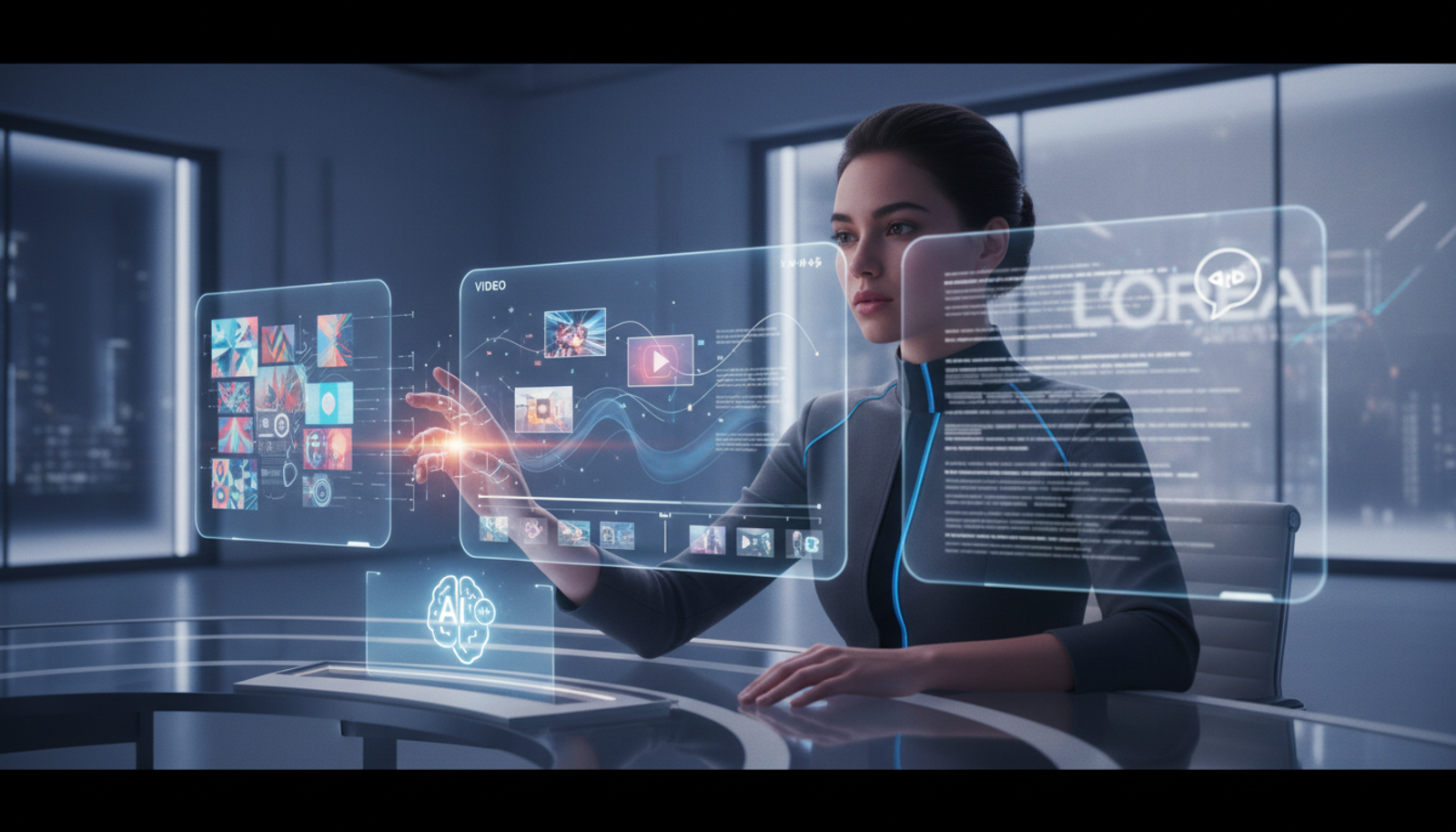
Practical Ways Creators and Freelancers Can Use Generative AI for Faster Content Creation
Imagine you're a freelance marketer juggling client deadlines, social media posts, and video edits—all on a tight budget. What if you could cut your content creation time in half without hiring a team? That's the promise of generative AI for content creators, and it's becoming more accessible every day.
Big companies are leading the way, but the tools they inspire are now within reach for solo creators like you. In this post, we'll break down practical tips to generate high-quality visuals, videos, and marketing copy efficiently. You'll get step-by-step guidance, real examples, and ways to avoid common pitfalls—all while emphasizing brand safety and cost savings.
What Generative AI Means for Everyday Creators
Generative AI is like a smart assistant that creates new content from simple instructions. Think of it as turning a rough idea into polished visuals or text, without starting from scratch. For freelancers, this means faster workflows and less frustration.
Recent moves by brands like L’Oréal show how it's transforming marketing. According to Crescendo.ai, L’Oréal is weaving generative AI into its core processes to speed up ad creation while keeping everything on-brand. Similarly, Disney is integrating it into their operations for more efficient storytelling, as reported on the same site. Even smaller innovations, like Photoroom’s efficient AI designs from AI Buzz, highlight how these tools can run smoothly without massive computing power.
Why does this matter now? With companies like Disney and L’Oréal integrating generative AI into their core workflows, accessible tools are democratizing content production, helping creators meet rising demands for fresh content without big budgets or teams. It's about working smarter, not harder.
Hands-On Tips for Generating High-Quality Visuals
Visuals are the backbone of social media and marketing. Generative AI lets you create custom images quickly, ensuring they align with your brand's voice.
Step-by-Step: Create Brand-Safe Images
Define your prompt clearly: Start with specifics like style, colors, and mood to avoid generic results. For example, if you're promoting eco-friendly products, describe "a serene forest scene with sustainable packaging in soft greens."
Use an AI image generator: Tools like an all-in-one AI platform can handle this seamlessly. Input your prompt and generate variations.
Review for safety: Check outputs for appropriateness—AI can sometimes produce off-brand elements. Edit or regenerate as needed.
Export and integrate: Download in high-res for your website or social posts.
Here's a copy-paste prompt for freelance marketing: "Generate a professional headshot of a confident businesswoman in a modern office, neutral background, high resolution, brand-safe for corporate use."
This approach, inspired by L’Oréal's workflows, saves hours compared to stock photo hunts.
Speeding Up Video Creation with AI
Videos grab attention, but editing them solo is time-intensive. AI tools for video editing and social media can automate clips, transitions, and even voiceovers.
Efficient Workflow for Short-Form Videos
For creators making TikToks or Reels:
Gather your assets: Upload raw footage or describe scenes.
Generate with AI: Use prompts to create effects or extend clips. Example: "Edit this 10-second clip into a 30-second social media promo with upbeat music and text overlays about summer sales."
Customize for brand: Add your logo and ensure the tone matches—fun for lifestyle brands, professional for B2B.
Preview and post: Test on mobile to confirm it looks good everywhere.
Photoroom’s efficient models remind us that AI doesn't need to be resource-heavy; lightweight tools keep costs low for freelancers.
Copy-paste prompt: "Create a 15-second animated video explaining freelance graphic design services, with smooth transitions, vibrant colors, and a call-to-action at the end."
Crafting Marketing Copy That Converts
Great copy sells, but writer's block hits hard. Generative AI excels at drafting emails, ads, and posts tailored to your audience.
Quick Steps for AI Content Generation
Outline your goal: Decide on length and key points, like benefits or urgency.
Prompt effectively: Include tone and details. For AI tools for freelance marketing: "Write a 200-word blog intro on sustainable fashion, engaging and SEO-friendly, targeting eco-conscious millennials."
Refine for authenticity: AI drafts are a starting point—tweak to add your voice and check facts.
Optimize and deploy: Run through a grammar tool, then schedule.
This mirrors how brands like Disney use AI for consistent messaging, but scaled for solo use.
Common Mistakes to Avoid
Over-relying on defaults: Vague prompts lead to bland results. Always specify.
Ignoring brand guidelines: AI might generate risky content; always double-check.
Skipping edits: Raw AI output can feel robotic—human polish makes it shine.
Tool overload: Jumping between apps wastes time. An all-in-one AI tool to create text, images, videos, and music streamlines everything.
Quick Start Guide: 10 Minutes to Your First AI Project
Sign up for a unified AI dashboard.
Choose a task, like generating a social post image.
Enter a simple prompt: "Design a motivational quote graphic for entrepreneurs."
Generate, tweak, and save.
Post it—boom, content done.
For small businesses or creators, this means producing pro-level work without the overhead.
Why an All-in-One AI Tool Like Gab AI Simplifies Life
Switching between separate apps for images, videos, and text? It's exhausting and error-prone. Gab AI acts as your central hub, letting you generate everything in one place. No more logins or format conversions—just focus on creating. It's ideal for freelancers chasing efficiency and cost savings, much like how big brands streamline their ops.
FAQ
What is generative AI for content creators?
It's tech that produces original content like images or text based on your descriptions, making creation faster and more accessible.
How does AI ensure brand safety?
By using detailed prompts and reviewing outputs, you control the results to match your guidelines.
Can freelancers afford these tools?
Yes—many are free or low-cost, with premium features under $20/month, offering huge ROI through time saved.
Is AI content original enough for marketing?
Absolutely, when refined; it helps brainstorm but your edits ensure uniqueness.
In wrapping up, generative AI isn't just for corporations—it's a game-changer for creators and freelancers. Start small, experiment, and watch your productivity soar.
Ready to try? Start creating text, images, videos, music, and more in one place at Gab AI.