
The Rise of Local AI: How to Run Powerful Models on Your Own Hardware
Discover how efficient, open-source AI models are making it possible to run powerful, private AI directly on your computer without cloud reliance.
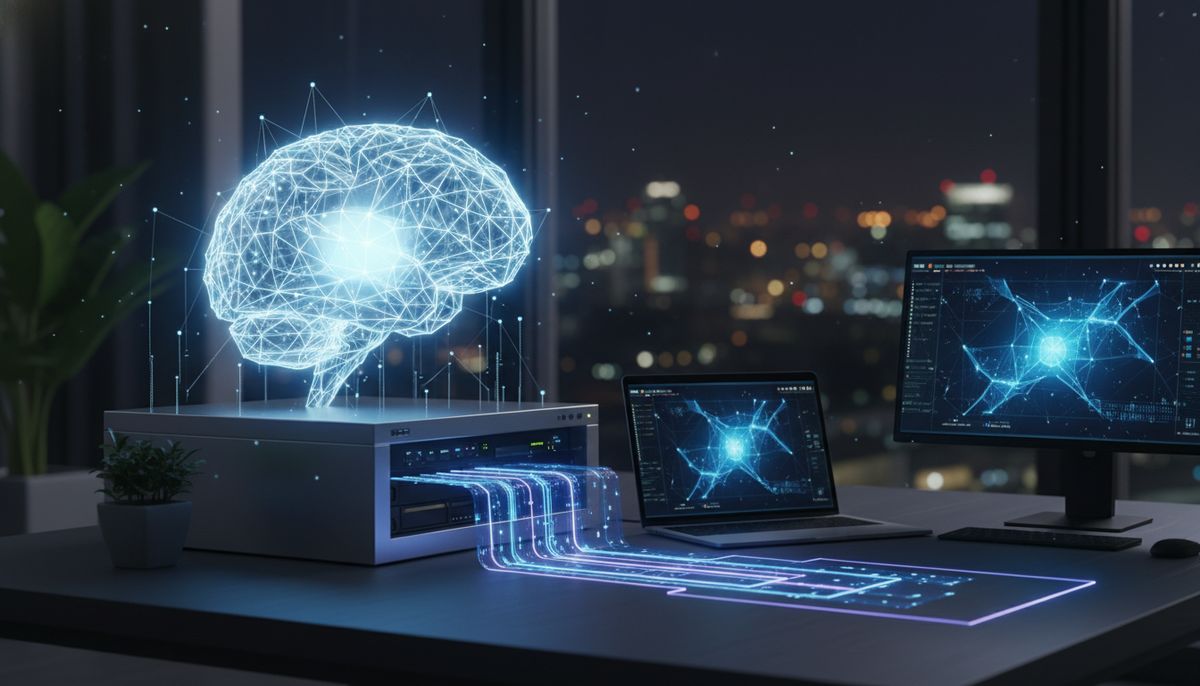
For a long time, using advanced AI meant sending your data to the cloud, paying for every interaction, and relying on external servers. But the landscape is shifting. With the release of highly efficient, open-source models, we are entering the era of local AI models. This allows you to run sophisticated intelligence directly on your own laptop or desktop, keeping your data private and your inference costs at zero.
Why Local AI is a Game Changer
Recent developments, such as those highlighted in industry updates from March 2026, show that smaller, optimized models are becoming incredibly capable. You no longer need a room full of supercomputers to get high-quality results.
For small business owners and creators, this offers three major benefits:
- Total Privacy: Your sensitive business documents or creative drafts never leave your device.
- Zero Recurring Costs: Once you have the hardware, the inference process is free.
- Offline Reliability: You can work from anywhere without needing a stable internet connection.
Is Your Hardware Ready?
Running an LLM on a laptop is more accessible than ever. If you have a modern computer with at least 16GB of RAM and a dedicated graphics card or an Apple Silicon M-series chip, you are likely ready to start.
How to Get Started with Local AI
If you want to experiment with local setups, follow this basic checklist:
- Choose your software: Look for user-friendly interfaces like Ollama or LM Studio, which act as a bridge between your hardware and the models.
- Download the model: Use a reputable repository like Hugging Face to grab a quantized version of an efficient, open-source model.
- Test your prompts: Start with simple tasks—like summarizing a meeting transcript or drafting a blog outline—to see how your hardware handles the load.
Common Questions About Local AI
Do I need a professional GPU?
Not necessarily. While a powerful graphics card helps with speed, modern, efficient models are optimized to run surprisingly well on standard consumer hardware, especially on MacBooks with M-series chips.
Is local AI better than cloud AI?
It depends on the task. For massive, complex reasoning, cloud-based services are still powerful. But for day-to-day writing, brainstorming, and private data analysis, local AI is often faster, more private, and more reliable.
The Bottom Line
Whether you are a creator protecting your intellectual property or a business owner looking to cut overhead, the ability to run AI locally is a massive step forward. By leveraging open-source advancements, you can maintain control over your tools and your data.
Try Gab AI
Try Gab AI for uncensored AI chat, real-time web search, and high-quality content generation.



