Top AI Tools for Creators: Generate Stunning Images, Videos, and Memes in Minutes
Discover step-by-step tips to use AI tools for creators and boost your content game with fast image, video, and meme generation. Perfect for freelancers saving time in 2026.
Top AI Tools for Creators: Generate Stunning Images, Videos, and Memes in Minutes
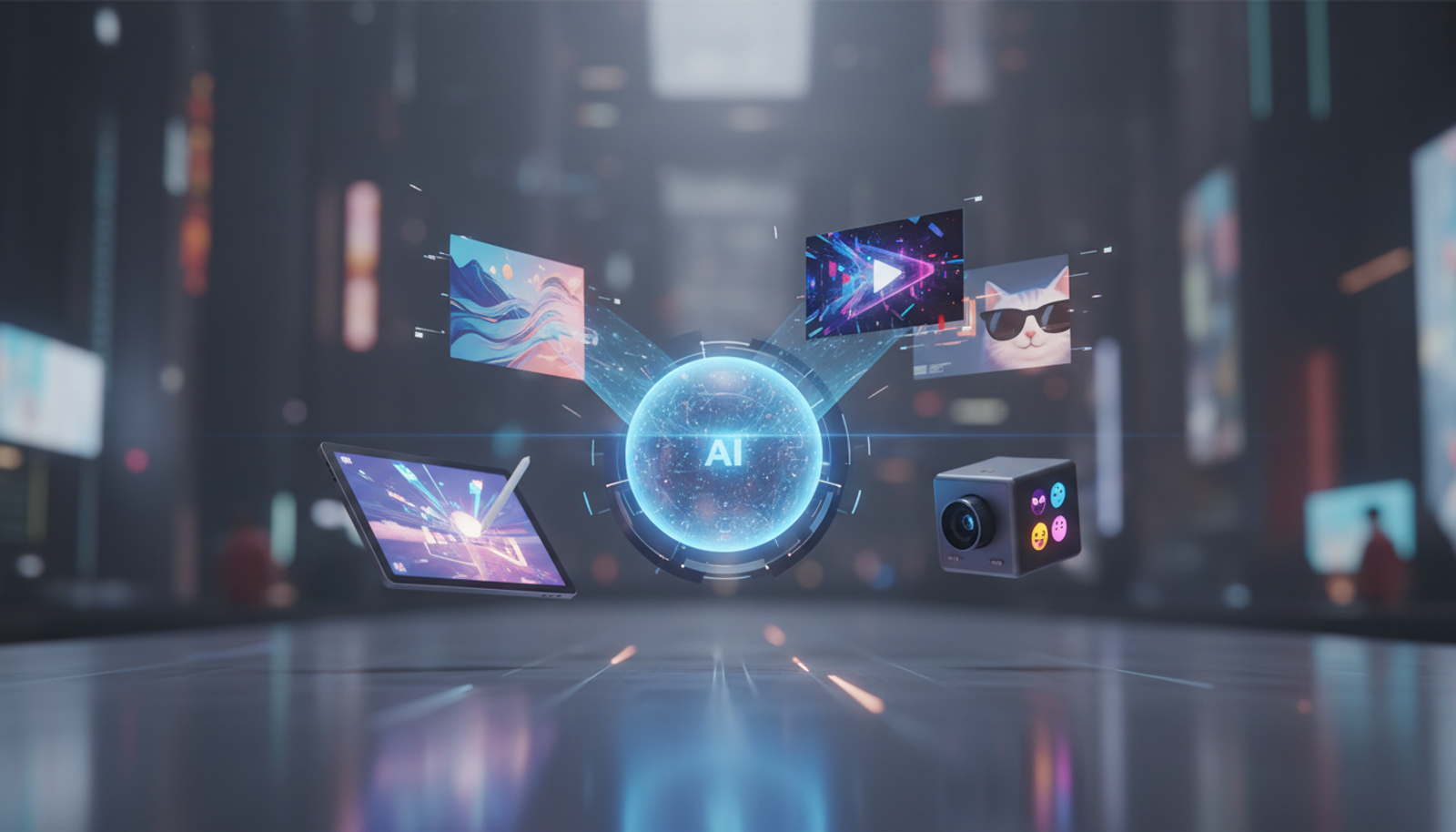
If you're a freelancer juggling client deadlines or a content creator chasing viral posts, time is your biggest enemy. But in 2026, AI tools for creators are changing that. You can now whip up professional images, videos, and even memes in minutes, without needing fancy software or design skills. This isn't about magic—it's about smart workflows that let you focus on your ideas, not the grunt work.
Let's break it down simply: AI generators take your basic description and turn it into polished visuals. Whether you're promoting a product on social media or building a brand as a solopreneur, these tools save hours and spark creativity. And with recent launches making them more accessible, it's easier than ever to get started.
The 2026 Boom in AI Creative Tools: Why It Matters Now
December 2025 saw a wave of new AI releases that set the stage for this year's explosion in creative tech. Tools for generating images and videos became faster and more user-friendly, driven by advances in how AI processes everyday language into visuals. For instance, updates focused on real-time editing and better quality outputs, as covered in recent AI news roundups (Times of AI) and December highlights (AI Apps Blog).
What does this mean for you? As social media demands more video content and marketing ramps up, creators can produce viral material quicker. Small business owners, like those exploring AI for growth (Dharana Digital), now have affordable options to compete without a big team. It's not hype—it's a practical shift that levels the playing field.
Practical Use Cases for AI Tools in Content Creation
Boosting Freelance Workflows with AI Image Generators
Freelancers often spend hours on stock photos or custom graphics. AI image generators fix that by creating tailored visuals from text prompts. Imagine needing a banner for a client's blog—describe it, and get options in seconds.
For small businesses, this means custom marketing materials without outsourcing. One creator I know used it to design seasonal promotions, cutting design time by 80%.
Creating Engaging Videos for Social Media
Video is king in 2026, but editing clips can eat your day. AI video generators turn scripts or images into short clips, adding effects automatically. Perfect for TikTok reels or YouTube intros.
Content creators use this to repurpose blog posts into videos, reaching more audience without extra effort.
Quick Meme Generation for Viral Humor
Memes drive shares, but crafting them manually is tedious. AI tools for meme creation let you input a joke or trend, and it generates captioned images instantly. Great for building community on platforms like Instagram.
Freelancers in social media management can batch-create memes for campaigns, keeping clients happy with fresh content.
Step-by-Step Guide: How to Use AI for Meme Creation
Getting started is straightforward. Here's a simple workflow using an all-in-one AI tool:
Sign Up and Access the Dashboard: Head to your AI platform and log in. Look for the image or meme generator section.
Craft Your Prompt: Describe the meme. For example: "A funny cat wearing sunglasses with the caption 'When Monday hits but you're ready for coffee.'"
Generate and Customize: Hit create. Review options, then tweak text or style if needed.
Download and Share: Export as PNG or GIF. Upload directly to social media.
This process takes under 5 minutes once you're set up.
Copy-and-Paste Prompts for Best Results
Try these ready-to-use prompts for AI generators:
For images: "A vibrant sunset over a mountain lake, in a realistic style, high resolution."
For videos: "A 15-second clip of a coffee shop scene with upbeat music, showing baristas making lattes."
For memes: "Distracted boyfriend meme template with 'Me' looking at 'New AI Tools', ignoring 'Old Software'."
Adjust them to fit your needs—the key is being specific about style and mood.
Common Mistakes Beginners Make with AI Generators
Vague Prompts: Saying "make a cool image" yields generic results. Add details like colors or themes.
Overlooking Edits: AI isn't perfect—always review for accuracy, especially in branding.
Tool Overload: Jumping between apps wastes time. Stick to one unified dashboard.
Avoid these, and you'll get pro-level output faster.
Quick Start Guide: 10 Minutes to Your First Creation
Choose an AI tool (like Gab AI, an all-in-one AI tool to create text, images, videos, music, and more).
Input a simple prompt: "Generate a motivational quote image with ocean waves."
Select and refine one output.
Save and test it in a post.
That's it—you're creating like a pro.
Why an All-in-One AI Tool Like Gab AI Saves Creators Time
Switching between separate apps for images, videos, and memes disrupts your flow. An all-in-one AI tool eliminates that friction, letting you generate everything from one spot. Gab AI stands out here: it's designed for creators who need quick, professional results without the hassle. Whether you're freelancing or running a side hustle, it streamlines from idea to shareable content, boosting productivity in ways scattered tools can't.
FAQ
What are the best AI image and video generators for 2026?
Look for user-friendly options with fast processing. Tools that handle both images and videos in one place, like all-in-one platforms, top the list for efficiency.
How can AI generators help freelance content?
They speed up production, allowing more clients without burnout. Focus on strategy while AI handles visuals.
Is AI meme creation free?
Many offer free tiers with limits; upgrade for unlimited use. Start basic to test workflows.
In the end, AI tools for creators aren't replacing your creativity—they're amplifying it. With these tips, you can produce stunning work faster and smarter. Ready to dive in?
Start creating text, images, videos, music, and more in one place at Gab AI.