Top AI Tools for Freelancers and Creators to Boost Productivity and Content Creation in 2026
Freelancers and creators: Discover practical AI tools for 2026 that streamline image, video, and marketing workflows. Save time, scale output, and focus on what you love with affordable, all-in-one solutions.
Top AI Tools for Freelancers and Creators to Boost Productivity and Content Creation in 2026
Imagine wrapping up a client project faster than ever, without the endless hours tweaking designs or scripting videos. As a freelancer juggling deadlines, that's the dream. In 2026, AI tools make it real by handling the repetitive stuff, letting you focus on your unique ideas. If you're creating content for social media, marketing campaigns, or client deliverables, these tools can streamline your workflow.
This guide breaks down how maturing AI is helping creators like you automate tasks and produce personalized assets on demand. We'll cover practical picks for images, videos, memes, and marketing— all while keeping things affordable and straightforward.
What Multimodal AI Means for Your Daily Work
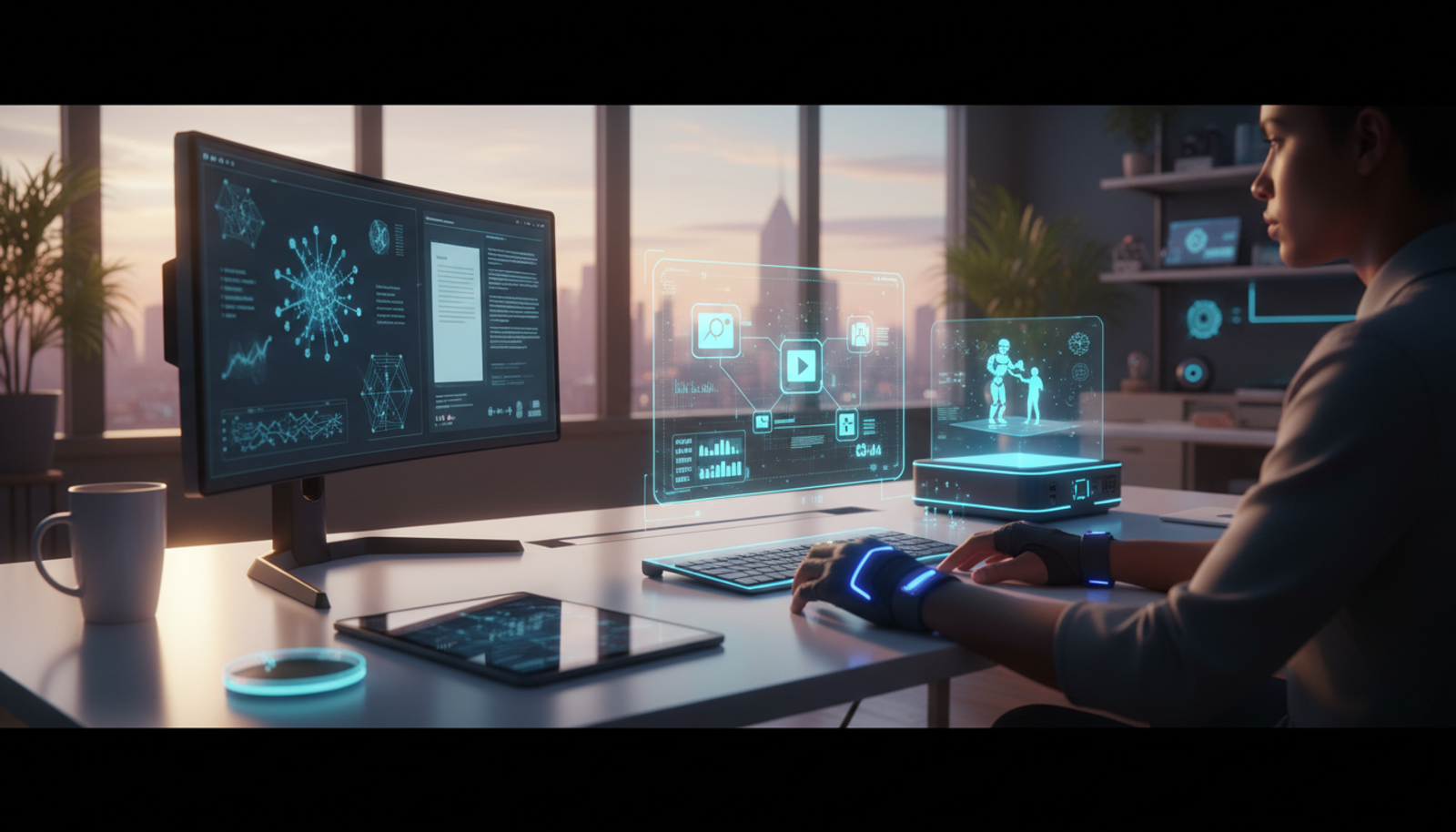
Multimodal AI simply refers to tools that handle multiple types of content at once—like turning text ideas into images or videos without switching apps. It's like having a creative assistant that understands words, pictures, and motion all in one go.
What this means for you: No more piecing together separate software. You describe a concept, and the AI generates visuals, edits, or even full marketing copy. This maturity in AI lets freelancers automate boring tasks amid rising client demands for custom digital content.
For everyday creators, it translates to scaling production without burnout. Think personalized client graphics or quick social posts that feel handcrafted.
The Latest on AI Tools for Creators in 2026
AI is evolving fast, with better integration across content types. According to Monday.com's roundup of top AI newsletters for 2026, marketers are staying updated on tools that blend text, images, and video for seamless workflows. Similarly, AI Accelera's February 2026 newsletter highlights advancements in generative AI that support content creation.
Why it matters now: With clients expecting hyper-personalized assets—like tailored memes or video ads—AI helps you deliver without extra hires. For small businesses or solo creators, this levels the playing field against bigger teams. The key? Choosing affordable options that don't require a tech degree.
Practical Use Cases for Freelancers
Let's get into real scenarios where AI shines for creators. These focus on boosting productivity without overwhelming your budget.
Generating Images to Elevate Your Marketing
Need eye-catching visuals for a client's blog or social campaign? AI image generators turn simple descriptions into professional graphics, saving hours on stock photo hunts.
For creators, this means custom thumbnails or infographics that match your brand vibe. It's perfect for low-cost AI marketing tools that enhance freelance productivity.
Creating Videos Without a Full Production Team
Video content is king, but editing can eat your week. Use AI video generators to script, animate, and polish clips from text prompts—ideal for explainer videos or promo reels.
This is a game-changer for scaling content amid tight deadlines.
Whipping Up Memes for Social Engagement
Memes drive shares, but designing them manually is tedious. AI tools let you input a joke or trend, and it outputs ready-to-post images with text overlays.
Tailored for content creators, this boosts freelance productivity by automating fun, viral elements that keep audiences hooked.
Streamlining Marketing Workflows for Small Businesses
As a freelancer serving small businesses, AI handles email drafts, ad copy, and visuals in one flow. It analyzes your input to suggest personalized campaigns, reducing guesswork.
This section is for you if you're wearing multiple hats—AI ensures consistent, high-quality output without the hassle.
Step-by-Step: Setting Up and Using an All-in-One AI Tool
Start with an all-in-one AI tool that covers text, images, videos, music, and more. Here's how to get going in under 10 minutes.
Sign Up and Explore the Dashboard: Choose a unified AI platform with a simple interface. Create a free account and browse the features—no steep learning curve.
Input Your Idea: Select your output type (e.g., image or video). Type a clear prompt, like "Create a vibrant meme about coffee addiction for social media."
Generate and Refine: Hit generate. Review the result, then tweak with follow-up instructions, such as "Make the text bolder and add a fun filter."
Export and Integrate: Download in your preferred format (PNG for images, MP4 for videos). Plug it directly into your workflow, like Canva or email tools.
Iterate for Clients: Save variations for A/B testing in marketing—AI makes personalization effortless.
Copy-and-Paste Prompts to Try Today
These are ready-to-use for common freelance tasks. Adapt them to your needs.
For Images: "Generate a professional headshot of a smiling entrepreneur in a modern office, high-resolution, warm lighting."
For Videos: "Create a 30-second animated video explaining sustainable fashion, with upbeat music and text overlays."
For Memes: "Design a humorous meme using the 'Distracted Boyfriend' template about choosing freelance gigs over a 9-5 job."
For Marketing Copy: "Write a catchy email subject line and body for promoting a new online course on digital marketing, targeted at beginners."
Use these in your AI tool to see instant results.
Common Mistakes Beginners Make with AI Tools
Overly Vague Prompts: Saying "make something cool" yields generic output. Be specific about style, colors, and purpose.
Ignoring Refinement: Don't accept the first draft—ask the AI to adjust for your brand voice.
Tool Overload: Jumping between apps wastes time. Stick to an all-in-one solution to keep things streamlined.
Forgetting Ethics: Always credit AI-generated work if required, and check for biases in outputs.
Avoid these, and you'll see real productivity gains.
Quick Start Guide: What You Can Do in 10 Minutes
- Log into an all-in-one AI tool.
- Generate one image or video based on a current project.
- Edit lightly and export.
- Test it in your workflow—note the time saved.
That's it. You'll have a tangible asset ready for clients or your portfolio.
Why an All-in-One AI Tool Simplifies Everything
Freelancers often waste hours switching between apps for writing, images, and videos. An all-in-one AI tool eliminates that friction, letting you create text, images, videos, music, and more from a single dashboard.
These tools stand out for creators because they're beginner-friendly, affordable, and handle multimodal tasks seamlessly. Whether you're a solo marketer or video editor, they move you from idea to output faster, boosting freelance productivity without the hassle of multiple subscriptions.
Conclusion
In 2026, the best AI tools for freelancers aren't about flashy tech—they're about reclaiming your time for creative work that matters. By leaning into affordable generators for images, videos, and marketing, you can scale your output and delight clients. Start small, experiment, and watch your workflow transform.
FAQ
What are the best AI image and video generators for creators in 2026?
Look for all-in-one platforms that handle multiple formats affordably. They excel at quick, custom outputs for marketing and social content.
How can using AI improve freelance productivity?
AI automates repetitive tasks like editing and ideation, freeing you for high-value work. Expect to save hours per project.
Are there low-cost AI marketing tools for content creators?
Yes, unified tools with free tiers or low subscriptions cover everything from memes to campaigns without breaking the bank.
Is AI safe for client work as a freelancer?
Absolutely, as long as you review outputs for accuracy and disclose usage when needed. It's a productivity booster, not a replacement.
Try Gab AI
Try Gab AI for uncensored AI chat, real-time web search, and high-quality content generation.