
Top AI Tools for Freelancers and Creators to Boost Content Creation and Marketing Efficiency
Discover how AI tools like Jasper, Synthesia, and Notion AI can streamline your workflow, from generating text to videos, helping freelancers produce high-quality content faster. Learn practical tips tailored for creators.
Top AI Tools for Freelancers and Creators to Boost Content Creation and Marketing Efficiency
Imagine you're a freelancer juggling client deadlines, social media posts, and video edits—all while trying to keep your brand voice consistent. It's exhausting, right? In 2026, AI tools for content creation are changing that game, making it easier to produce high-quality work faster without burning out.
These tools aren't just buzz; they're practical helpers that automate the repetitive stuff so you can focus on creativity. Whether you're a solo creator or running a small side hustle, let's break down how to use them effectively.
What AI Tools for Content Creation Really Mean for You
At their core, AI tools for content creation are like a smart assistant that handles writing, visuals, and even videos based on simple instructions. No need for fancy skills—just tell it what you want, and it delivers drafts you can tweak.
For freelancers, this means less time on grunt work and more on strategy. Think generating blog posts in minutes or whipping up social media graphics that match your style. The key? Choosing tools that integrate well to avoid switching apps constantly.
Latest AI Trends in 2026: Why Now's the Time to Jump In
Multimodal AI—tech that combines text, images, and video seamlessly—is advancing rapidly. According to recent insights, businesses using these tools can achieve faster production times while keeping output personalized (The Best AI Tools for Business in 2026).
AI models are getting smarter at understanding context, so your content feels human, not robotic. Why it matters for everyday creators: With competition rising on platforms like social media, you need an edge to stand out without a big team.
For normal people, this translates to tools that adapt to your niche—whether you're a coach creating motivational videos or a designer mocking up campaigns. Check out these trends shaping the future (Latest AI Trends for 2026 & Beyond) and recent updates (1-1-26 AI News). The bottom line? It's more accessible than ever for small operations.
Practical Use Cases for Freelancers and Creators
Generating Brand-Consistent Social Media Posts
As a creator, consistency builds trust. Use AI to brainstorm posts that align with your voice. For example, if you're in fitness, generate tips, quotes, and captions in one go.
Creating Videos for Marketing
Video is king for engagement, but editing takes hours. AI tools for content creation can script, generate visuals, and even add voiceovers, perfect for product demos or tutorials.
Automating Marketing Workflows
Freelancers often handle email newsletters or ad copy. AI streamlines this, suggesting personalized content that boosts open rates without starting from scratch.
Step-by-Step: How to Use AI for Content Creation
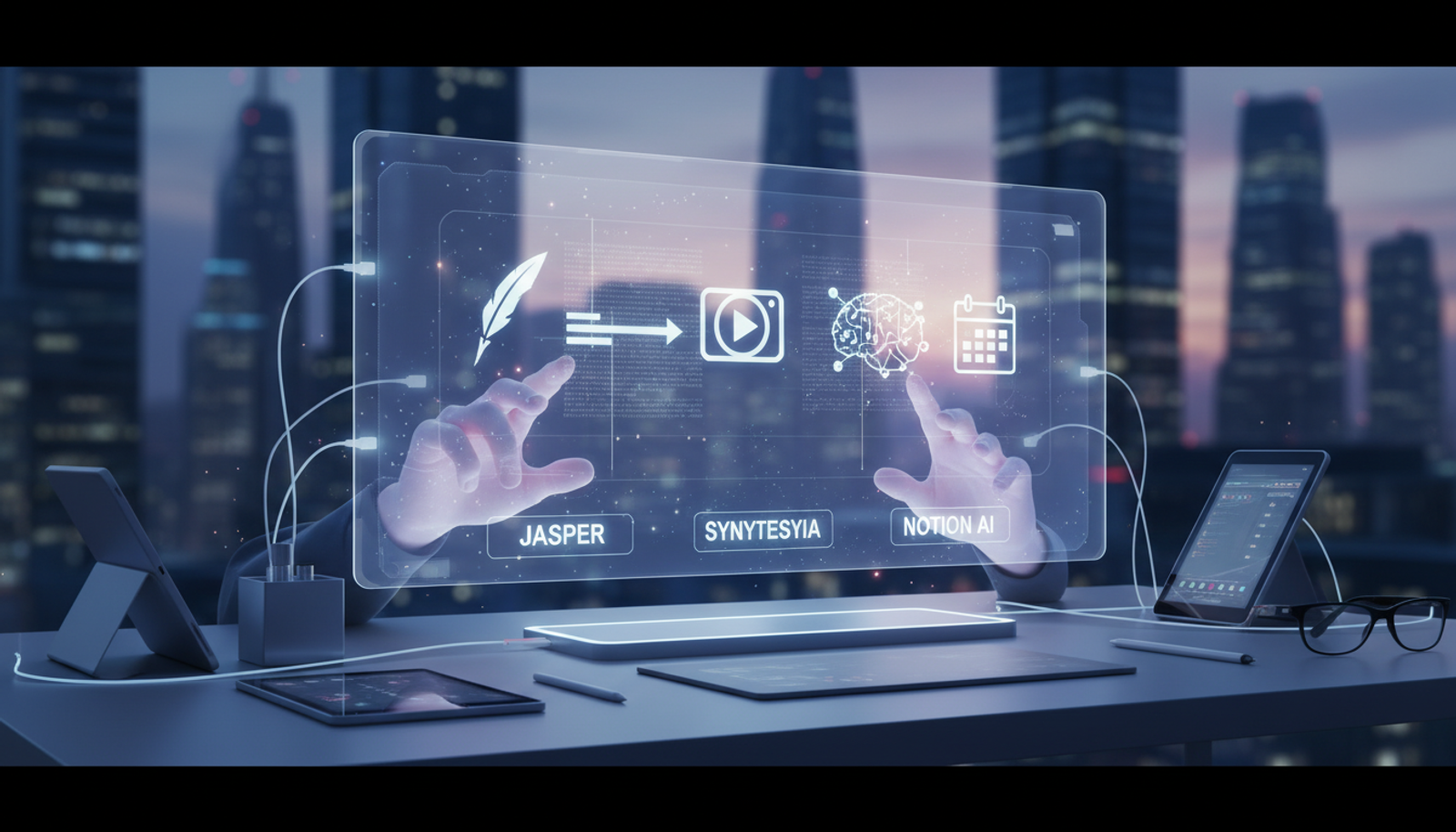
Here's a simple workflow using tools like Jasper for text, Synthesia for videos, and Notion AI for organization.
Set Up Your Workspace with Notion AI: Start in Notion and use its AI to outline your project. Input your brand guidelines—like tone (friendly, professional) and key themes—to guide all outputs.
Generate Text Content with Jasper: Use Jasper with a prompt like: "Write a 300-word blog post on sustainable fashion tips for busy parents, in a warm, encouraging tone." Hit generate, then edit for your touch.
Create Matching Images: Pair with Jasper's image generation or integrate with design tools: "Design a vibrant Instagram graphic with eco-friendly icons and the headline 'Green Style for Hectic Days' using green and blue tones."
Build a Video with Synthesia: Prompt: "Create a 30-second explainer video script on the blog topic, with avatar narration, stock footage of families, and text overlays." Synthesia handles assembly with realistic avatars.
Automate Social Posts: Use Jasper to batch-create: "Generate 5 Twitter threads promoting my new post, including emojis and calls to action."
Review and Schedule: Organize everything in Notion AI, export, and plug into your scheduler. This workflow cuts production time significantly.
Copy-and-Paste Prompts to Get Started
For Blog Writing in Jasper: "Outline and write a beginner's guide to [topic], including 3 key steps, real examples, and a call to action at the end. Keep it under 800 words."
For Video Ideas in Synthesia: "Suggest 3 short video concepts for [your niche], with scripts, visual descriptions, and estimated lengths."
For Marketing Automation in Notion AI: "Create an email sequence outline for welcoming new subscribers: 3 emails over a week, personalized with their name and tailored to [business type]."
These prompts deliver quick, cohesive results across tools.
Common Mistakes Beginners Make with AI Tools
Over-Relying Without Editing: AI is a starting point—always add your unique insights to avoid generic content.
Ignoring Brand Consistency: Don't skip setting parameters; mismatched outputs confuse your audience.
Tool-Hopping: Switching between apps wastes time. Focus on a core set like Jasper, Synthesia, and Notion AI to stay efficient.
For small businesses or creators, this means testing small batches first to refine your process.
Quick Start Guide: 10 Minutes to Your First AI Output
- Log into Jasper.
- Choose text generation and paste a prompt.
- Generate, tweak one sentence.
- Switch to Synthesia for a quick video draft.
- Organize in Notion AI and share. Boom—you're productive.
Why These AI Tools Matter for Creators
Freelancers wear many hats, so integrating tools for writing, videos, and organization reduces friction. Jasper excels at text, Synthesia at videos, and Notion AI at workflows—together, they let you go from idea to finished product faster, ideal for boosting efficiency without the hassle.
FAQ
What are the best AI tools for freelancers in 2026?
Versatile ones like Jasper for writing, Synthesia for videos, and Notion AI for organization top the list for their ease and speed.
How can AI help with marketing automation?
It generates personalized content at scale, from emails to ads, saving hours weekly.
Are AI video tools worth it for creators?
Absolutely—they cut editing time while producing professional results, especially for social media.
In wrapping up, AI tools for content creation empower you to work smarter, not harder. Start small, experiment, and watch your productivity soar.
Try Gab AI
Try Gab AI for uncensored AI chat, real-time web search, and high-quality content generation.



