


AI tools for a specific job
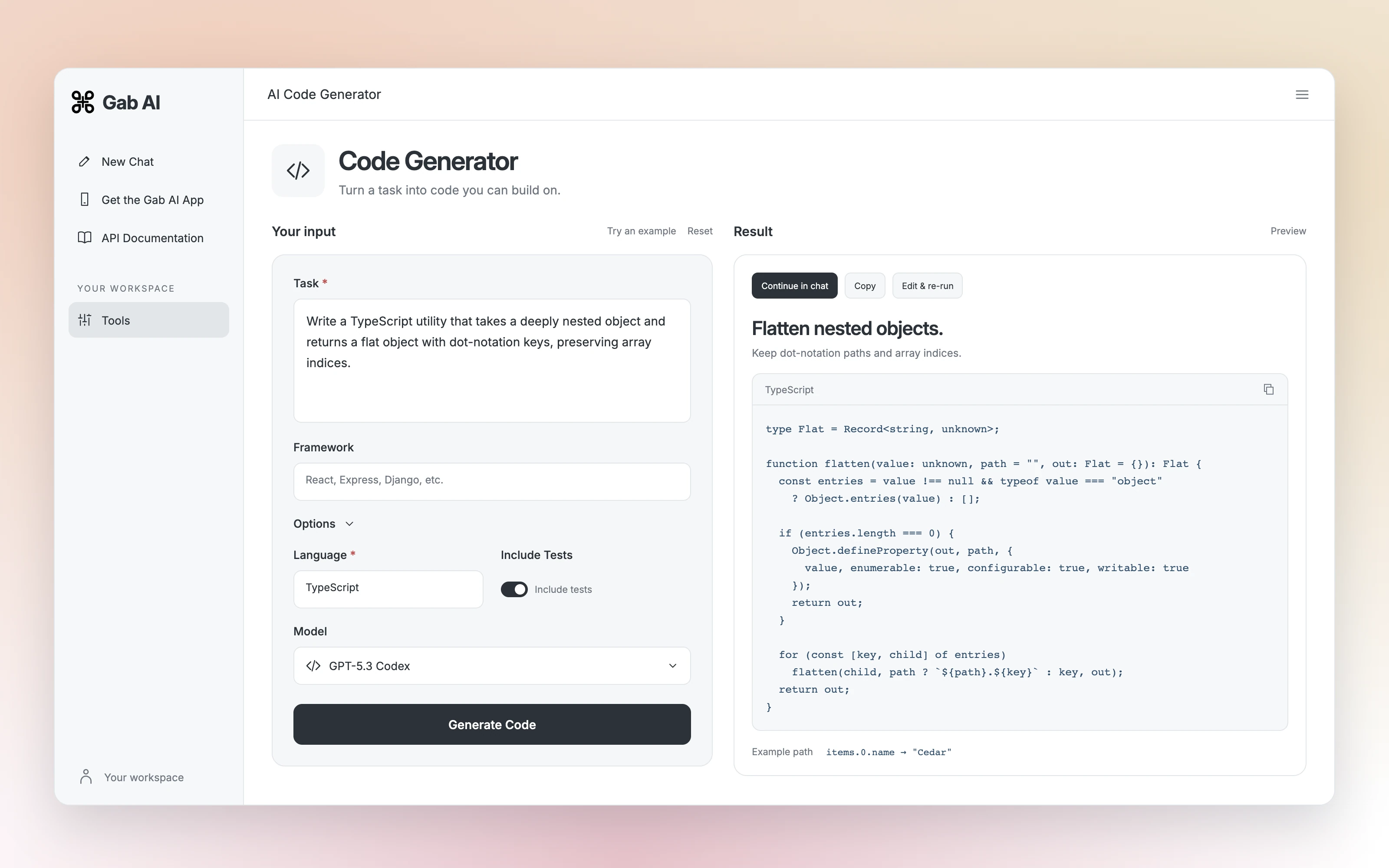
A tool asks for focused inputs and builds a request for an output. Choose a tool when its fields match your task. Use Chat for an open-ended discussion and Work for a multi-step project with files and tools.
Choose the right tool
Find focused input fields for the result you need.
Bring your details
Start from an example and supply your own inputs.
Shape the result
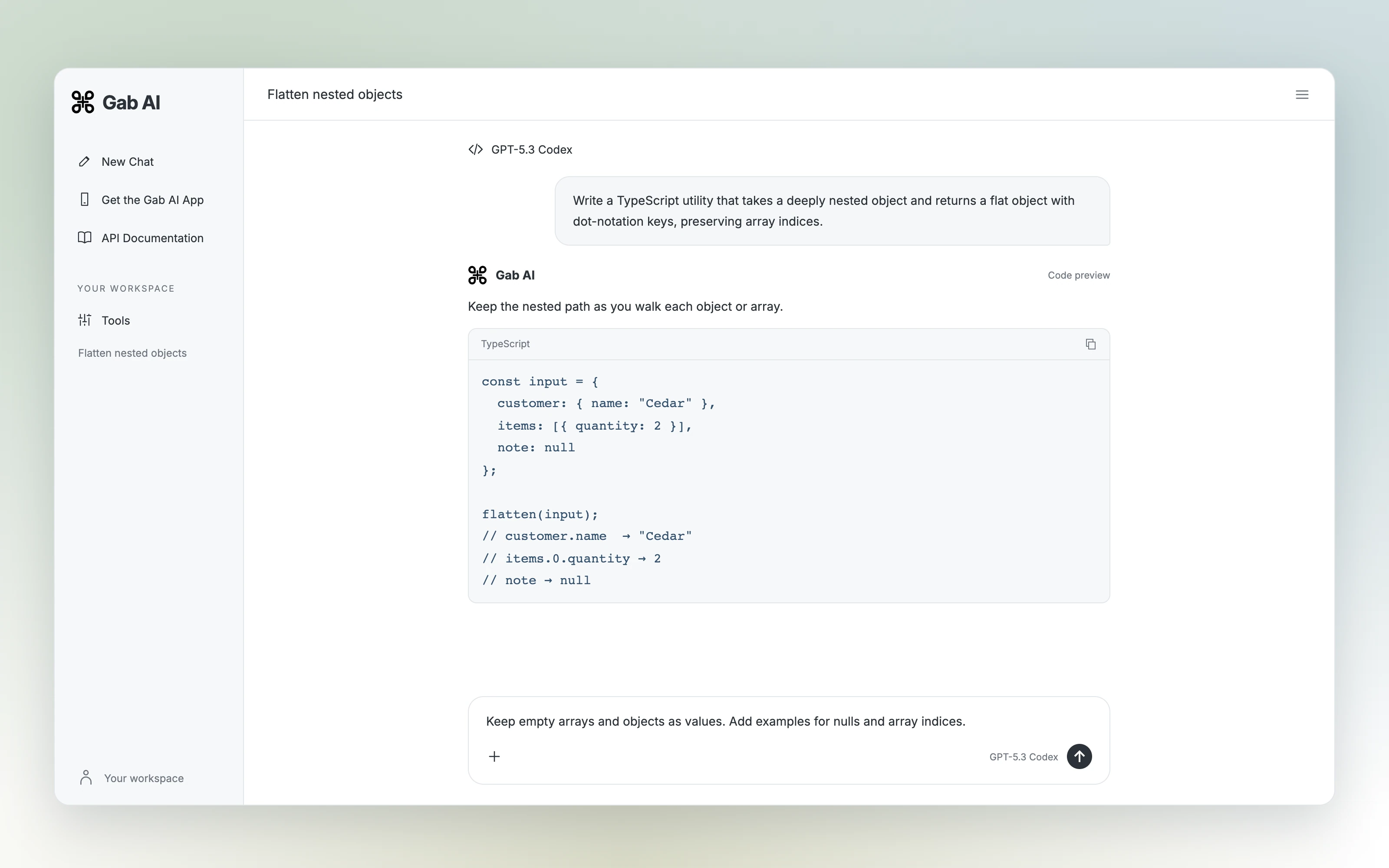
Check the output, edit the inputs or continue in Chat.
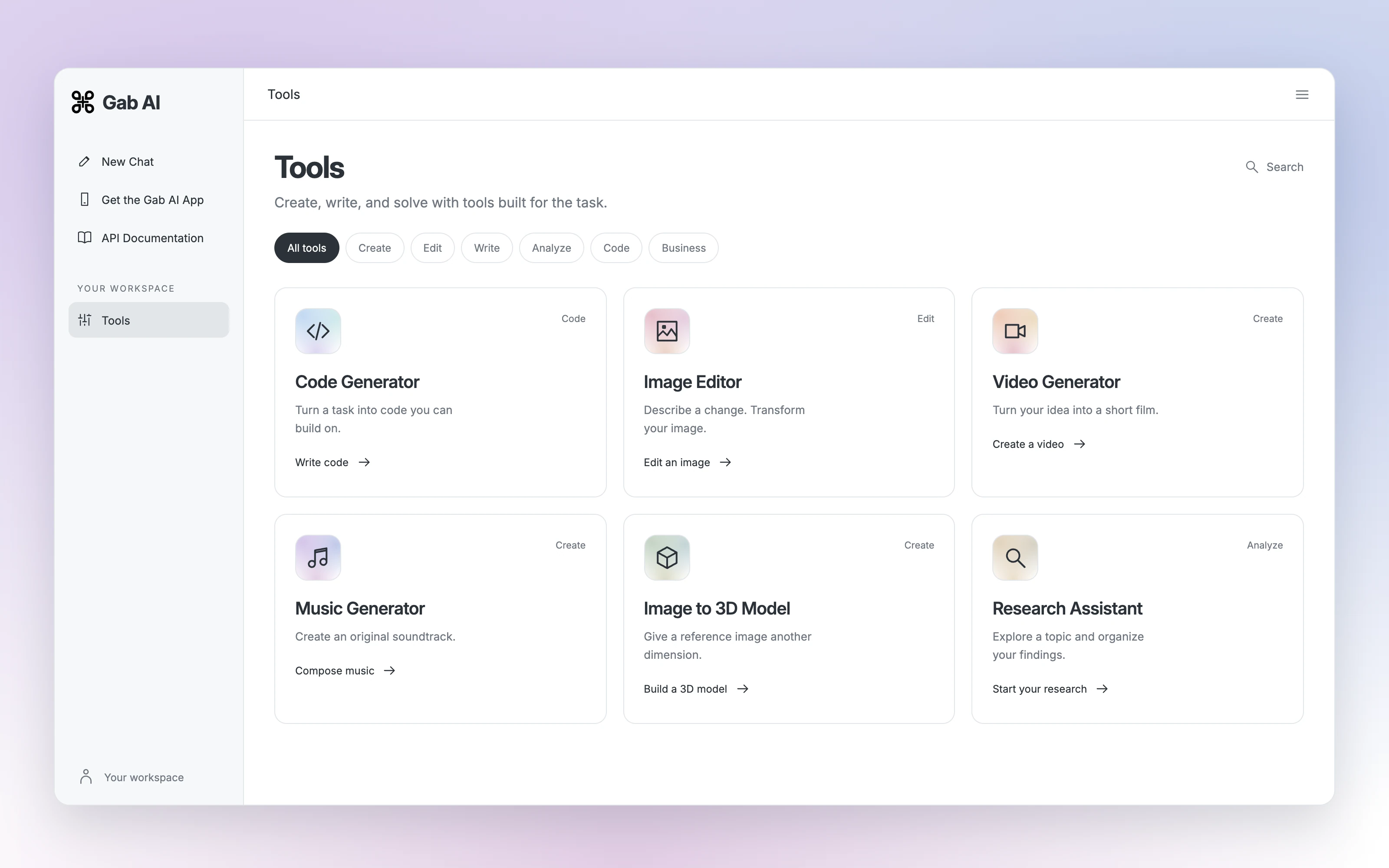
Find a tool for the task.
Write code, change an image, create media or organize your research. Open a tool to see its inputs and options.
Code Generator
Turn a task into code you can build on.
Write codeImage Editor
Describe a change. Transform your image.
Edit an imageVideo Generator
Turn your idea into a short film.
Create a videoMusic Generator
Create an original soundtrack.
Compose musicImage to 3D Model
Give a reference image another dimension.
Build a 3D modelResearch Assistant
Explore a topic and organize your findings.
Start your researchChoose by the output you need
Match the workflow to the image, answer or editable file you want to create.
Image concept or edit
Inspect the image example, then choose a generator or editor with suitable image-input controls.
See image workflowsSourced research
Use Web Search and open original sources. Generated citations need checking.
Research with sourcesEditable deck or spreadsheet
Use the relevant Work workflow and review file, client and export limitations.
Build editable filesTurn meeting notes into a clear action list
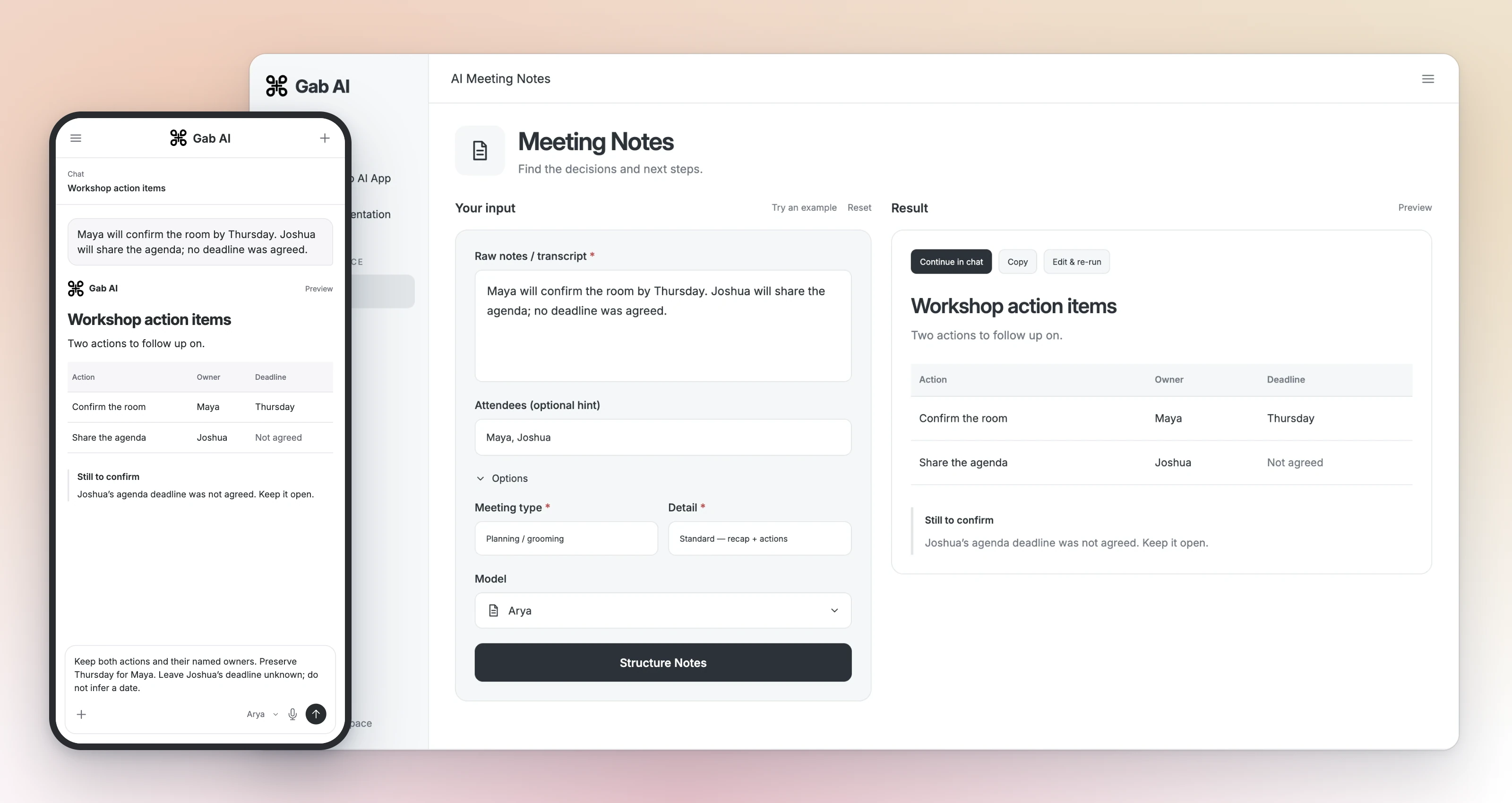
For a text tool whose fields fit this task, supply the notes, desired format and rules together. Field names depend on the selected tool.
Notes and input brief
Notes: Maya will confirm the room by Thursday. Joshua will share the agenda; no deadline was agreed. Task: return action | owner | deadline. Use only these notes. List missing deadlines separately.
Focused revision to try
Keep both actions and their named owners. Preserve Thursday for Maya. Leave Joshua’s deadline unknown; do not infer a date.
Check the action list
Compare each row with the notes. The room action belongs to Maya with a Thursday deadline; the agenda action belongs to Joshua with its deadline unresolved. Check that the revision preserves both actions.
Give the tool its inputs, then shape the result
Complete the selected tool’s fields and run the request. Compare the result with your notes or source, then make a specific revision. Model options, access and usage are explained in the Tools reference.
Are all AI tools free?
No. Review model access, balance and estimate. Some requests can use included credits; others need Plus or qualifying purchased credits. Work requires Plus.
Will a tool fact-check its own output?
A structured form can clarify the request, but you still need to check evidence, calculations and the result. A generated source list is not independent verification.
Are library tools the same as Work plugins?
No. Library tools provide focused workflows. Work plugins and connected services have separate capabilities, accounts and permissions.
Guides and resources
- Tools referenceSee tool controls
- Try an interactive checklist and review its valuesTry an interactive checklist
- Image examplesSee image workflows
- Presentation exampleOpen the deck example
- Work pluginsRead about Work plugins
- PricingCompare plans
- All featuresSee all features
- Product referenceBrowse product guides
See what a useful revision looks like
The bot lesson shows meeting notes turned into an action list with a focused instruction change. It is a separate Chat example; adapt the method to a tool whose fields fit your task.
