
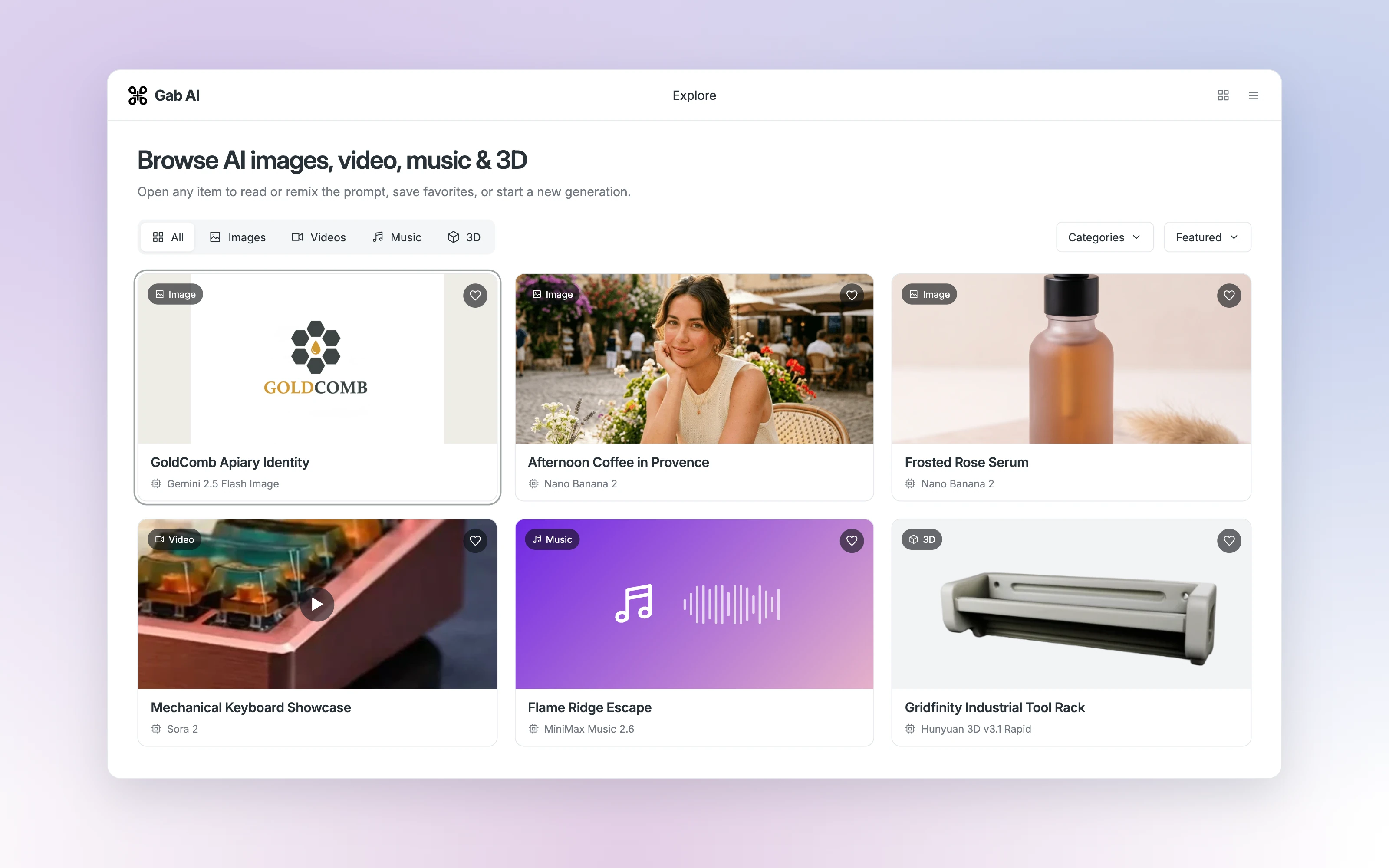


Explore AI examples by the task
Look for original inputs, a readable result and a revision you can compare. Prefer an example that helps with a task you actually need.
Find a direction
Browse by media type and choose an example that fits your task.
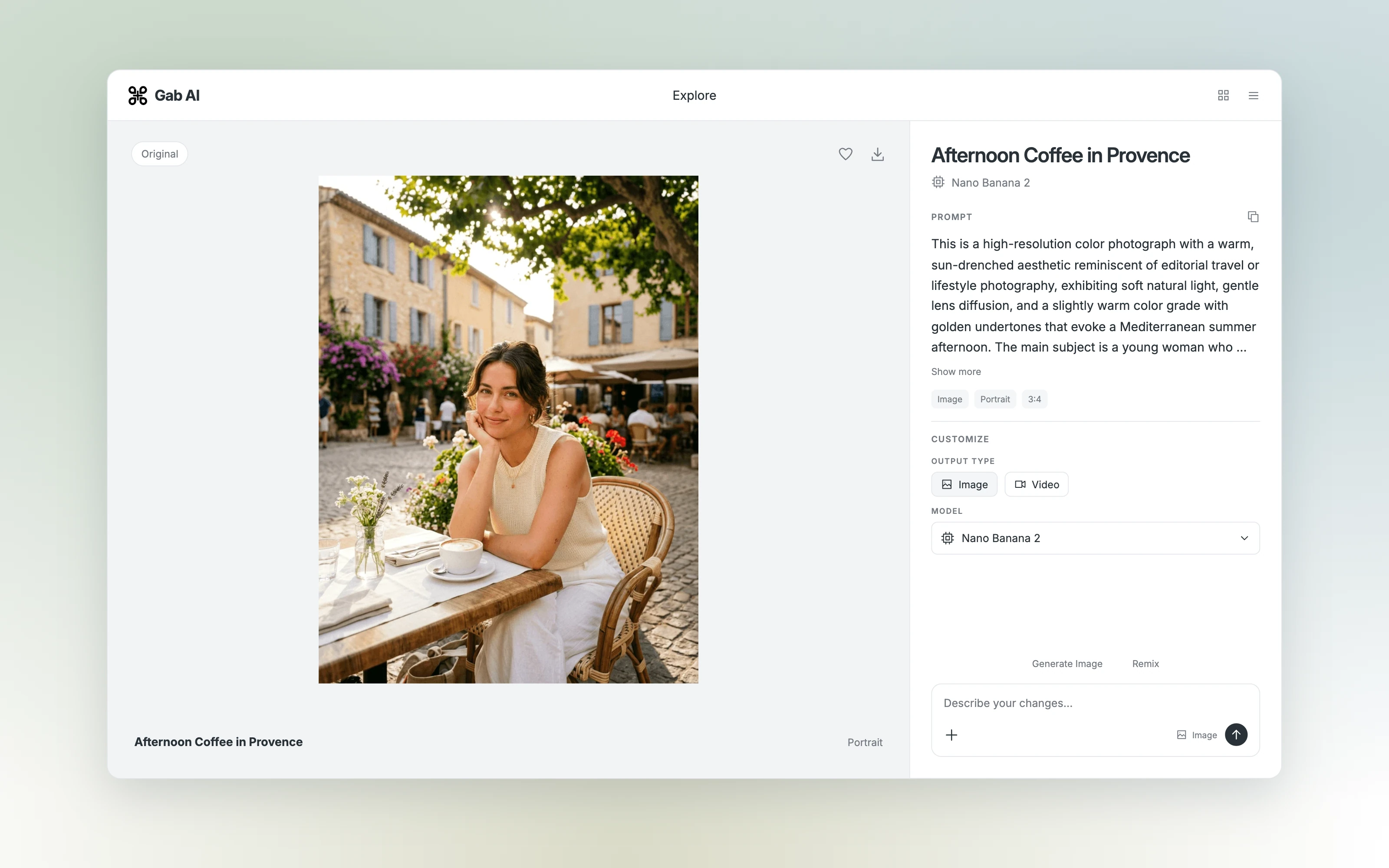
Read the prompt
Open the creation to see its original prompt, model and available settings.
Make a change
Describe your own variation and review what the model creates.
Follow a complete example and revision
These public walkthroughs show the inputs, result and a focused change. They are useful companions to the separate in-app Explore catalog.
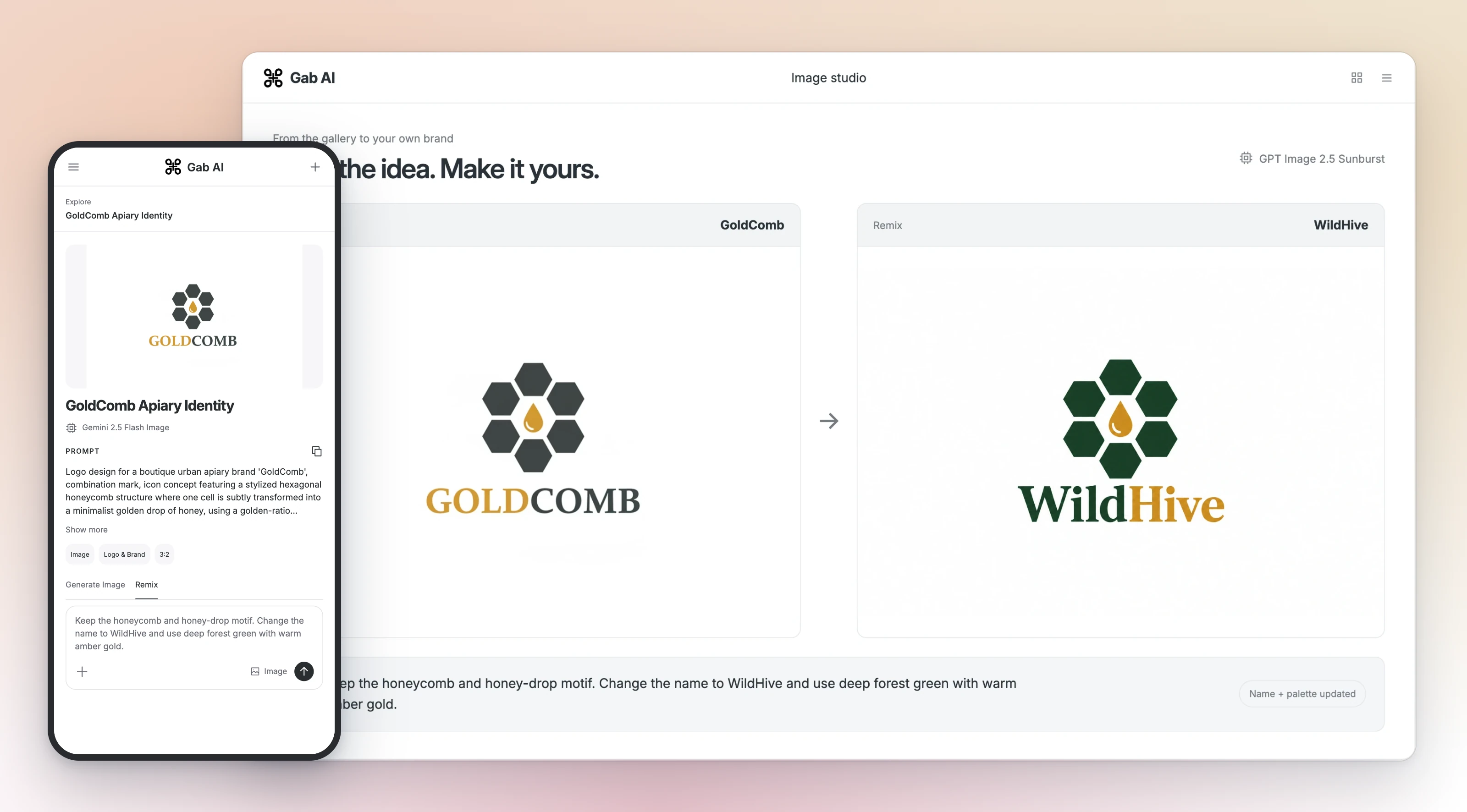
Images: concept and background edit
See the image editVideos: real Gab generation and revision
Watch the video examplesMusic: original, revision and vocals
Hear the arrangementsResearch: sources and corrected handout
Read the research examplePresentations: four-slide deck and revision
Open the deck walkthroughTry a garden-journal cover
Use this complete image brief, then change its background. Create the first image before using it as the source for the follow-up, and compare the watering can, seedlings and title space in both versions.
Garden-journal image brief
Create a square illustrated cover for a garden journal: a blue watering can beside three seedlings, warm morning light, simple cream background. No lettering. Leave space above for a title to add later. Return the actual image. I will check the can, three seedlings and clear space before requesting any revision.
Take an idea into the right workflow
Open an available catalog item or follow a linked lesson. Supply your own inputs and use the model and controls that support the task.
Can I adapt an AI example?
Adapt its structure with permitted material. Inspect inputs, rights and model conditions, then review your own result.
Is every Explore item verified?
No. Availability and quality need individual review. These public examples identify their origin and checked limits.
Where should I begin?
Choose one useful task, read its example and lesson, supply inputs and check a focused revision.
Take the idea into your image workflow
Follow the Work image lesson for a project, or use the direct Image Generator for a single image. Open a walkthrough to follow the full workflow.
Guides and resources
Find more detail and choose your next step.
- Open ExploreBrowse creations
- Use casesFind your use case
- First promptTry your first prompt
- All featuresSee all features
- Try the Work image lessonTry the image lesson
- Explore direct image creationSee the image edit
- Learn a focused revisionPractice a revision
- Open Chat for a one-off requestOpen Chat
- Plans and request accessCompare plans
- Product referenceRead product guides
