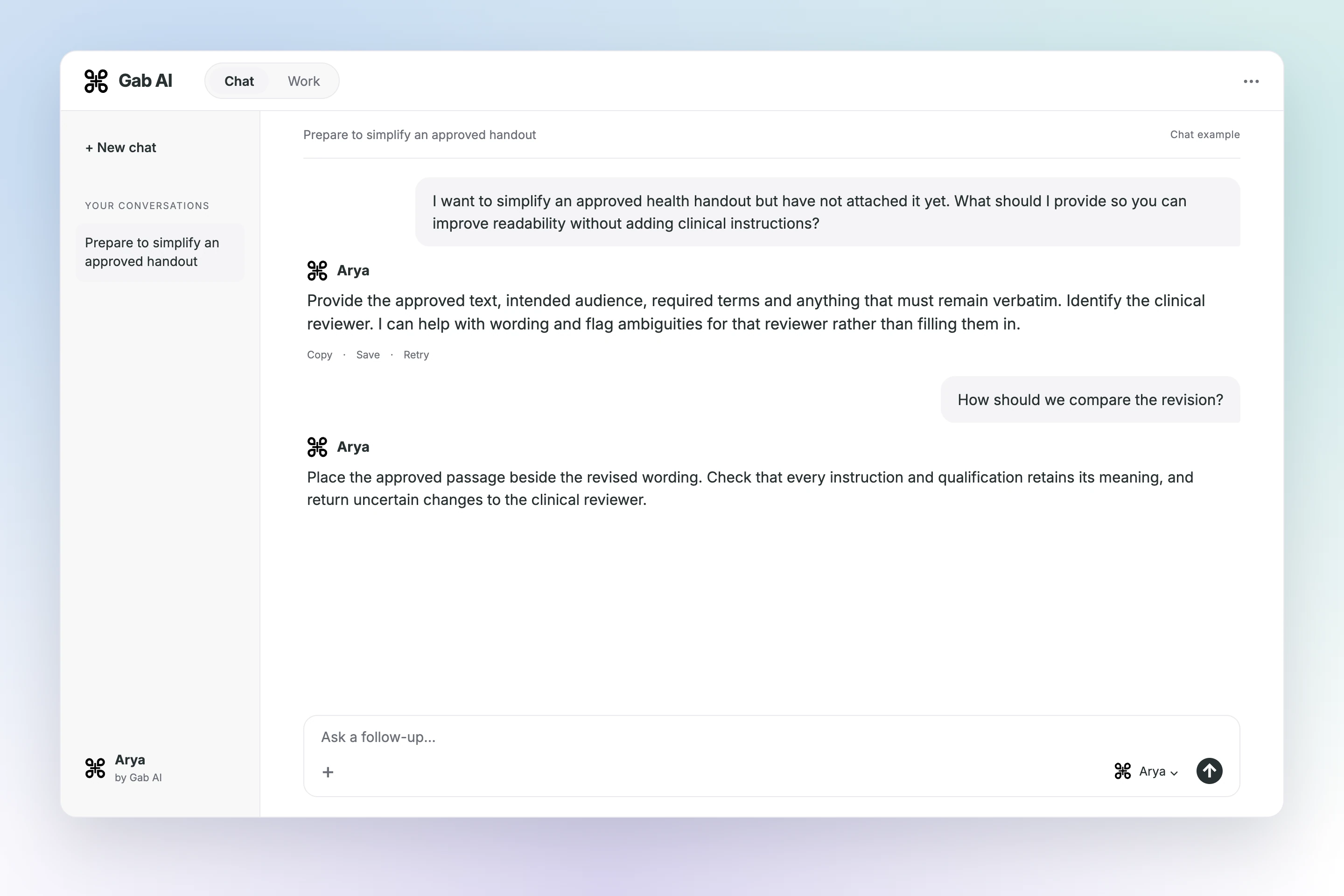
Provide the approved text, intended audience, required terms and anything that must remain verbatim. Identify the clinical reviewer. I can help with wording and flag ambiguities for that reviewer rather than filling them in.
Your follow-up
How should we compare the revision?
Arya
Place the approved passage beside the revised wording. Check that every instruction and qualification retains its meaning, and return uncertain changes to the clinical reviewer.
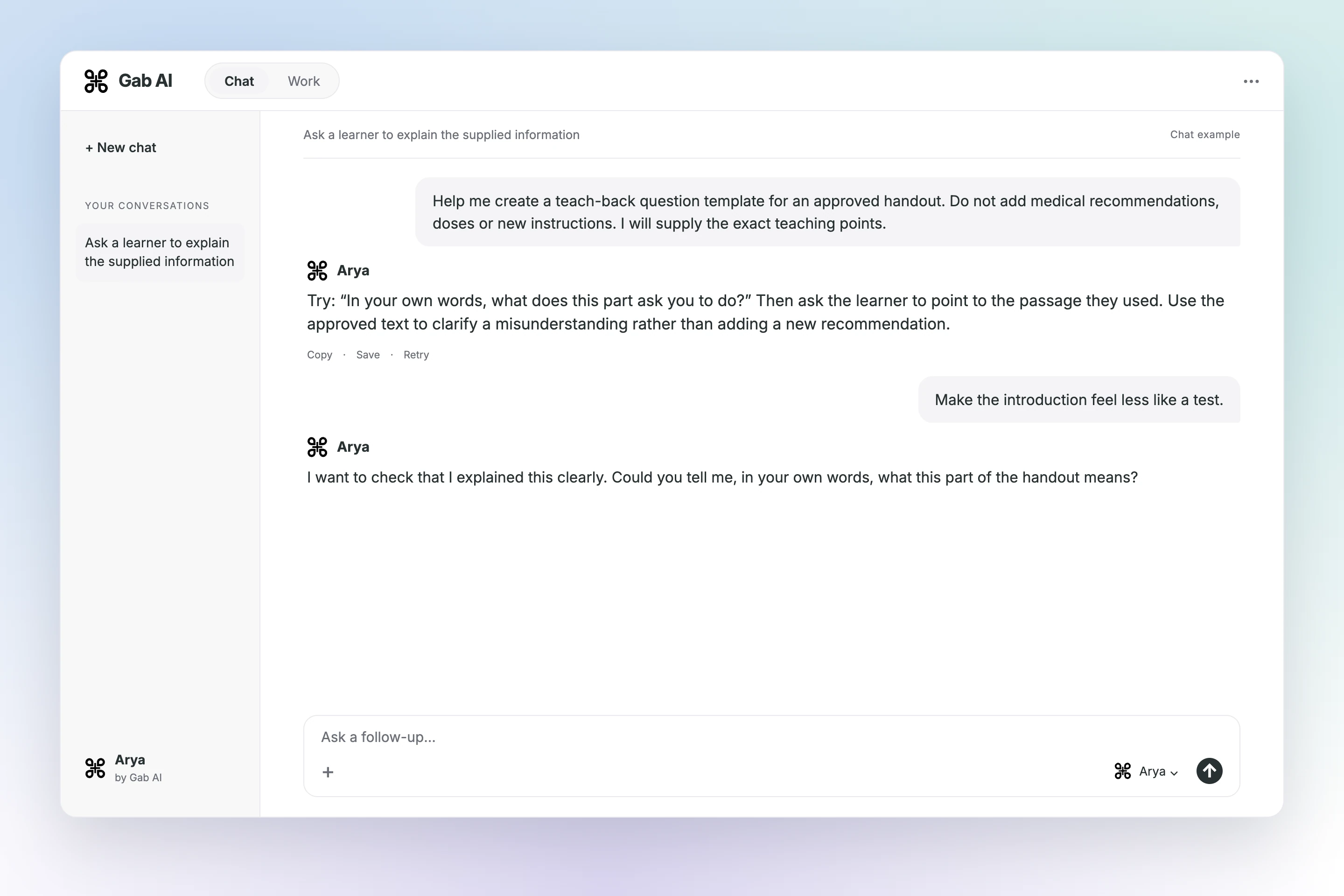
Ask a learner to explain the supplied information
Try: “In your own words, what does this part ask you to do?” Then ask the learner to point to the passage they used.
Try: “In your own words, what does this part ask you to do?” Then ask the learner to point to the passage they used. Use the approved text to clarify a misunderstanding rather than adding a new recommendation.
Your follow-up
Make the introduction feel less like a test.
Arya
I want to check that I explained this clearly. Could you tell me, in your own words, what this part of the handout means?
Find a useful starting point.
Use Chat to improve wording and teach-back questions. Use Work to create editable handouts and teaching presentations from approved clinical sources.
Choose a prompt, add your sources and review the draft before sending.
Requires Plus and uses credits. Review estimates when offered for paid steps; total cost depends on the work.
Chat
Simplify an approved handout
A plain-language draft preserving approved clinical instructions and flagging unclear wording.
Use Chat to discuss the request and refine the result with follow-up questions.
Deliverable: Plain-language handout draft
What to provide
Clinician-approved text and intended audience reading needs
Example prompt
Rewrite this approved health handout in plain language while preserving clinical meaning. Flag ambiguous instructions for a clinician and do not add medications, doses, warnings or recommendations beyond the source.
What to check
Preserve approved clinical meaning
Verify reading level and source version
Qualified clinician review
Chat
Prepare teach-back questions
A set of teach-back questions tied to approved information and source questions for clinician review.
Use Chat to discuss the request and refine the result with follow-up questions.
Deliverable: Teach-back question list
What to provide
Approved teaching points and the learning objective
Example prompt
Create teach-back questions from the supplied approved teaching points. Ask learners to explain the information in their own words, avoid new medical advice and identify any answer that needs clarification in the original source.
What to check
Preserve approved clinical meaning
Verify reading level and source version
Qualified clinician review
Work
Create an editable patient handout
An editable handout with approved content, source details and clinician review points.
Use Work to build and revise Patient education handout.docx from your source material.
Deliverable: Patient education handout.docx
What to provide
Approved source, permitted illustrations and contact instructions
Example prompt
Create an editable patient handout with short sections, approved illustrations, teach-back space and a source/version footer. Preserve all clinical instructions and flag missing information rather than adding it. Do not use patient identifiers. Deliver "Patient education handout.docx" as the requested editable artifact. Ask for missing source material rather than inventing facts.
What to check
Preserve approved clinical meaning
Verify reading level and source version
Qualified clinician review
Work
Build a health teaching presentation
Build a teaching deck with source-linked content, discussion examples and facilitator notes.
Use Work to build and revise Health education presentation.pptx from your source material.
Deliverable: Health education presentation.pptx
What to provide
Approved learning objectives, clinical references and facilitator audience
Example prompt
Create an editable presentation with learning objectives, approved explanations, practice discussion and facilitator notes. Label examples and link factual statements to the supplied references; do not treat the slides as individual diagnosis or treatment advice. Deliver "Health education presentation.pptx" as the requested editable artifact. Ask for missing source material rather than inventing facts.
Edit approved health text in the document editor and inspect Word/PDF exports before distribution.
✓
Keep approved source versions and teaching instructions together without storing patient identifiers.
FAQ
Before you start
How can Gab AI help me simplify an approved handout?
Provide approved source text, the intended audience and the reading or format requirements. Ask Chat to simplify the wording while retaining the source meaning, then compare the revision with the original. Avoid including patient identifiers.
Can I create Patient education handout.docx in Work?
Supply approved content and audience requirements. Ask Work for a handout with clear sections and a review list, keeping missing information unresolved. Work requires Plus and uses credits; opening the prompt leaves it unsent. The responsible clinician or educator must review the result.
What should I check before using the result?
Compare every statement with the approved source. Do not add a diagnosis, medicine, dose or personalized recommendation. Confirm reading level, accessibility and clinical accuracy with the responsible reviewer. Have patient instructions approved by the responsible clinical reviewer.
How does Documents & PDFs fit this workflow?
Use Work to organize approved text into a document for review. Check meaning, layout and accessibility before distribution; document creation does not establish clinical approval.
Copy an example or open an editable draft. Add your references, remove confidential details, and review the instructions before you send. Chat and media use credits; Work requires Plus. Available models, costs and limits are shown in the app.